23
123-0420-029
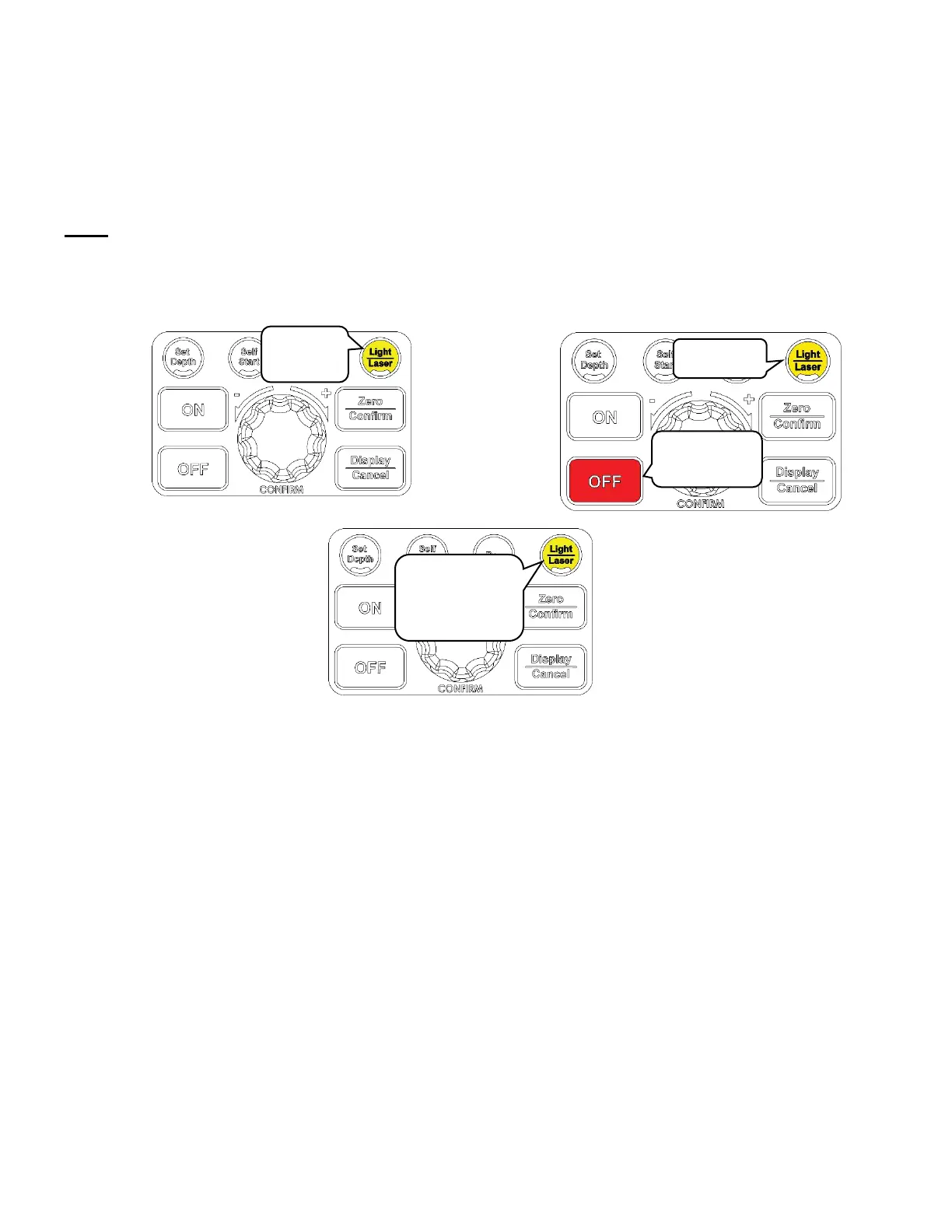
The screen will flash once and a “Sound On” or “Sound Off” message will flow from left to right on the LCD
when the command is successfully executed.
The displayed text will indicate the current sound setting of the machine.
Changing the power bar settings
Press and hold the <Light/ Laser> button and press the <OFF> button.
Note:
Do not release the <Light/ Laser> button.
Hold the <Light/ Laser> button for another 1~2 seconds.
The HMI screen will display one of the following texts depending on mode which the machine is set at:
1. Depth bar
2. Load bar
3. Bar off
Keep holding
for another
1~2 seconds


 To Next Page