EasyManua.ls Logo

Teknatool Nova 83700 - Changing the Drill Press Depth Stop Behaviour

Teknatool Nova 83700
48 pages
Print Icon
To Next Page IconTo Next Page
To Previous Page IconTo Previous Page
Loading...
25
123-0420-029
Changing the drill press depth stop behaviour
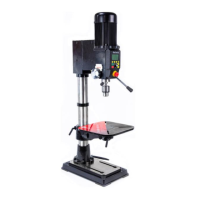
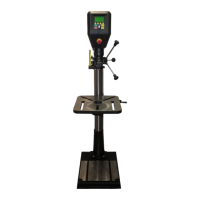
The NOVA Viking drill press has 3 different type of
behaviour when the set depth is reached during the
activation of the depth stop function:
1. Stop at set depth
2. Stop and reverse for 3 seconds (Default)
3. Stop and reverse until the quill reaches the
top.
To change this drill press behaviour:
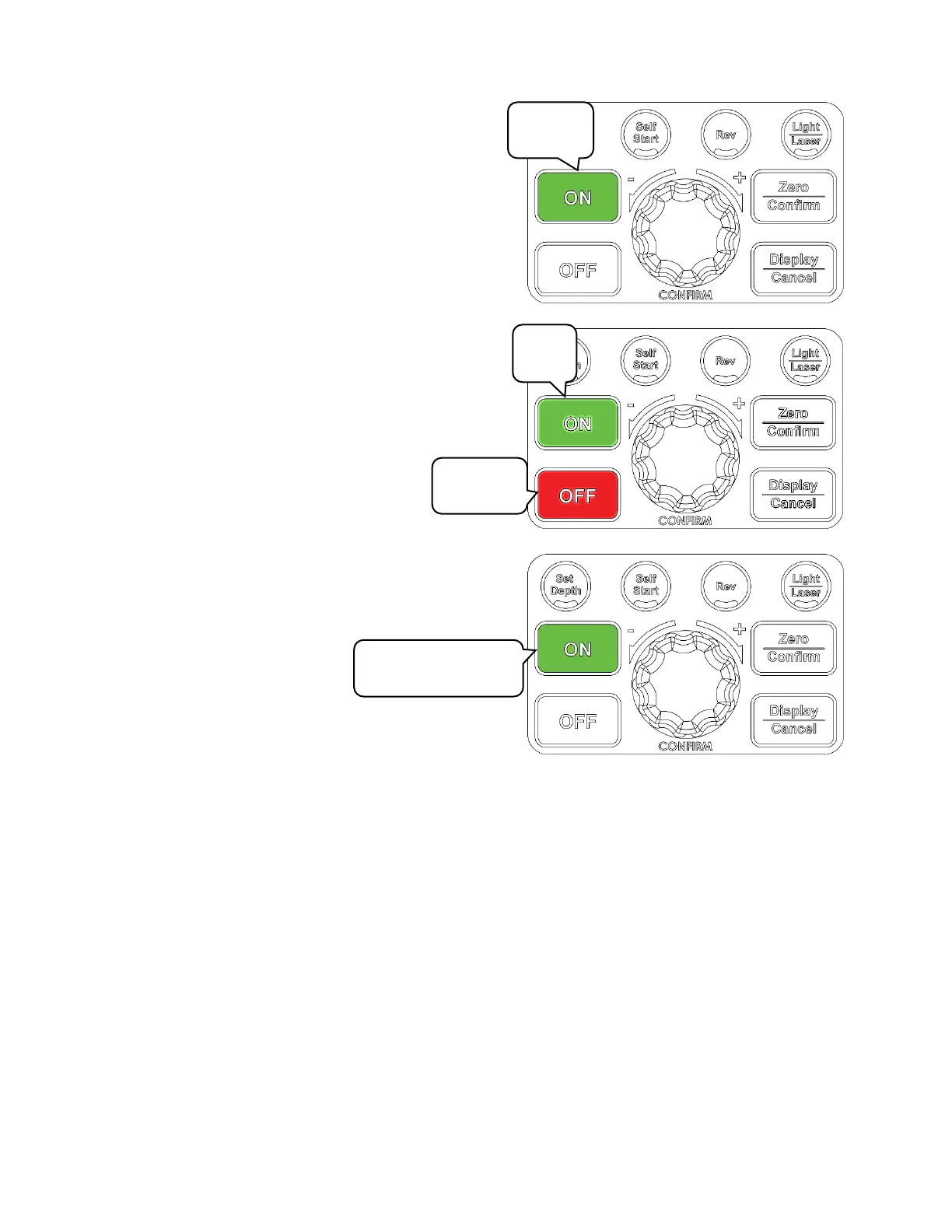
Press and hold the <ON> button and press <OFF>.
This will sequentially cycle through the options

Press
and hold
Keep
hold
Press
briefly
Keep holding for
another 1~2 seconds

Table of Contents

Related product manuals