35
Customising DVD Operation
Basic Operation
Slow motion (DVD)
- While playing the disc, you may use the slow motion function.
There are 4 slow motion speeds. Press the SLOW button to toggle between the different
speeds (1/2, 1/4, 1/8, 1/16, Play).
To resume normal playback while in slow motion mode just press PLAY/PAUSE.
NOTE: During Slow motion the sound will be off.
STEP motion (DVD)
Press STEP for frame by frame playback.
To resume normal playback while in step motion mode just press PLAY/PAUSE.
NOTE: During step motion the sound will be off.
MIXED MEDIA DISCS
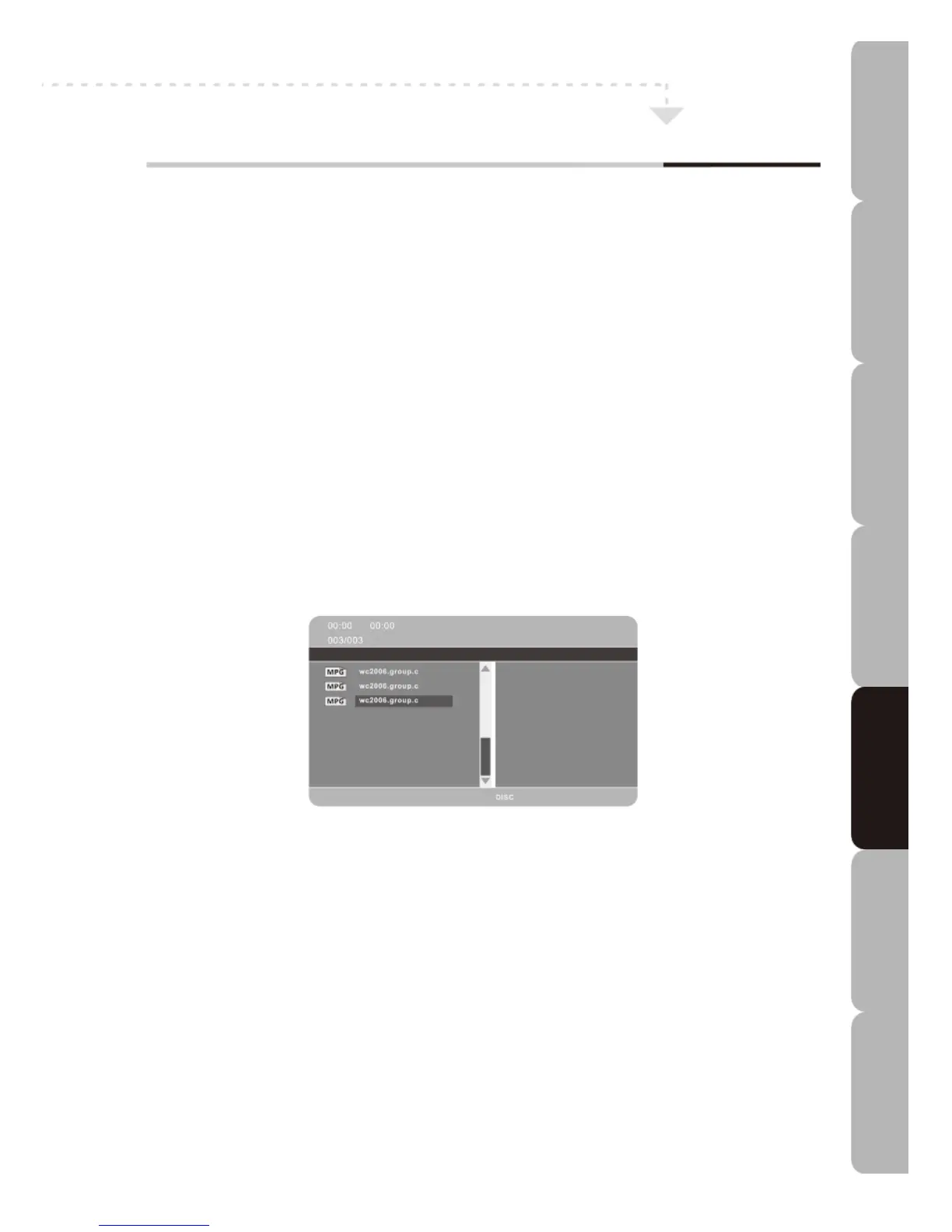
Discs containing a mixture of file types, e.g. photo images, music and video clips, can be
read by your TV. When the disc or media is loaded, the root menu is displayed as below.
Folders and files are displayed and each file will have an icon appropriate to its file type.
Image manipulation
Repeatedly press the Navigation button to rotate the picture clockwise/counter-clockwise
in 90° steps.
Specifications Troubleshooting Using DVD Using TV Installing Introducing Safety Warnings
Features Features LED TV LED TV



 To Next Page