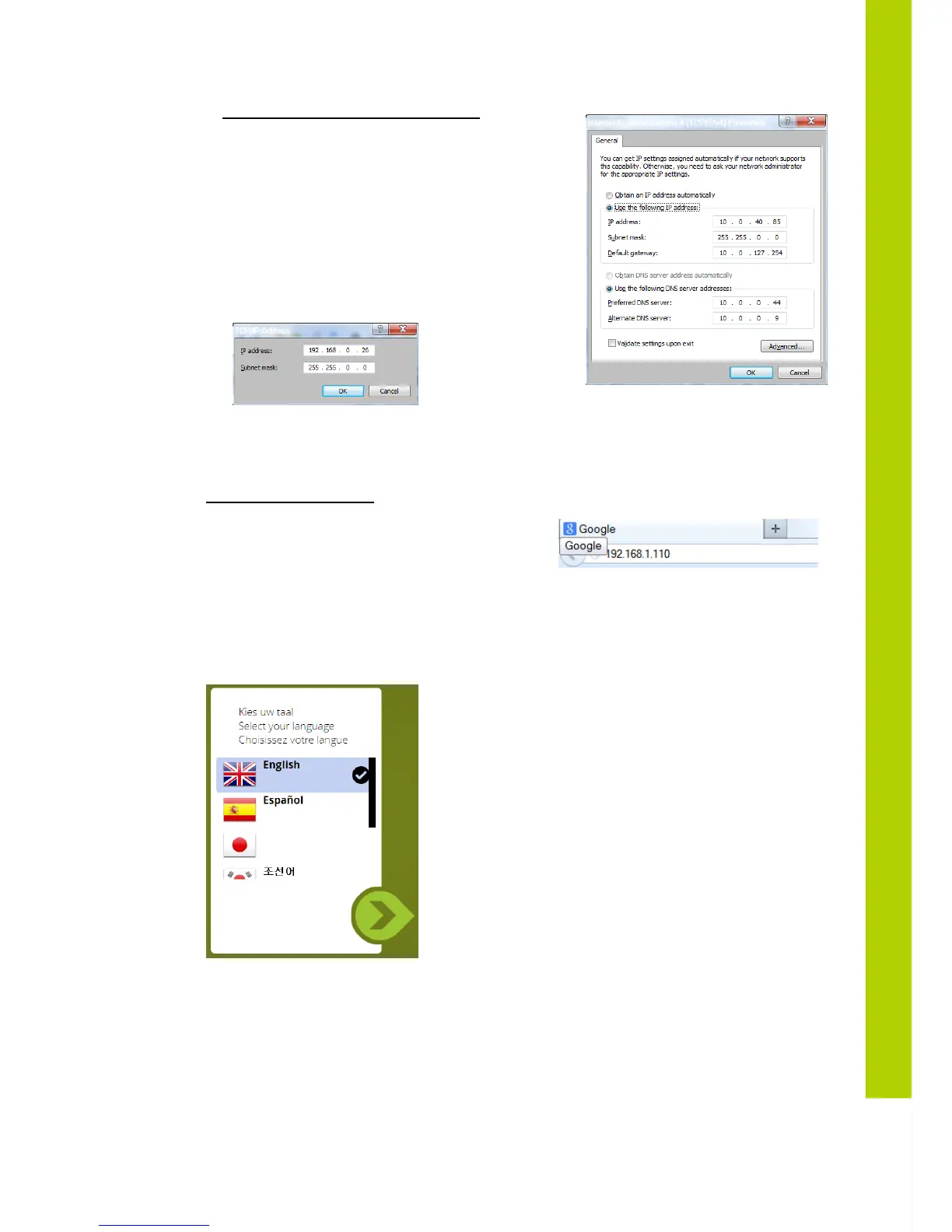
Assigning a fixed IP Address in WINDOWS 7
- Enter the IP Settings op the PC
- In this example the PC has normally “10.0.40.85” as IP
address.
- Click on Advanced and add a new IP address that is in the
range of the access point, for example 192.168.0.26 and
subnet mask 255.255.0.0
- Click to add
- Click OK
STEP 2 - Accessing WCAP
Open Internet Explorer or any other browser
(with the computer connected to the WCAP)
Enter 192.168.1.110 or wcap3.local into the Address Bar, press Enter
A wizard will guide you through the initial system setup:
- Choose your language
- Then you can choose to be notified when updates are available. This requires that the WCAP has
a connection to the internet.



 To Next Page