TELSTRA ELITE™ GATEWAY USER GUIDE
22
3.4 LOGINPRO C E DURE
Tologintothewebinterface,followthestepsbelow:
NOTE: The default settings can be found in 3.3 Default Settings.
1: OpenawebbrowserandenterthedefaultIPaddressforthegatewayintheWebaddress
fieldatthetopofthewebbrowserwindow.Inthiscase,theaddressishttp://10.0.0.138
NOTE: For remote access, the WAN IP address assigned to the gateway needs to be a public IP address. It is shown on the WUI
Homepage screen. The remote WAN access via HTTP also needs to be enabled,for details please refer to chapter 7.2.
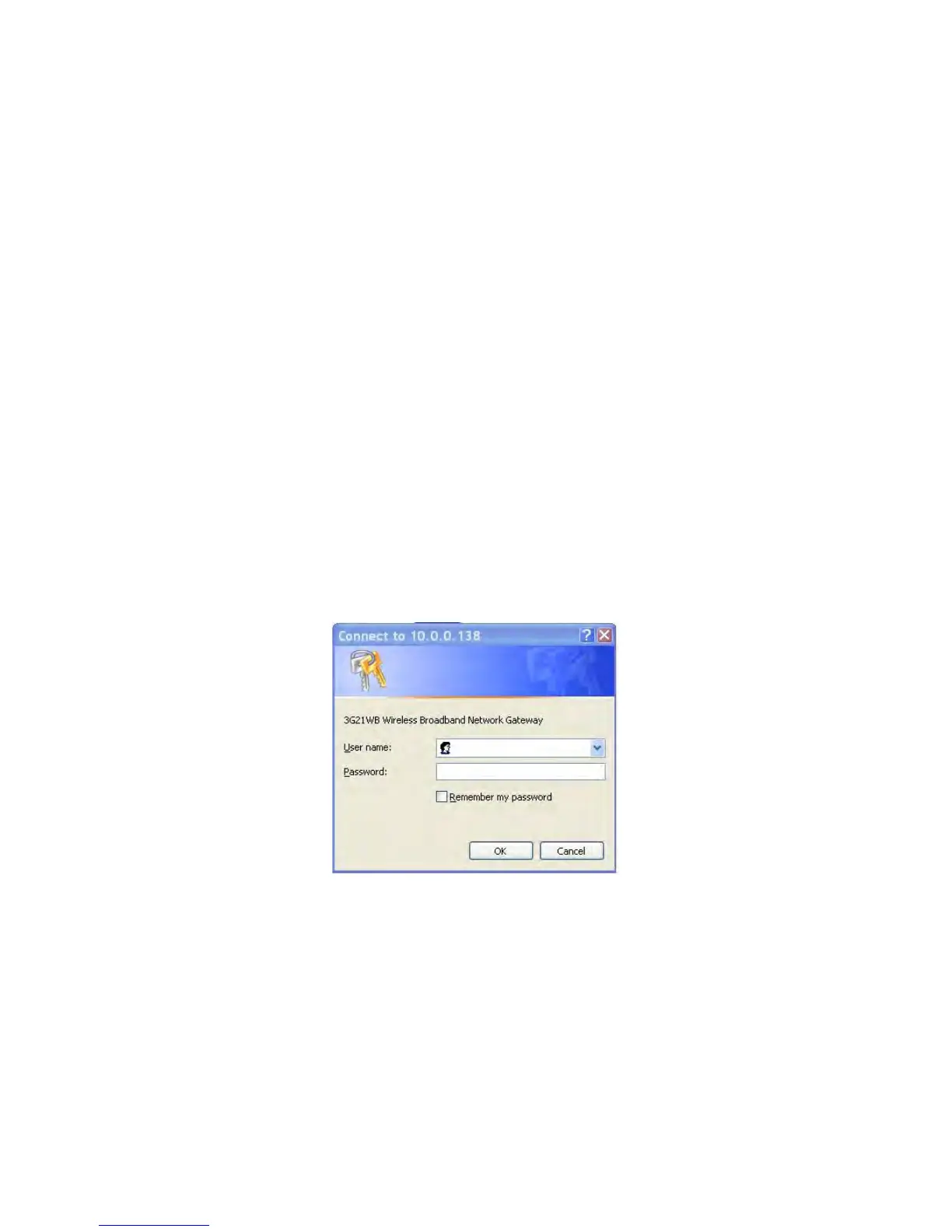
2: Adialogboxwillappearasillustratedbelow.Enterthedefaultusernameandpassword
asdefinedinsection3.3DefaultSettings.
ClickOKtocontinue.
NOTE: The login password can be changed later (see 7.2.2 Passwords)



 To Next Page