TELSTRA ELITE® GATEWAY USER GUIDE
63
8.3 SECURITY
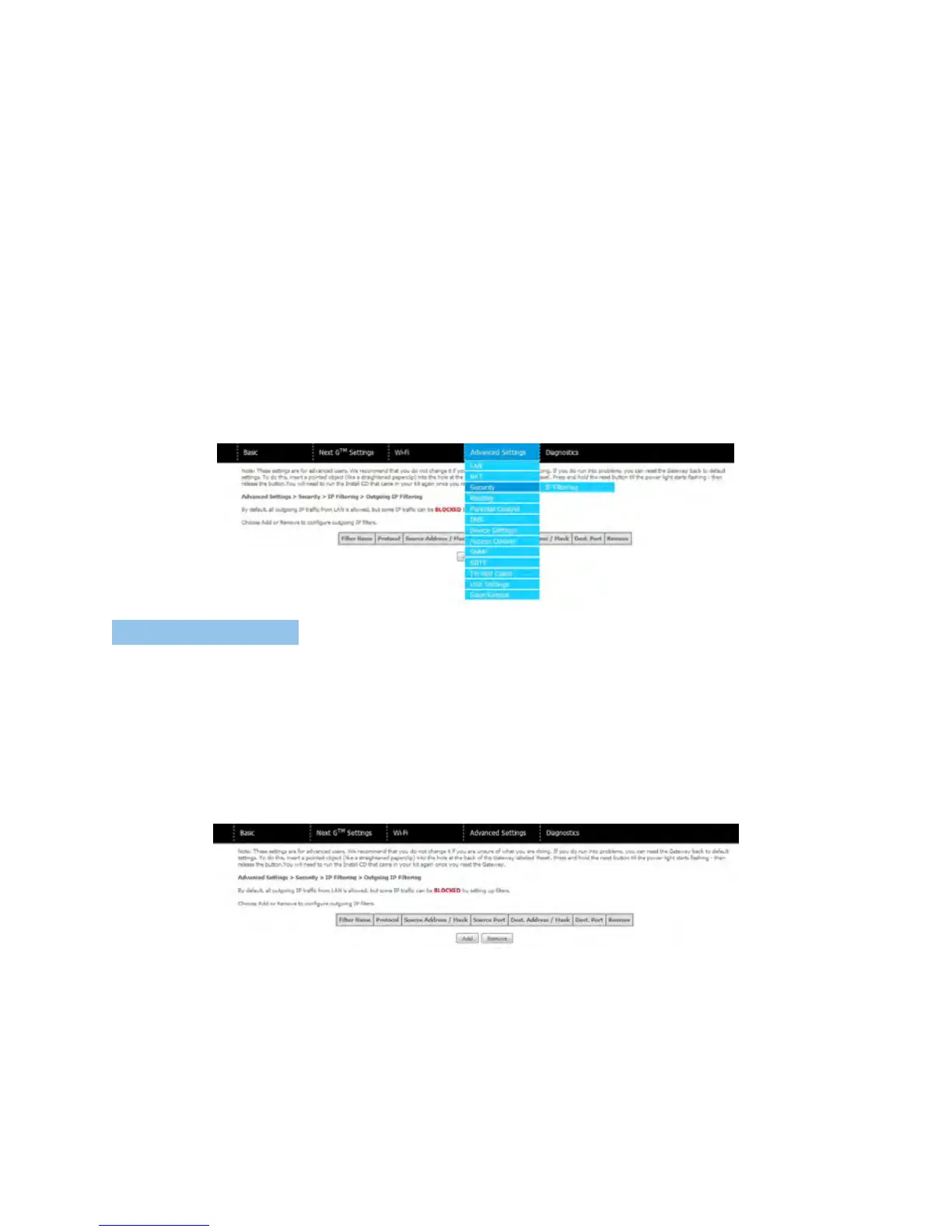
YourgatewaycanbesecuredwiththeIPFilteringfunction.
8. 3.1 I P FI LTERING
TheIPFilteringscreensetsfilterrulesthatlimitincomingandoutgoingIPtraffic.Multiple
filterrulescanbesetwithatleastonelimitingcondition.Allconditionsmustbefulfilledto
allowindividualIPpacketstopassthroughthefilter.
Outgoing IP Filter
ThedefaultsettingforOutgoingtrafficisACCEPTED.Underthiscondition,alloutgoingIP
packetsthatmatchthefilterruleswillbeBLOCKED.
Toaddafilteringrule,clicktheAddbutton.Thefollowingscreenwilldisplay.



 To Next Page