TELSTRA ELITE® GATEWAY USER GUIDE
65
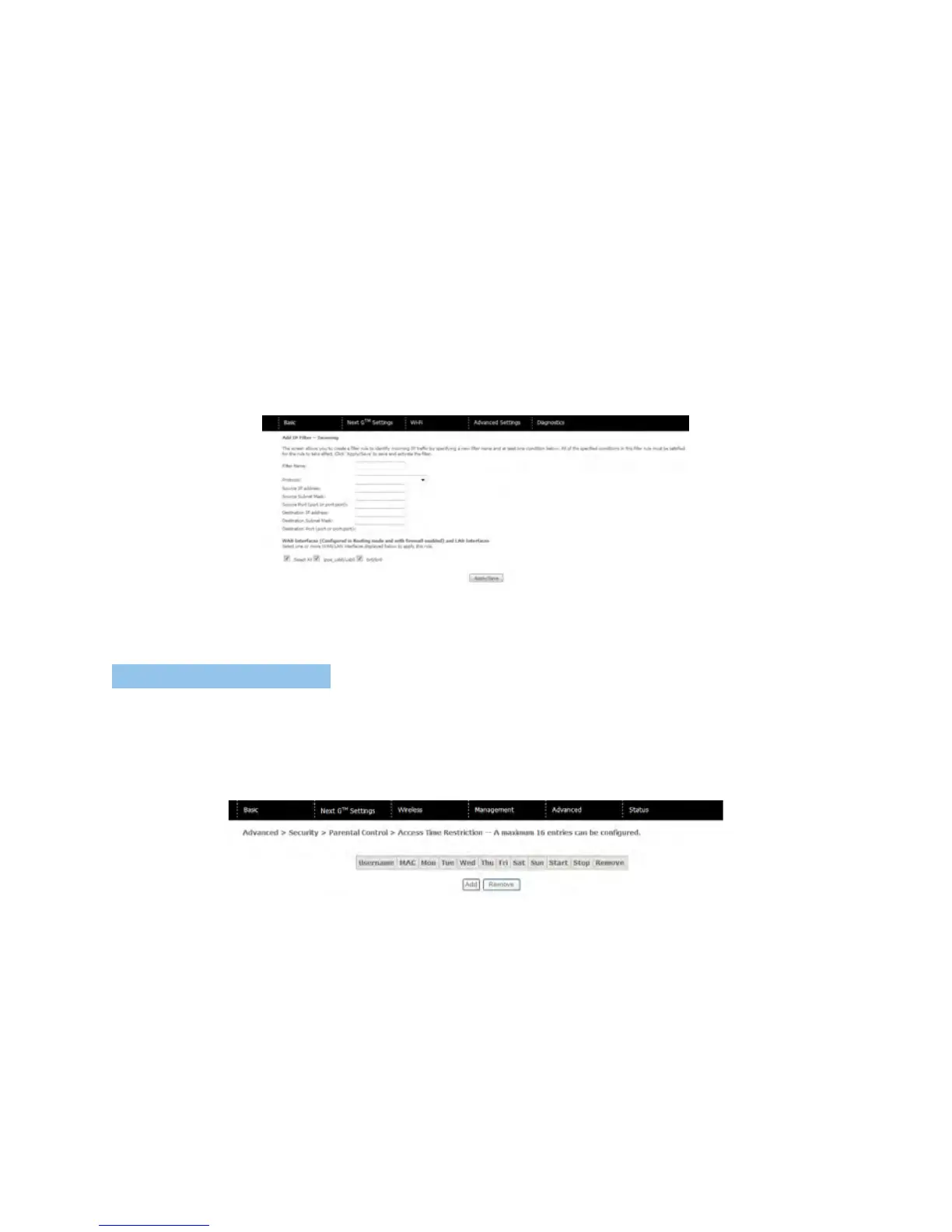
Toaddafilteringrule,clicktheAddbutton.Thefollowingscreenwilldisplay.
PleaserefertotheOutgoingIPFiltertableforfielddescriptions.
ClickSave/Applytosaveandactivatethefilter.
8. 3.2 PARENTAL CO NTROL
ParentalControlallowsyoutorestrictaccessfromadeviceonyourLocalAreaNetwork
(LAN)totheInternetthroughthegatewayonselecteddaysatcertaintimes.Makesureto
activatetheInternetTimeserversynchronizationasdescribedinsection8.4SNTP,sothat
thescheduledtimesmatchyourlocaltime.
ClickAddtodisplaythefollowingscreen.EntertheMACaddressofthedevicethatyouwish
torestrictaccessforandselectdaysoftheweekandtimestoapplytherestriction.



 To Next Page