TELSTRA ELITE™ GATEWAY USER GUIDE
30
5.3 P I NCO N FIGURATION
Thisscreenallowsforchangestothe3GSIMcardPINcodeprotectionsettings.
NOTE: If you have entered the incorrect PIN 3 times, your SIM card will be locked for your security. Please call Telstra for
assistance.
5. 3.1 PIN CO DE PROTEC TION
PINcodeprotectionpreventstheuseofaSIMcardbyunauthorizedpersons.Tousethe3G
Internetservicewiththisgatewayhowever,thePINcodeprotectionshouldbedisabled.If
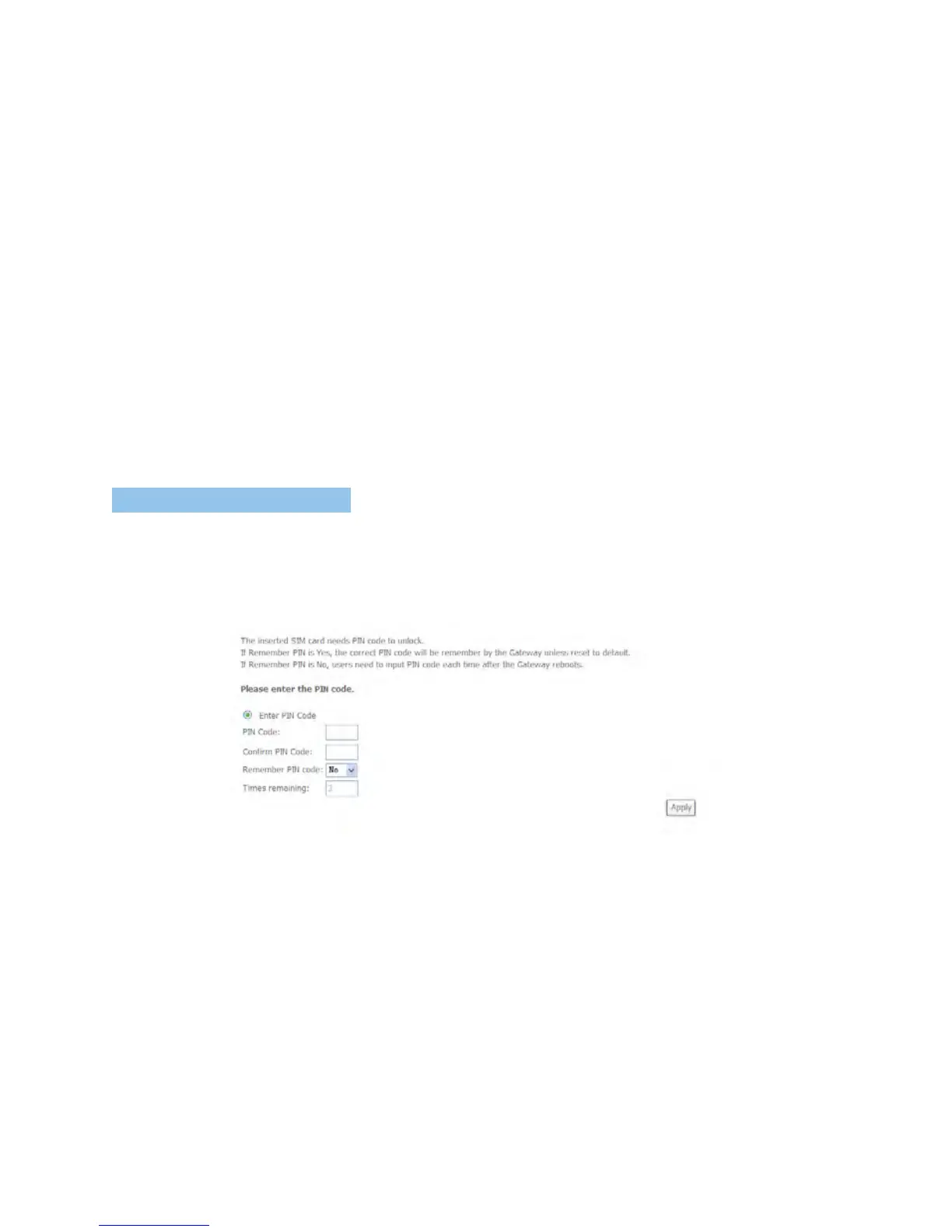
theSIMcardinsertedintothegatewayislockedwithaPINcode,thewebuserinterfacewill
displaythefollowingscreenafterfirstlogin.
PleaseinputthePINcode,selectRememberPINcodeasYesandclickApply.



 To Next Page