TELSTRA ELITE® GATEWAY USER GUIDE
49
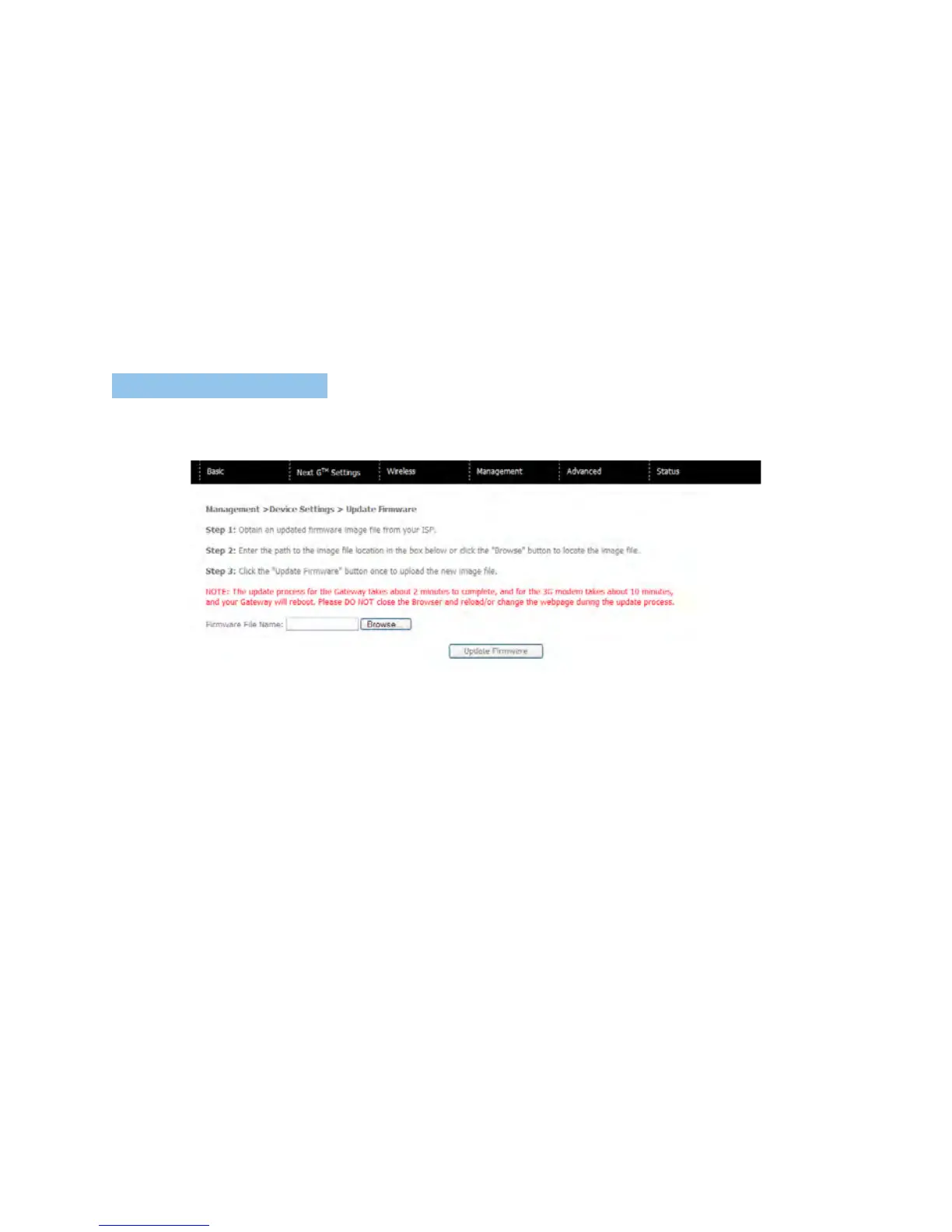
7.1.4 UPDATE FIR MWARE
ThefollowingscreenappearswhenselectingUpdateFirmware.Byfollowingthestepsonthis
screen,youcanupdateyourgateway’sfirmware.
1. Obtainanupdatedsoftwareimagefile
2. EnterthepathandfilenameofthefirmwareimagefileintheSoftwareFileNamefield
orclicktheBrowsebuttontolocatetheimagefile.
3. ClicktheUpdateSoftwarebuttononcetouploadandinstallthefile.
NOTE: The update process will take about 2 minutes to complete. The gateway will reboot and the browser window will
refresh to the default screen upon successful installation.
ItisrecommendedthatyoucomparetheGatewayFirmwareVersionatthetopoftheBasic
screen(WUIhomepage)withthefirmwareversioninstalled,toconfirmtheinstallation
wassuccessful.



 To Next Page