TELSTRA ELITE™ GATEWAY USER GUIDE
56
ADVANCED SETTINGS
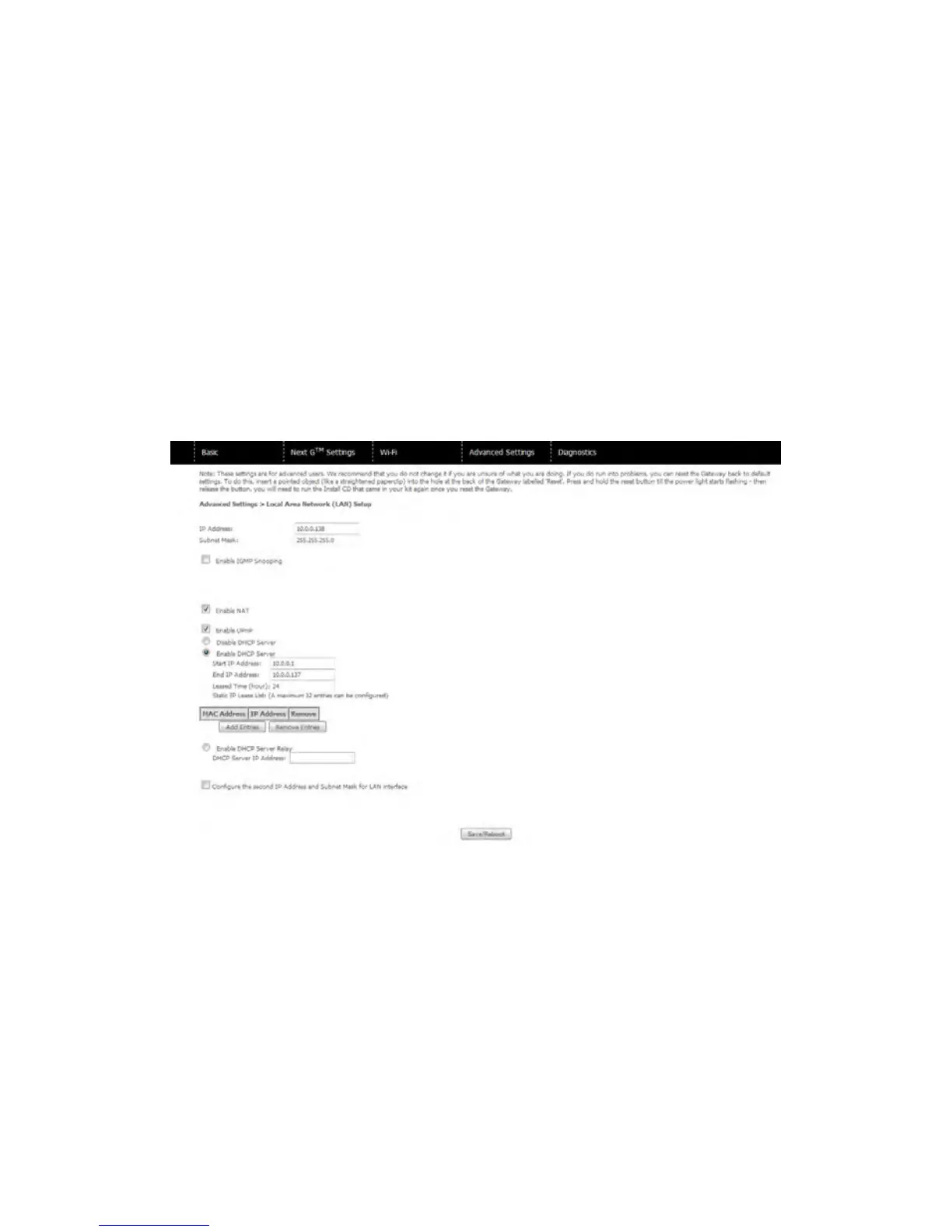
8.1 LOC ALAREA N E TWORK( L AN)
ThisscreenallowsyoutoconfiguretheLocalAreaNetwork(LAN)interfaceonyourgateway
Seethefielddescriptionsbelowformoredetails.
NOTE: If you change the gateway’s address (first option on the chart), you also need to change the gateway ip address on the
usb key so the installation software can communicate with the gateway.
For pc users, please plug the usb key into your pc and click on changegatewayip or changegatewayip.Exe. Type in the
new gateway ip address and click run.
For mac os users, please double click into the folder named mac. Click on changegatewayip.App and enter the new
gateway ip. Then click on save and close.



 To Next Page