TELSTRA ELITE™ GATEWAY USER GUIDE
24
4.1 WEB USERINTE R FACEHOMEPAGE
Thewebuserinterface(WUI)isdividedintotwowindowpanels,themainmenu(onthetop)
andthedisplayscreen(onthebottom).Themainmenuhasthefollowingoptions:Basic,
NextG™Settings,Wireless,Management,AdvancedandStatus.
Selectingoneoftheseoptionswillopenasubmenuwithmoreoptions.Basicisdiscussed
belowwhilesubsequentchaptersintroducetheothermainmenuselections.
NOTE: The menu options available within the web user interface are based upon the device configuration and user privileges
(i.e. local or remote).
BAS IC / H OME
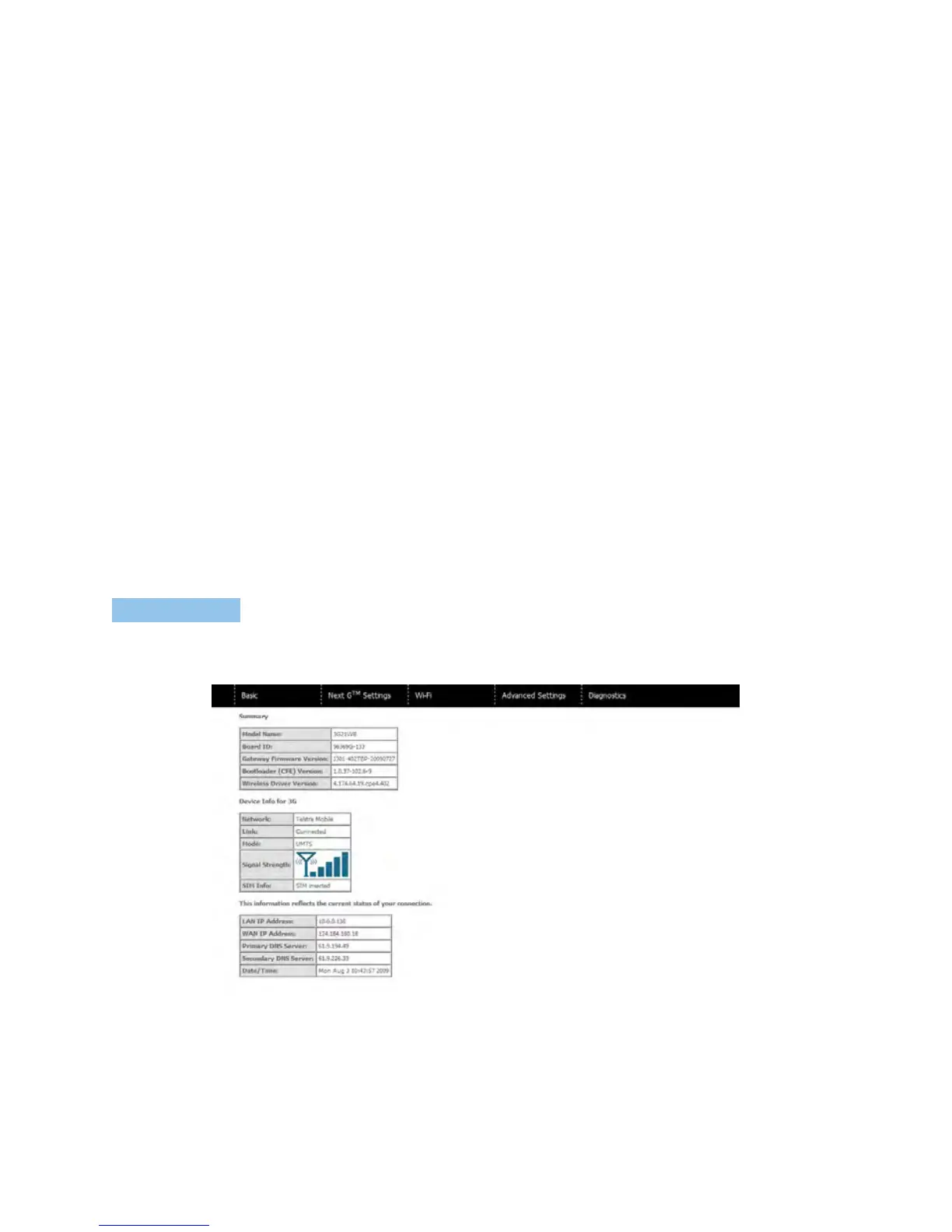
TheBasic/HomescreenistheWUIhomepageandthefirstselectiononthemainmenu.It
providesinformationregardingthefirmware,3G,andtheIPconfiguration.
Thefollowingtableprovidesfurtherdetails.
BASIC



 To Next Page