TELSTRA ELITE™ GATEWAY USER GUIDE
66
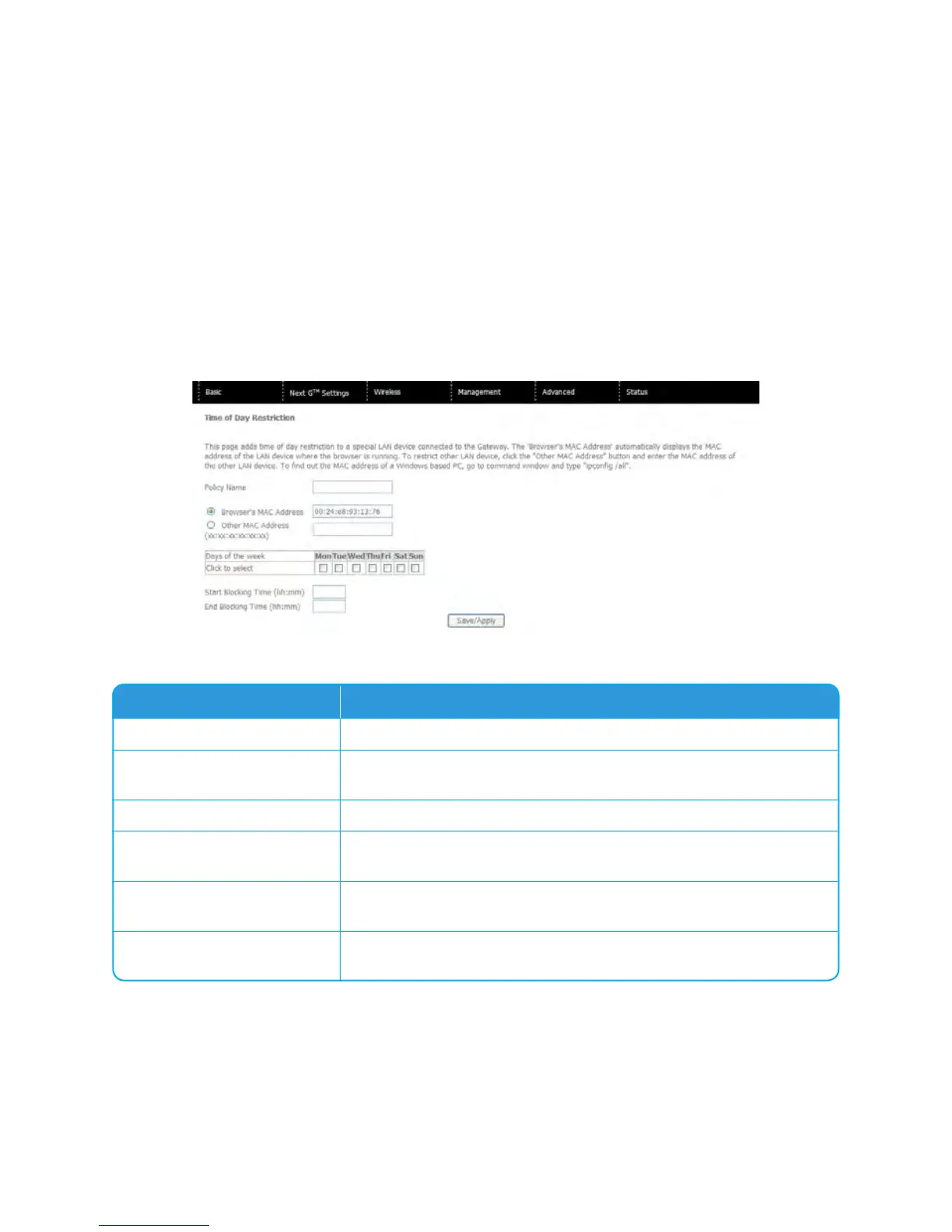
CompletethefieldslistedbelowandclickSave/Applytoapplythesettings.
Options Description
User Name
Auser-definedlabelforthisrestriction
Browser’s MAC Address
AllowseasyidentificationofMACaddressofthecomputeryouare
currentlyusing.
Other MAC Address
MACaddressofanotherLANdevice
Days of the Week
SelectonemoremoredaysfortherestrictionsfortheenteredMAC
addresstoapplyto.
Start Blocking Time
EnterthetimeofdayyouwanttherestrictionfortheenteredMAC
addresstostart
End Blocking Time
EnterthetimeofdayyouwanttherestrictionfortheenteredMAC
addresstoend



 To Next Page