TELSTRA ELITE™ GATEWAY USER GUIDE
28
6. SelectIPcompressionandDatacompressiontobeonoroff.Bydefaulttheyaresettooff.
7. SelectBandoptionfor2G/3Gconnection.Bydefaultitissetto3G850MHzonly.
8. ClicktheSavebuttontosavethenewsettings.
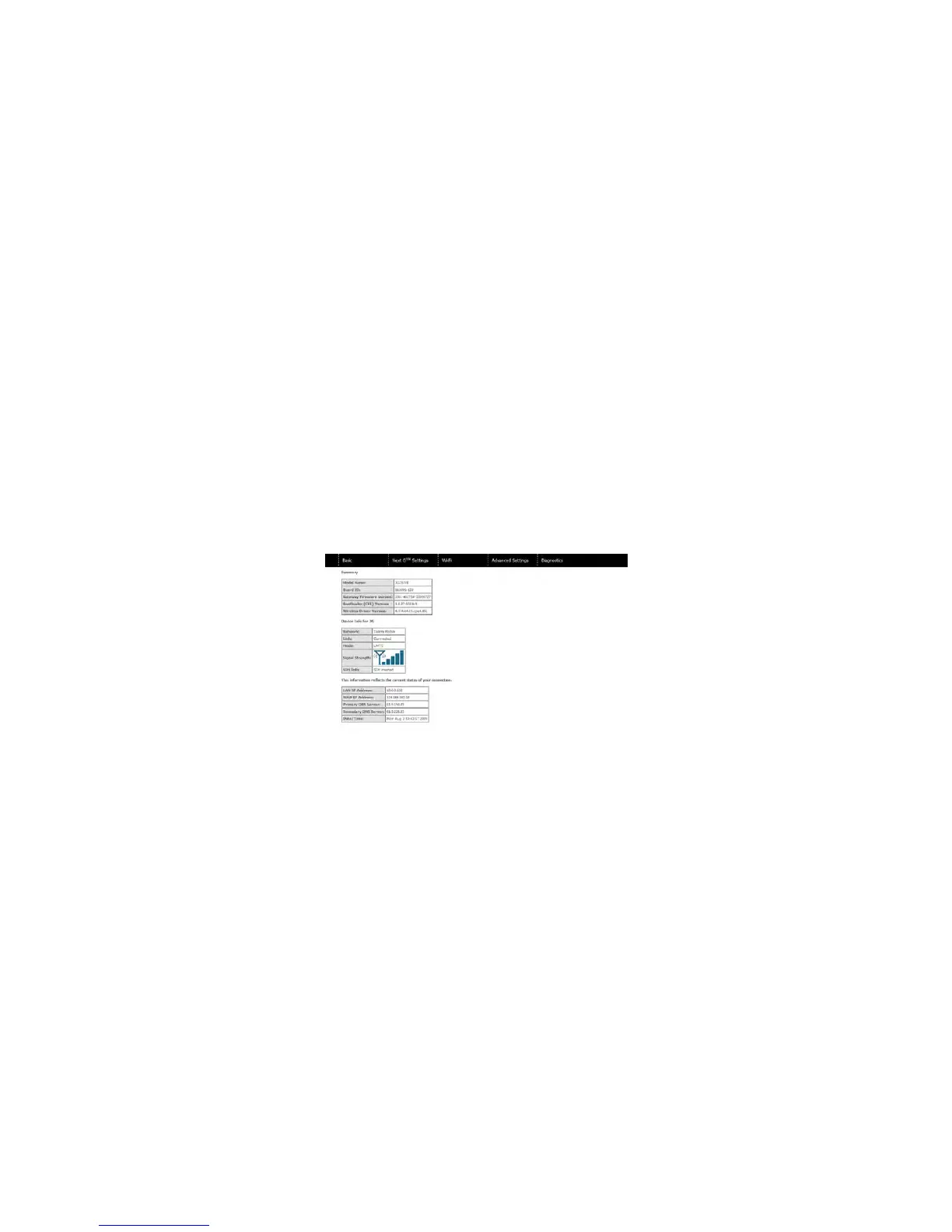
9. PresstheconnectbuttontoconnecttoInternet.TheDeviceInfofor3Gnetworkboxin
theWUIBasicscreenshouldindicateanactiveconnection,asshownbelow.The3Gand
InternetLEDsonthefrontpanelofthegatewayshouldalsobeblinking.
IftheLEDsareoff,theneitheryourprofilesettingsareincorrect,theSIMcardisnotworking
orthe3Gserviceisunavailable.ContactTechnicalSupportforfurtherinstructions.
NOTE: If the LEDs light blink in an on/off pattern this indicates that your SIM is PIN Locked, please see PIN Lock off in the 5.3
PIN Configuration section for instructions on how to fix this.



 To Next Page