TELSTRA ELITE® GATEWAY USER GUIDE
59
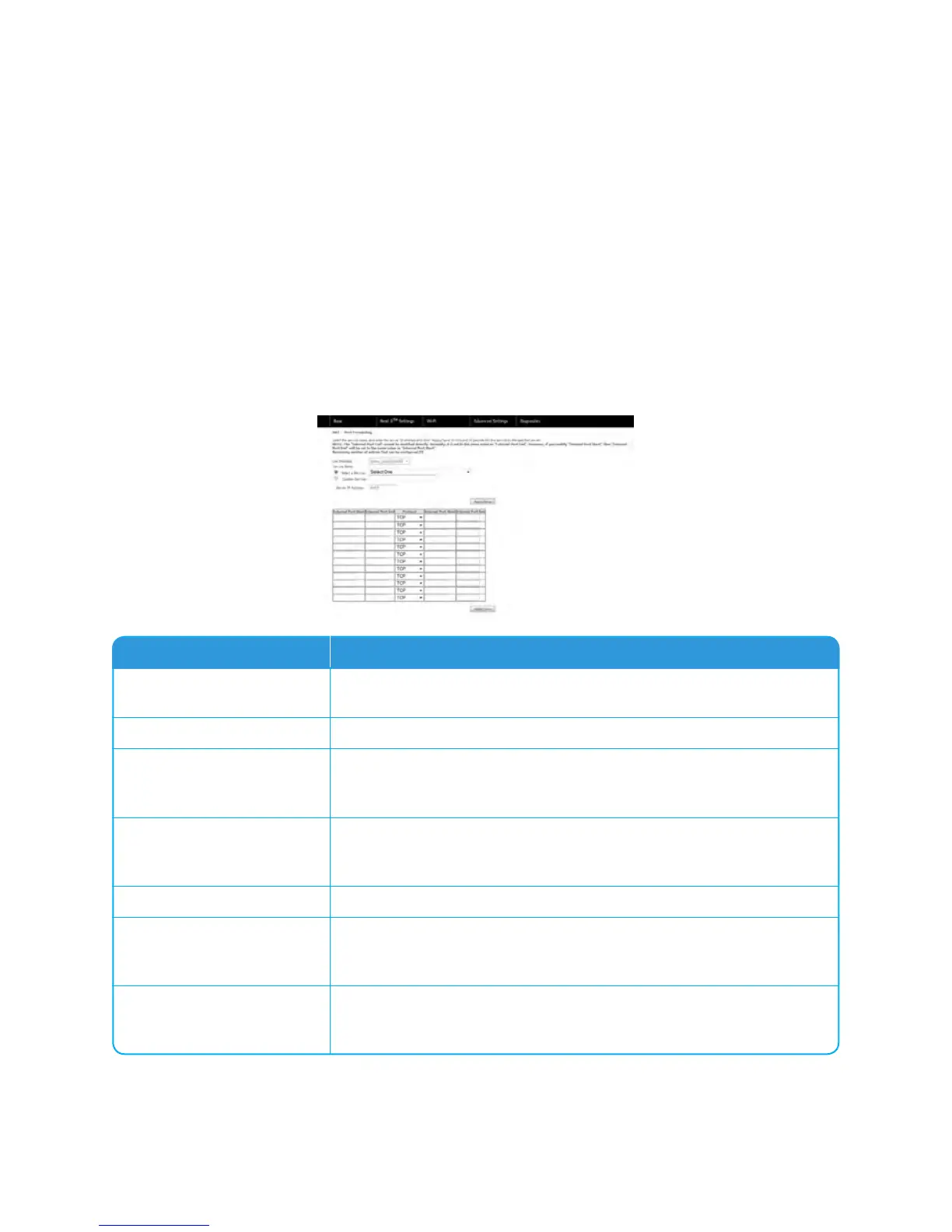
ToaddaPortForwardingrule,clicktheAddbutton.Thefollowingscreenwilldisplay.
Options Description
Select a Service Or
Custom Server
Usershouldselecttheservicefromthelist.
Orcreateacustomserverandenteranamefortheserver
Server IP Address
EntertheIPaddressfortheserver.
External Port Start
Enterthestartingexternalportnumber(whenyouselectCustom
Server).Whenaserviceisselectedtheportrangesareautomatically
configured.
External Port End
Entertheendingexternalportnumber(whenyouselectCustom
Server).Whenaserviceisselectedtheportrangesareautomatically
configured.
Protocol
Usercanselectfrom:TCP,TCP/UDPorUDP.
Internal Port Start
Entertheinternalportstartingnumber(whenyouselectCustom
Server).Whenaserviceisselectedtheportrangesareautomatically
configured
Internal Port End
Entertheinternalportendingnumber(whenyouselectCustom
Server).Whenaserviceisselectedtheportrangesareautomatically
configured.



 To Next Page