TELSTRA ELITE™ GATEWAY USER GUIDE
70
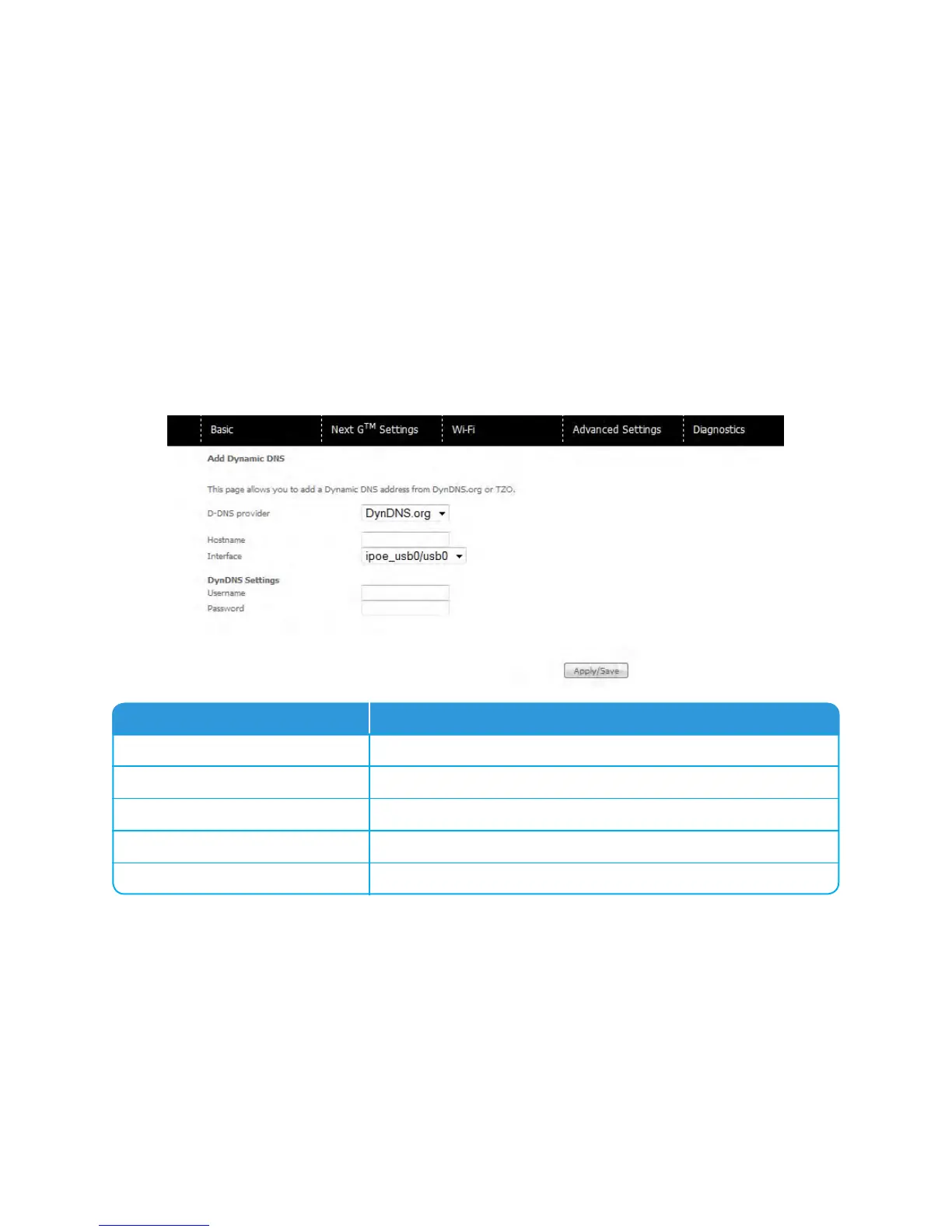
ToaddadynamicDNSservice,clicktheAddbuttonandthisscreenwilldisplay
Options Description
D-DNS provider
SelectadynamicDNSproviderfromthelist.
Hostname
EnterthenameforthedynamicDNSserver.
Interface
Selecttheinterfacefromthelist.
Username
EntertheusernameforthedynamicDNSservice
Password
EnterthepasswordforthedynamicDNSservice.



 To Next Page