TELSTRA ELITE® GATEWAY USER GUIDE
85
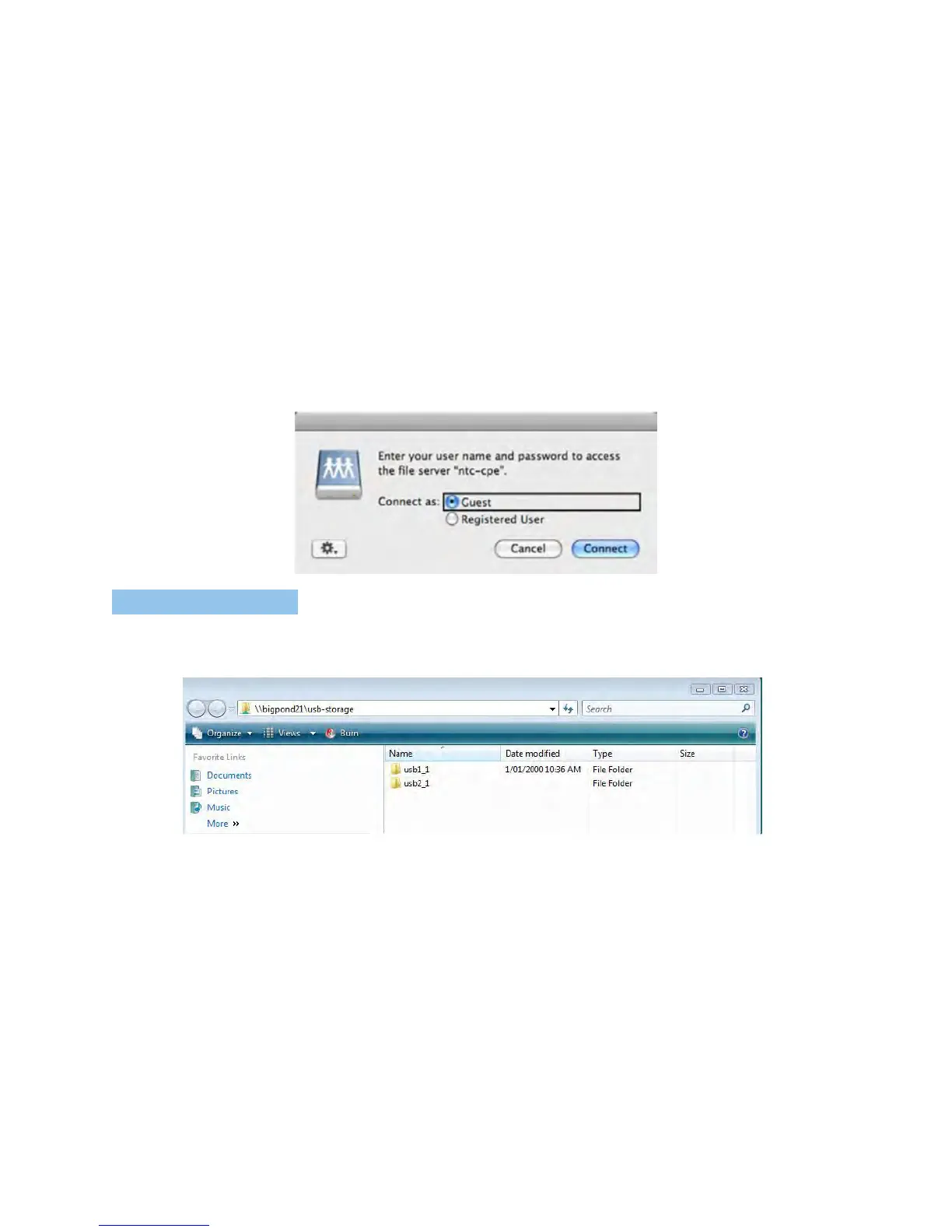
5. SelecttheGuestradiobuttonandthenclickConnect
FOR W IND OWS VI STA
2. Openaweb-browser(suchasInternetexplorer,FirefoxorSafari)
3. Typeintheaddress“\\gatewayName\USBDriveName\”(e.g.\\Telstra21\USB-Storage)
NOTE: There is no username and password required to access the USB drive. Any network user will be able to read/write the
folder/files in the USB drive.



 To Next Page