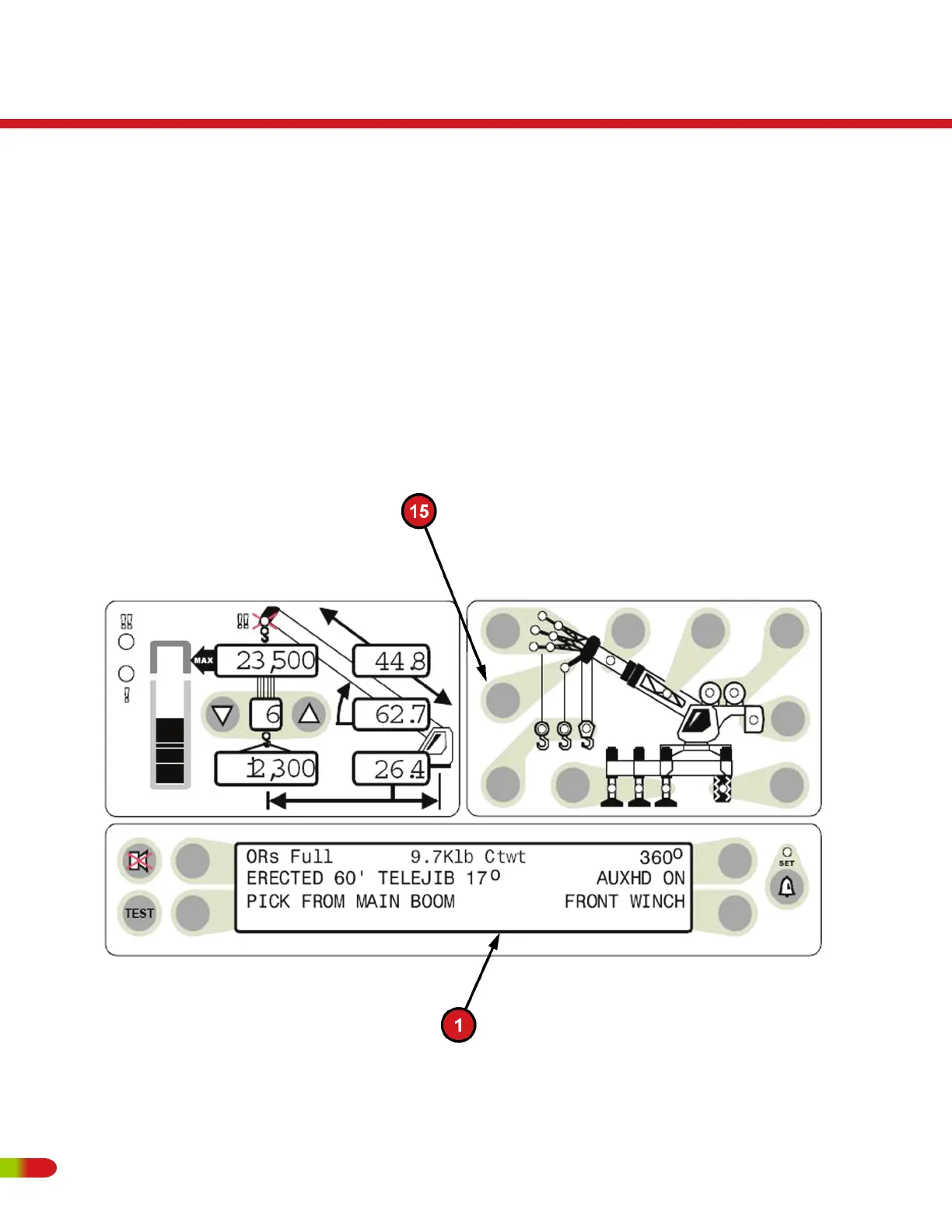
• To erect a JIB, it must first have been selected and stowed as detailed on the previous
page.
• Start the choice by pressing the erected jib push button (item 16).
• The available erected jib options will be displayed in the information screen (item 1).
There can be four options displayed at a time, one next to each selection key.
- If the required option is visible, select the option by pressing the button next to it.
- If more than 4 options are available, a second selection screen can be viewed by
pressing the button next to the "next" label.
- If only a single option is available, it will automatically be selected.
RT500
Operating Instructions
84 REVISED:


 To Next Page