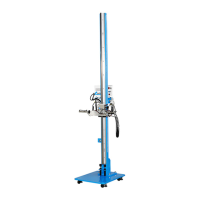
Single Station Vicat Test Apparatus
1.0360
11
* Installation of the USB-RS232-Adapter:
You will find the driver for the USB-RS232-adapter on the attached installation CD, if not automatically in-
stalled.
Windows:
To install the driver, you can use either:
a) the „CDM v2.10.00 WHQL Certified.exe“, that you will find on the CD in the folder according to your op-
erating system. Or
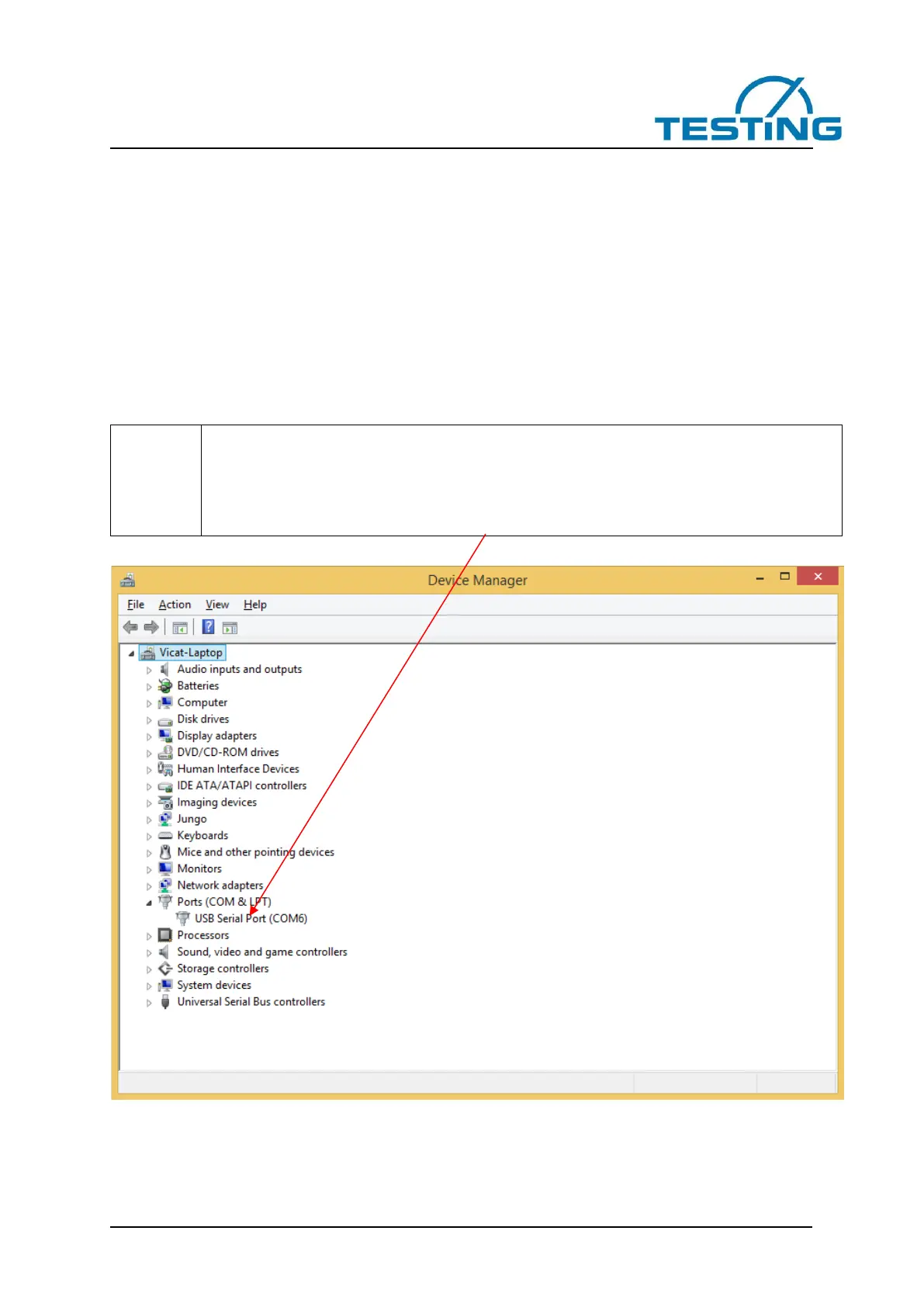
b) device manager. Right-click USB-Adapter and choose “install driver”.
Then click manual search for driver (NOT automatic search !!)
Choose on CD „ftdibus.inf“, according to your operating system.
Maybe you have to redo the procedure to install drivers for COM-Port (ftdiport.inf).
Communication via USB-RS232-Adapter to PC just works with properly installed drivers.
The number of the COM-Ports (here COM6) can vary.


 To Next Page