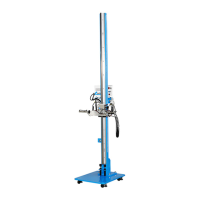
Single Station Vicat Test Apparatus
1.0360
32
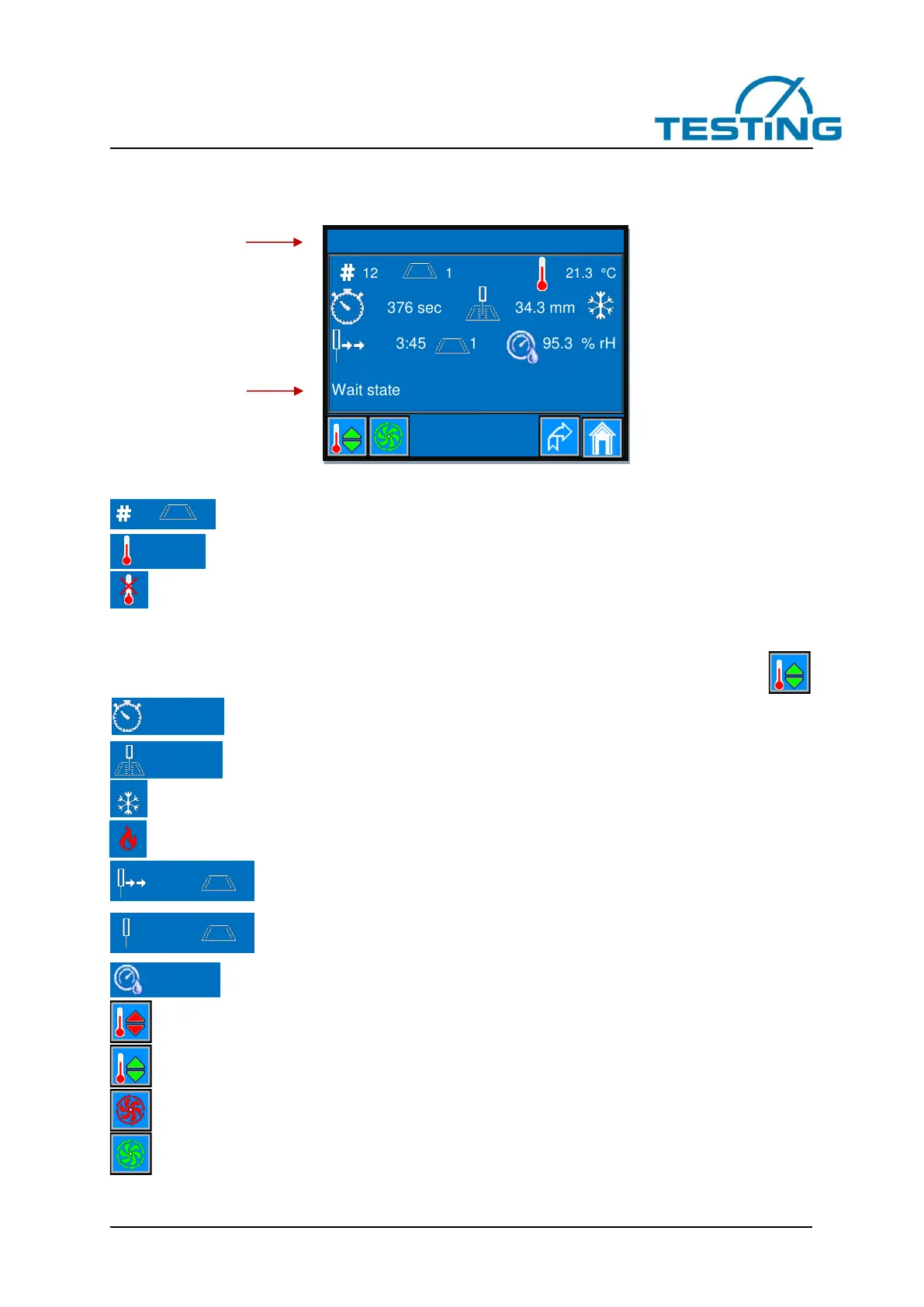
3.9 The monitoring page
On this page, you can observe the course of a test.
Figure 30: monitoring page
This symbol shows the recorded number of measurements on sample one.
This symbol shows the temperatur of the water bath.
This symbol is displayed briefly on the occurrence of a data transmission error of the temperature-
sensor.
If this symbol is displayed permanently, either the sensor is not present or the transmission path has been
interrupted or the sensor has been destroyed.
In this case, the temperature contlol turns off even if the temperature controller is switched on.
This symbol shows the time in seconds elapsed since the zerro time until the measure-
ment value was acquired (zerro time is the time of addition of water to the cement or gipsum).
This symbol shows the penetration depth in millimeters measured at the time displayed.
This symbol is displayed only, if the temperature control is switched on and cooling is in progress.
This symbol is displayed only if the temperature control is switched on and the heating is in progress.
3
These symbols show the remaining time until the next measurement on sample 1.
Display format: minutes: seconds
These symbols are displayed if either no test has been started, or when the Test has
finished.
This symbol is only displayed if the device is equipped with a sensor for measuring the
relative humidity.
Temperature control is off. Press to switch on the temperature controler.
Temperature control is on. Press to switch off the temperature controler.
Fan for the Run-On Temperatur of the heat sinks is off.
Fan for the Run-On Temperature of the heat sinks is on.


 To Next Page