Single Station Vicat Test Apparatus
1.0360
31
3.8.5 Setting the Penetration time
You can set the penetration time of the needle or cone to a value between 0 and 10 seconds.
To do so, press on the page “setting>Vicat device” the button.
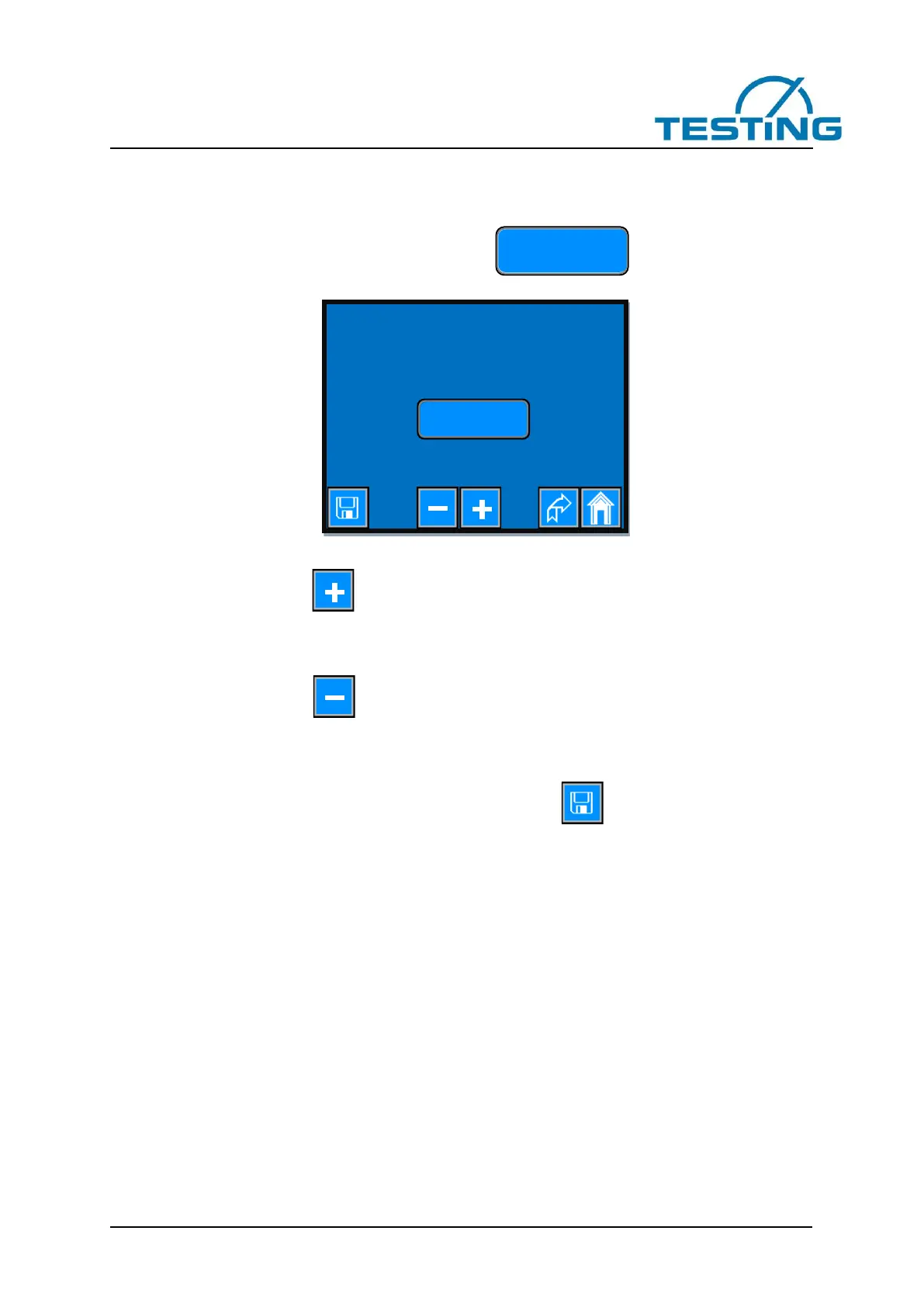
You will get to the next page:
Figure 29: Setting the penetration time
One-time short press of the button increases the penetration time by 1 second.
If you keep this button pressed, the value continuously increases until either you have released the button
or you reach the maximum permissible value.
One-time short press of the button decreases the penetration time by 1 second.
If you keep this button pressed, the value continuously decreases until either you have released the button
or you reach the minimum permissible value.
To get the set value also after switching off the device press the button.


 To Next Page