Single Station Vicat Test Apparatus
1.0360
14
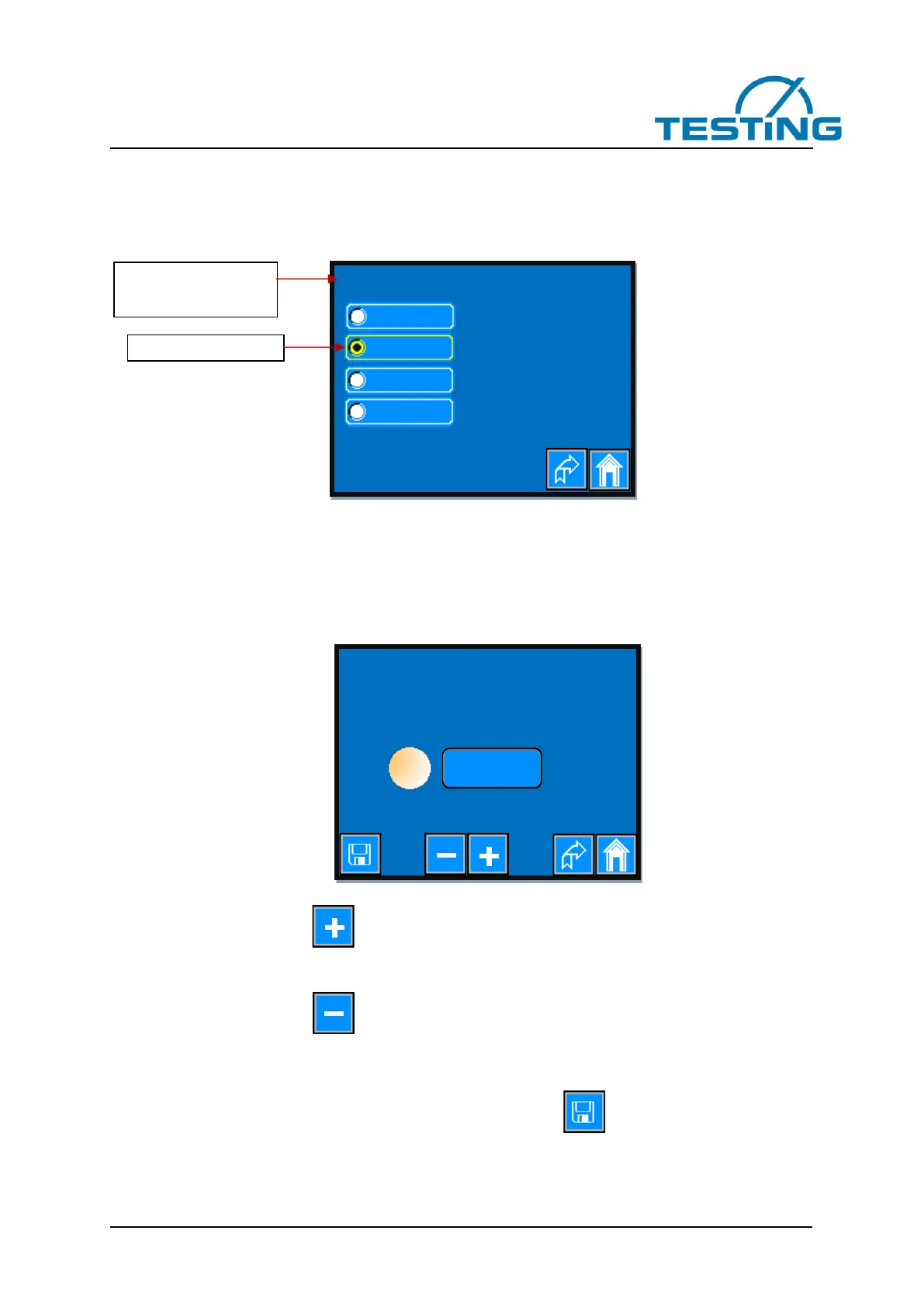
3.3.1 Choice of a language
As soon as you press a radio button assigned to the respective language, the display switches to the acti-
vated country language.
Figure 6: choice of a language
The selected language remains retained even after switching off the device.
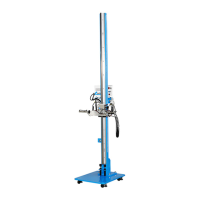
3.3.2 Setting the brightness
Figure 7: setting the brightness
One-time short press of the button increases the brightness by 1%.
Pressing and hold down this button increases the brightness continuously until you release it or the bright-
ness has reached 100%.
One-time short press of the button decreases the brightness by 1%.
Pressing and hold down this button decreases the brightness continuously until you release it or the bright-
ness has reached 10%.
To get the set value also after switching off the device press the button.


 To Next Page