EasyManua.ls Logo

TESTING Vicat - Figure 26: Determine Zero Level; Figure 27: Course of the Zero Level Measurement; Figure 28: Zero Level Determination Finished

TESTING Vicat
43 pages
Print Icon
To Next Page IconTo Next Page
To Previous Page IconTo Previous Page
Loading...
Single Station Vicat Test Apparatus
1.0360
30
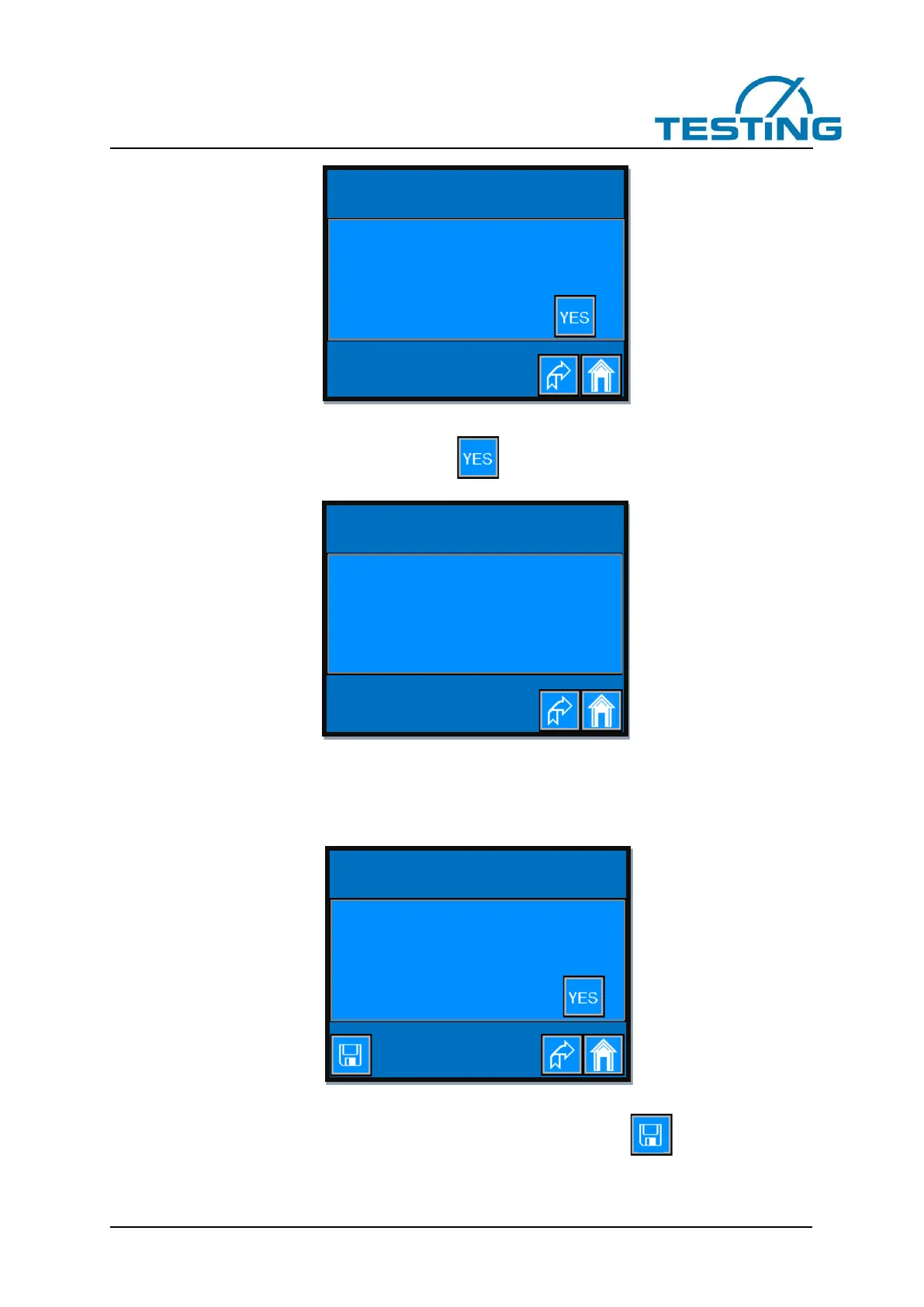
Figure 26: Determine zero level
To start the determination of the zero level press button.
The view changes as folow:
Figure 27: Course of the zero level measurement
The first digit indicates the currently executed measurement point, while the second digit indicates the total
number of measurement points.
After performing the measurements, the view changes to the next page (Figure 28).
Figure 28: Zero level determination finished
To get the set values retained also after switching off the device press the button.

Settings>Vicat device>
Sample’s zero level
Please wait, measurement in progress!
# 1 / 73
Settings>Vicat device>
Sample’s zero level
Determine zero level of the sample?
Settings>Vicat device>
Sample’s zero level
Determine zero level of the sample?
Zero high determination of the sample
finished.

Table of Contents

Related product manuals