5 First steps
26
5.2.6. Printing/saving data
Data is printed out via the key [].
To be able to transfer data to a record printer via infrared or
Bluetooth interface, the printer used must be enabled, see Printer,
page 32
Data is saved via the Options menu. The Options menu is
accessed via the left function key and is available in many different
menus.
Once a measurement has been carried out, the measurement
result can be saved via the right function key Save. Assignment of
the right function key with the function Save or Print, see
Assigning the right function key page 31.
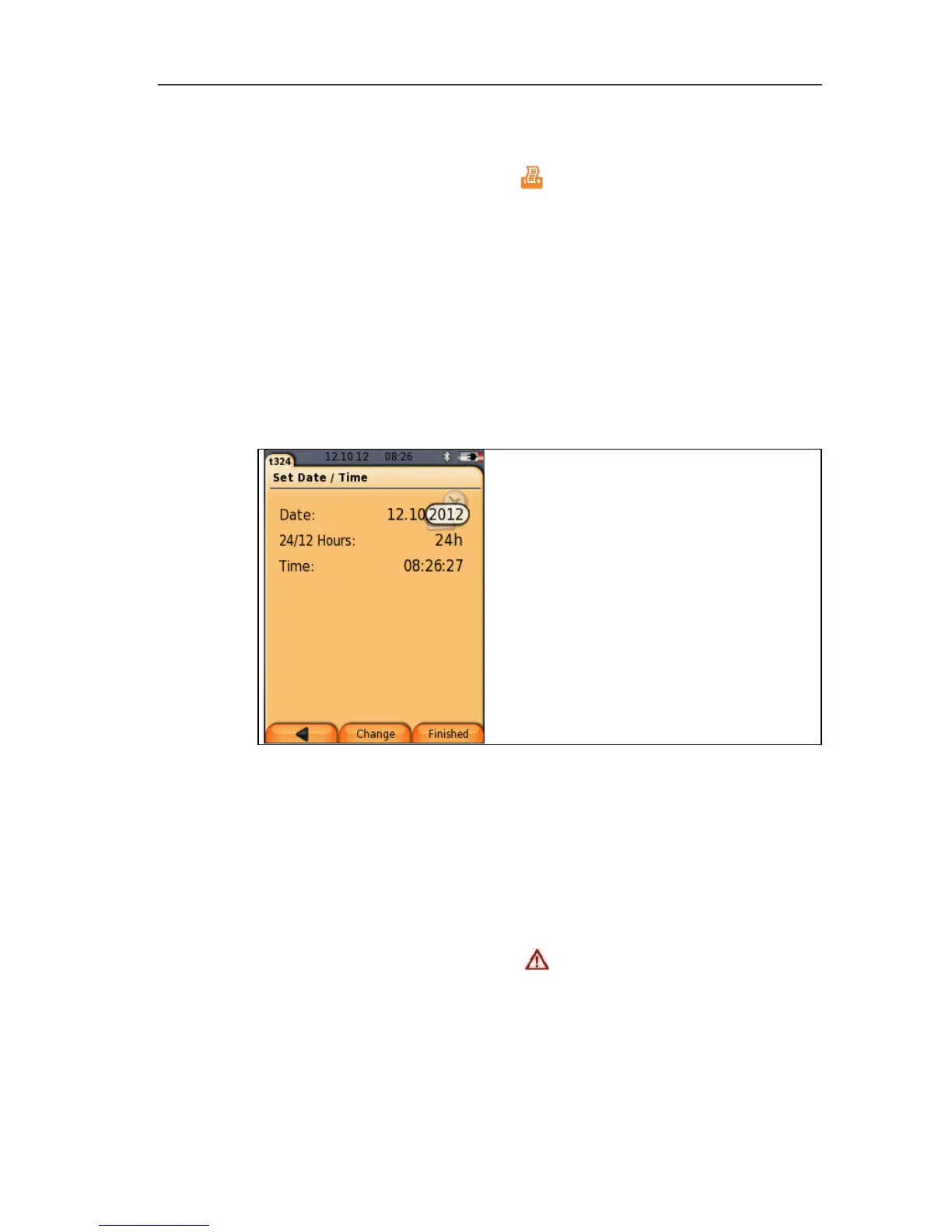
With other functions, saving is carried out automatically via the
function key Finished, e.g. when creating Address/Location or
entering Date/Time.
5.2.7. Confirming an error message
If an error occurs, an error message is shown on the display.
> Confirm error message: [OK].
Errors that have occurred but have not yet been rectified are
indicated by a warning symbol ( ) in the header.
Error messages not yet resolved can be displayed in the menu
Error diagnosis, see Instrument diagnosis, page 30.



 To Next Page