6 Using the product
73
6.3. Transferring data
6.3.1. Record printer
To be able to transfer data to a testo record printer via the infrared
or Bluetooth interface (optional), the printer used must be enabled,
see Printer, page 32.
Data is printed out via []. The function is only available if a
printout is possible.
6.3.2. PC/pocket PC
Data transfer to a PC can take place via USB, IrDA or Bluetooth
®
.
You must also refer to the documentation that comes with the
software.
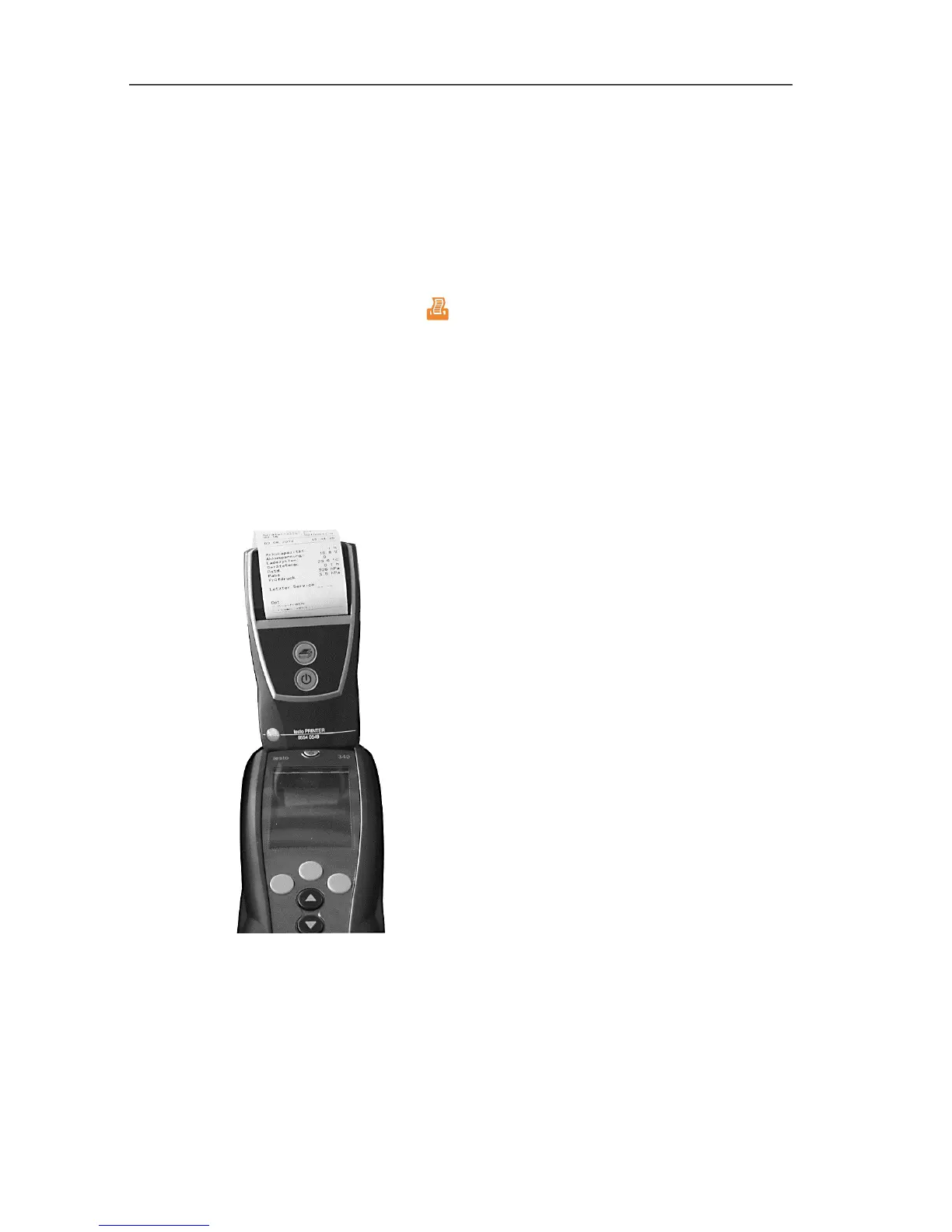
6.3.3. Data transfer to IrDA record printer
To transfer data from the testo 324 to the IrDA record printer, the
printer can be placed in a storage compartment on top of the testo
324.



 To Next Page