Error messages/troubleshooting
63
Further possible errors
Solution, troubleshooting
measures
Current loop does not function
properly
Incorrect measurement val-
ue at the output or no cur-
rent measurable
The device does not function im-
mediately after being switched on.
No display indication.
LEDs on control card flash
Hardware error or error after
firmware update, depending
on the LED code shown.
See following section "Error
messages after self-test"
If an SD card has been inserted,
these notifications are stored in text
form in the error log – even when
the error recording function is not
active.
The device does not function im-
mediately after being switched on.
No display indication.
Red and yellow LEDs next to the
SD card flash alternately.
Firmware update starts, but
no SD card has been insert-
ed
Insert the SD card with the firm-
ware file and switch on the device.
The device does not function im-
mediately after being switched on.
No display indication.
Two red LEDs on the control card
flash quickly
Firmware update starts, but
no firmware file was found
on the inserted SD card
Download the firmware file from the
Heyl website and copy the file onto
the SD card.
Device does not function, even
though it is switched on.
No display indication
All three green LEDs on mother-
board light up*
Ribbon cable detached from
display board or mother-
board
Error on display- or mother-
board
Plug ribbon cable back in
Replace display- or motherboard
Device does not function, although
it is switched on
No display indication
Fewer than three green LEDs on
the motherboard light up*
No power supply
Fuses on the power supply
board defective
There is no power supply.
See Replacing fuses
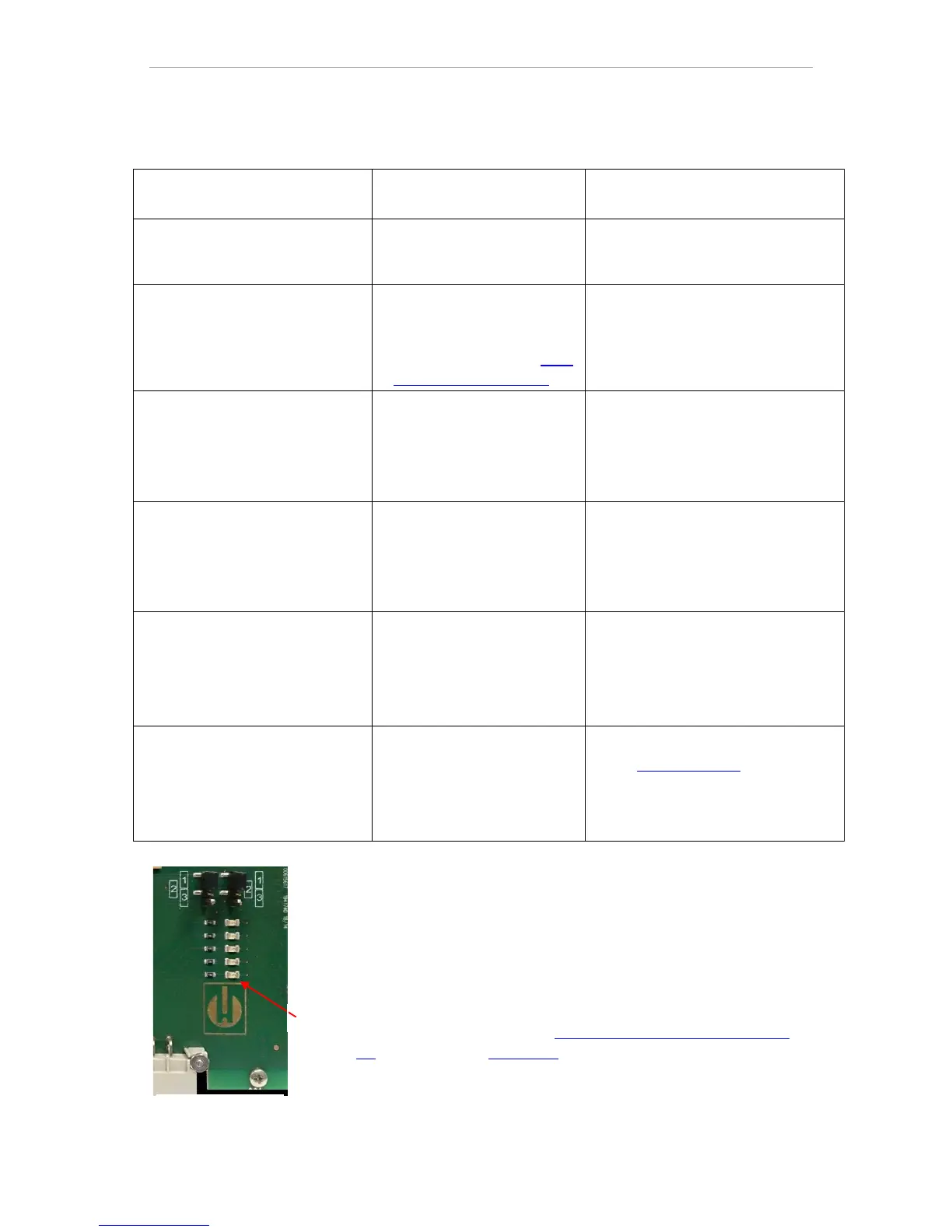
* For position of the LEDs, see illustration on page 69
Error messages after self-test
When switched on, the Testomat
®
EVO TH CAL performs a self-test
automatically and then monitors its own state continuously. If the
LEDs on the control card flash quickly after switching on, one of the
above errors has occurred and can be identified by the LED signal.
In addition, the error message is placed on the SD card in the error
log, even when the "Store error" function is inactive.



 To Next Page