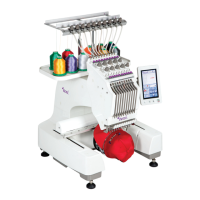
Texi Iris 10 Operation Manual
11
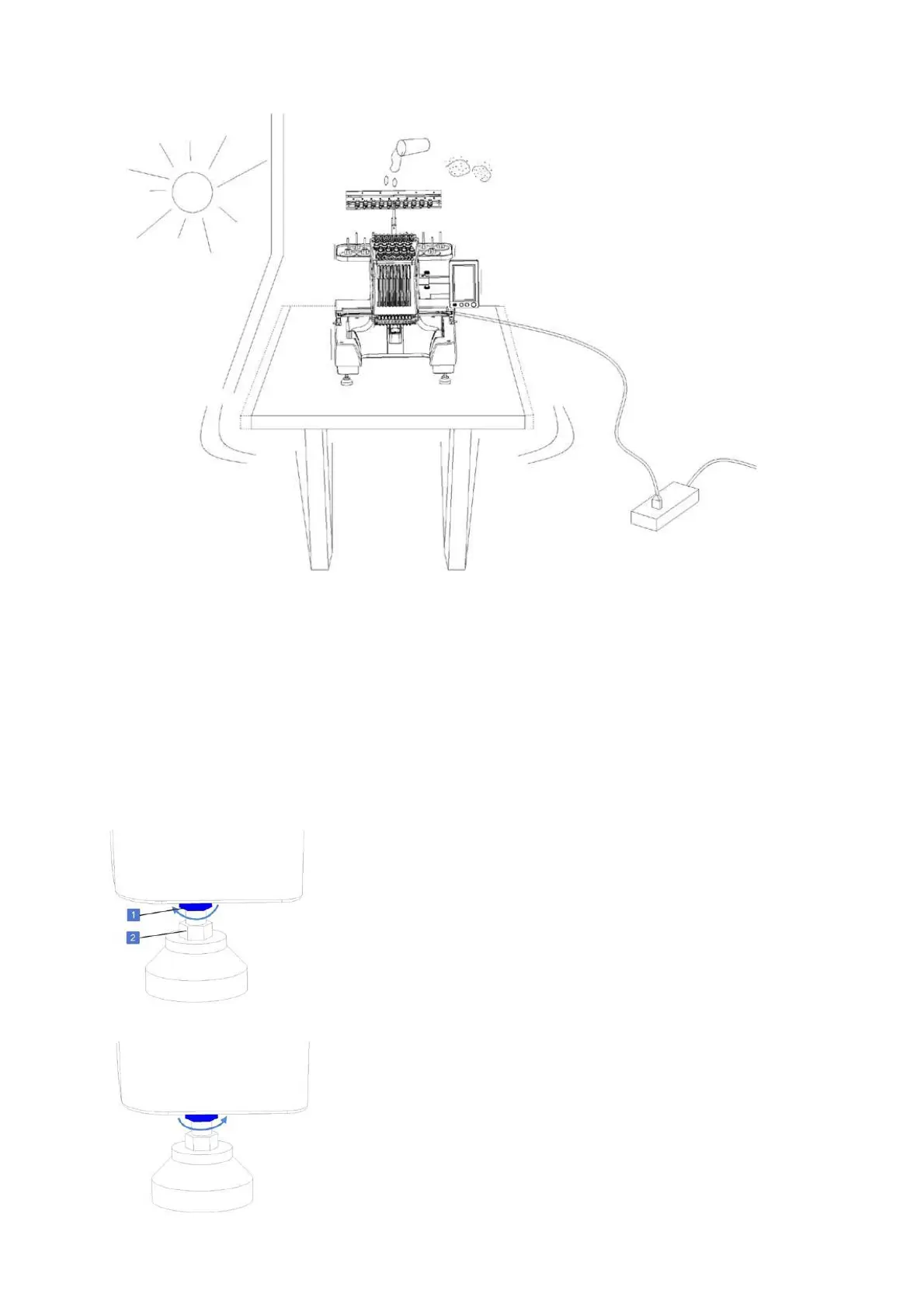
To prevent malfunction or damage, the machine cannot be exposed to the following conditions:
For safety purpose: Do not install the machine on an unstable or weak platform.
Machine installation
Keep the machine stable by regulating nuts.
1. Ensure that all protection films and all packing materials have been removed.
2. Before you start to install the machine, make sure that there will be sufficient space around the machine.
3. Keep the machine stable by regulating four feet which are located under the machine.
Adjusting the height of the machine
Height of the machine can be adjusted by using the feet in the base of the
machine.
Unlock the nut (1) by unscrewing it counter-clockwise. Using the regulating
nut (2) adjust the height of the machine. When the machine as high as you
wish, tighten both nuts.
Check if machine is stable, if not repeat the whole operation.


 To Next Page