Software Architecture
Thermo Fisher Scientific Smart-Vue Administrator Manual 11
low-level error messages. Expert use
in an MS DOS-mode window only.
To carry out this temporary change,
click on Re-Start, or Stop and Start
to switch from service to application.
Register SmartService Adds the SmartService
(emul_<receiver_name>) for the
selected receiver to the Windows
registry (done by default when you
install a new receiver). There is no
confirmation when you press this
button.
Remove SmartService Removes the SmartService
(emul_<receiver_name>) for the
selected receiver from the Windows
registry (done by default when you
delete a receiver). There is no
confirmation when you press this
button.
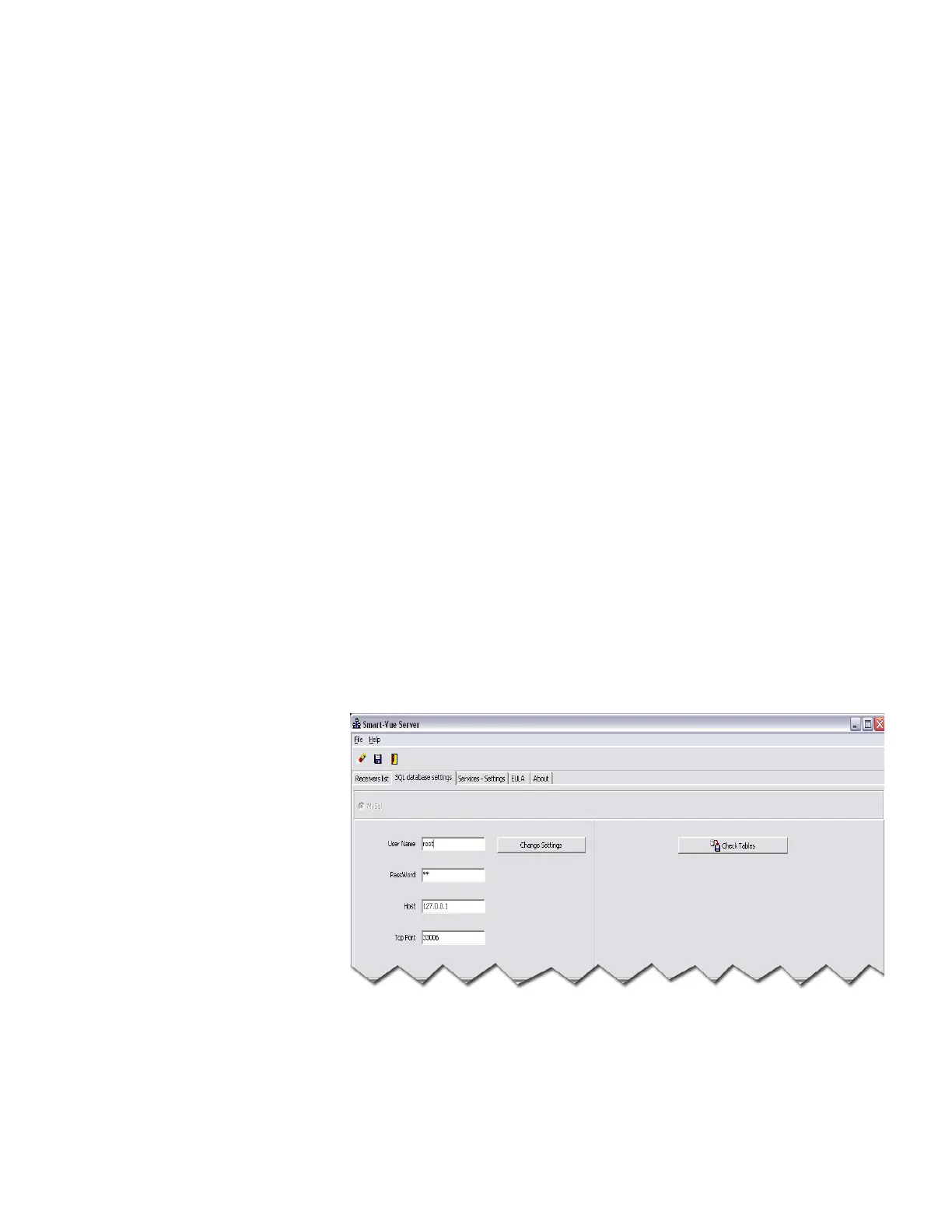
1.3.3.2 SQL database settings To view and/or modify Smart-Vue Server database settings, click on the
SQL database settings tab.
Figure 4. Smart-Vue Server: SQL database settings


 To Next Page
 Loading...
