Somemodelshaveasolid-statedrivefordatastorage.Thesolid-statedrivemakesyourcomputerlight
andfast.
Note:Thehiddenservicepartitionisthereasonwhythereislessfreespacethanexpectedonyourhard
diskdriveorsolid-statedrive.Thisreductionismorenoticeableonthesolid-statedrivebecauseofits
smallercapacity.
2MiniPCIExpressCardslotforwirelessLANcard
YourcomputermighthaveawirelessLANcardintheMiniPCIExpressCardslotforyoutoestablishwireless
LANconnections.
3Emergency-resethole
Ifthecomputerstopsrespondingandyoucannotturnitoffbypressingthepowerbutton,removetheac
poweradapterandinsertastraightenedpaperclipintotheemergency-resetholetoresetthecomputer.
4Integratedbattery
Useyourcomputerwiththebatterypowerwheneveracpowerisunavailable.
5Memory-upgradeslot
Youcanincreasetheamountofmemoryinthecomputerbyinstallingamemorymoduleinthe
memory-upgradeslot.MemorymodulesareavailableasoptionsfromLenovo.
6Stereospeakers
Fordetails,see“Specialkeys”onpage24.
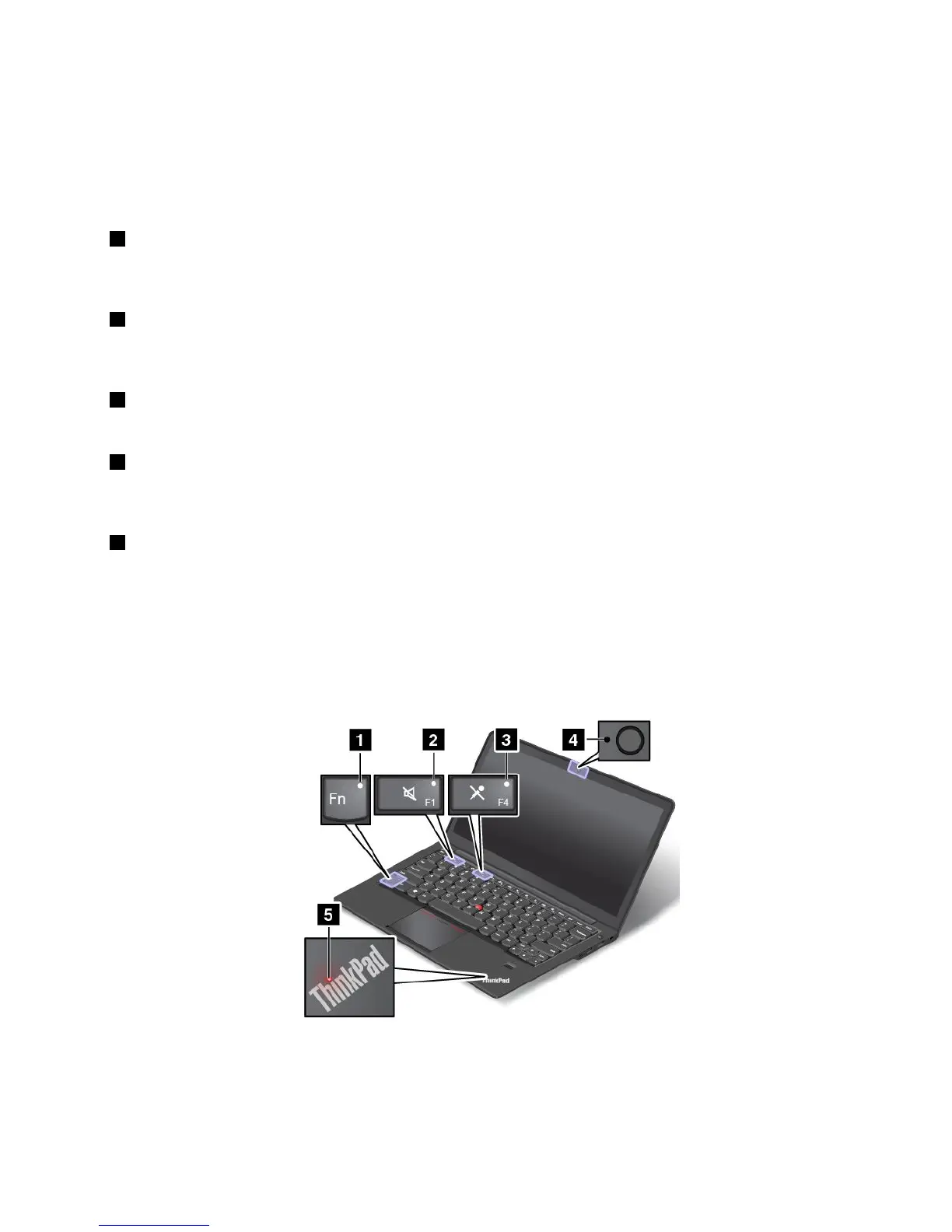
Statusindicators
Yourcomputerhasseveralstatusindicatorsthatshowthestatusofyourcomputer.
Note:Yourcomputermightlookslightlydifferentfromthefollowingillustration.
Chapter1.Productoverview7



 To Next Page