1FnLockindicator
TheFnLockindicatorshowsthestatusoftheFnLockfunction.Formoreinformation,see“Specialkeys”
onpage24.
2Speaker-muteindicator
Whenthespeakermuteindicatorison,thespeakersaremuted.
3Microphone-muteindicator
Whenthemicrophonemuteindicatorison,themicrophonesaremuted.
4Camera-statusindicator
WhentheCamera-statusindicatorison,thecameraisinuse.
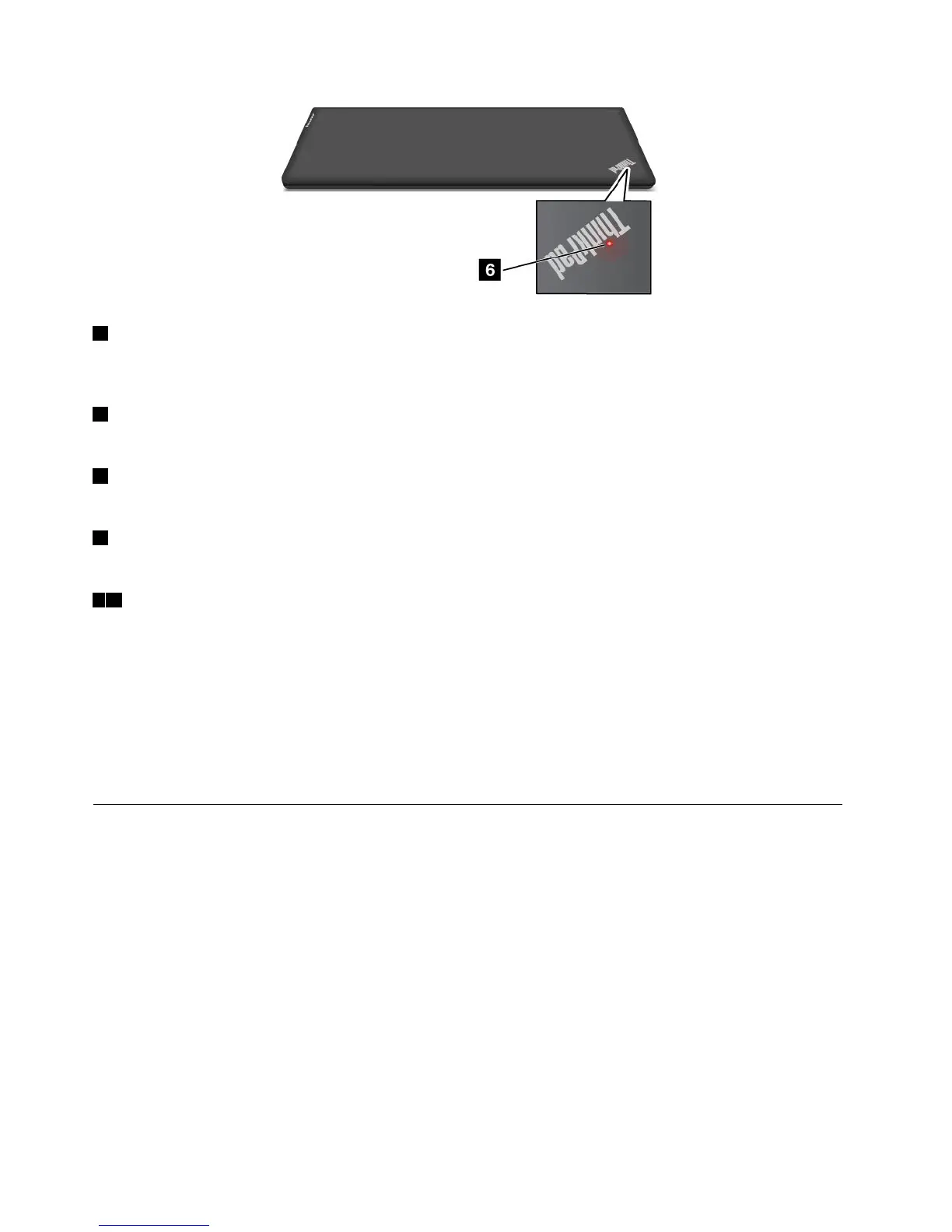
56System-statusindicators
TheilluminateddotsintheThinkPadlogoontheouterlidofyourcomputerandonthepalmrestshowthe
systemstatusofyourcomputer:
•Blinksforthreetimes:Thecomputerisinitiallyconnectedtothepower.
•On:Thecomputerison(innormaluse).
•Off:Thecomputerisofforinhibernationmode.
•Blinksslowly:Thecomputerisinsleepmode.
•Blinksfast:Thecomputerisenteringhibernationmode.
Locatingimportantproductinformation
Thissectionprovidesinformationtohelpyoulocatethemachinetypeandmodellabel,theFCCIDandIC
Certificationlabel,theWindowsCertificateofAuthenticitylabel,andtheGenuineMicrosoftlabel.
Machinetypeandmodellabel
Themachinetypeandmodellabelidentifiesyourcomputer.WhenyoucontactLenovoforhelp,themachine
typeandmodelinformationhelpssupporttechnicianstoidentifyyourcomputerandprovidefasterservice.
8UserGuide



 To Next Page