Tasks
Touchgestures(touchmodelsonly)
Mouseactions
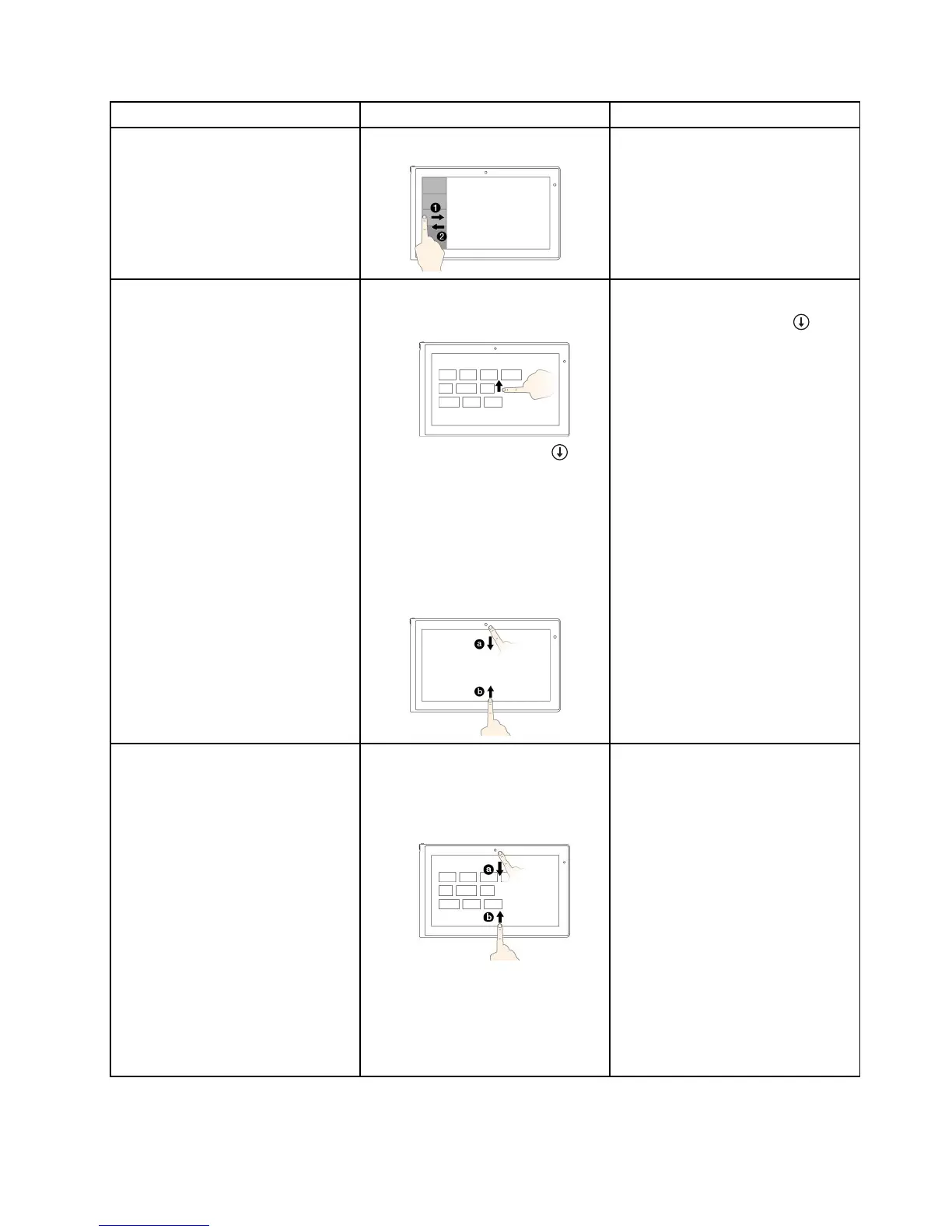
Toviewtherecentlyusedapplications
orselectanactiveapplicationfrom
thelist
Swipeinandoutontheleftedge.
Movethepointertothetop-leftcorner
ofthescreen,andthenmovethe
pointerdownwardalongtheleftedge.
Tomakeaselection,clickthedesired
application.
ToviewallapplicationsontheStart
screen
Windows8.1:
•Swipeuptothetopedge.
•Tapthedownwardarrow()
locatednearthebottom-leftcorner
oftheStartscreen.
Windows8:
Swipeinfromthetoporbottomedge,
andtapAllapps.
Windows8.1:
Clickthedownwardarrow(
)
locatednearthebottom-leftcornerof
theStartscreen.
Windows8:
Right-clickablankareaontheStart
screen,andthenclickAllapps
TocustomizetilesontheStartscreen,
oruninstallanapplication
Windows8.1:
•Swipeinfromthetoporbottom
edge,
tapCustomize,andthentapthe
desiredicon.
•Pressandholdthedesiredicon.
Windows8:
Windows8.1:
•Right-clickablankareaonthe
Startscreen,clickCustomize,and
thenclickthedesiredicon.
•Right-clickthedesiredicon.
Windows8:
Right-clickthedesiredicon.
Chapter2.Usingyourcomputer23



 To Next Page