E-DOC-CTC-20090507-0002 v1.0
81
6 Thomson Gateway GUI
Wireless Access Point Settings
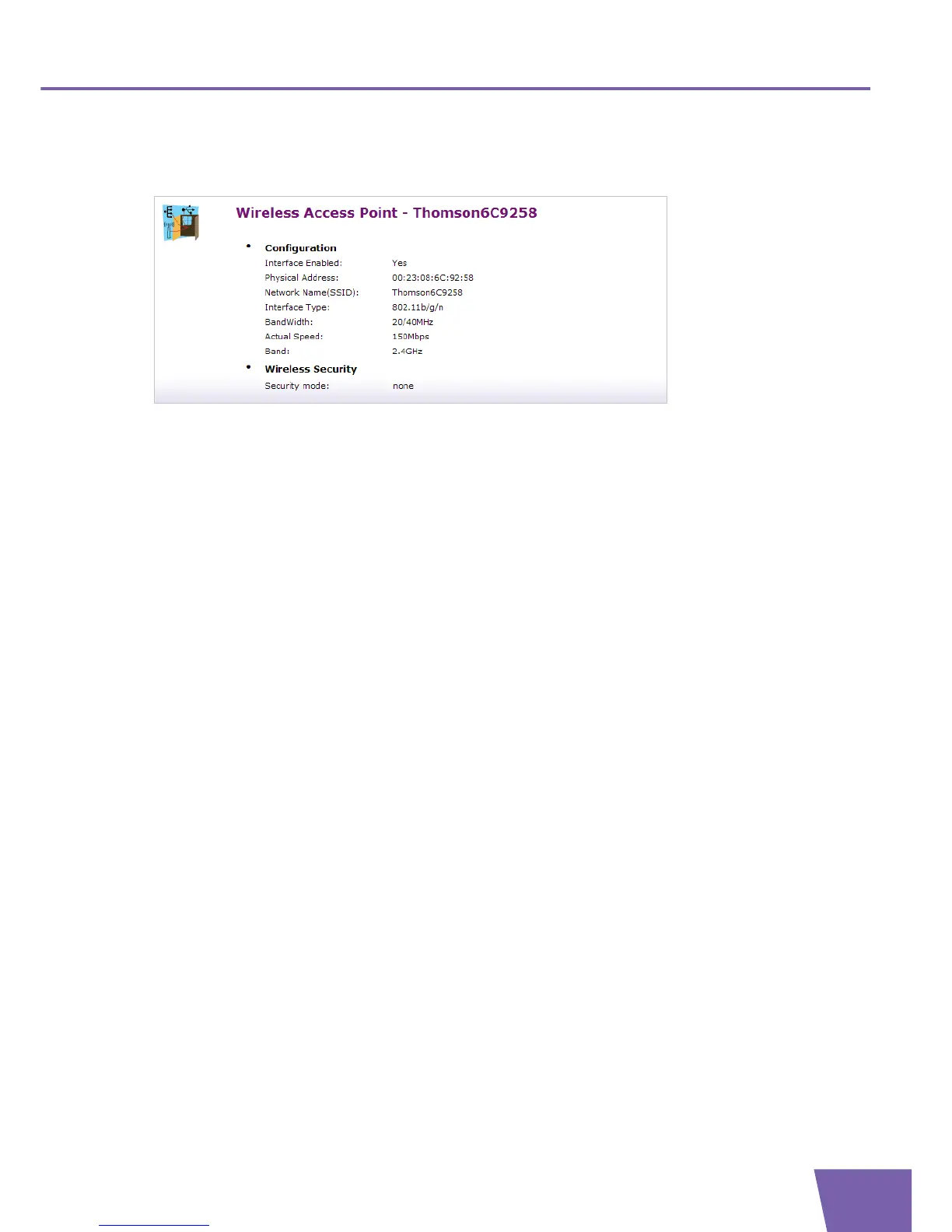
The Wireless Access Point Overview page displays basic configuration information.
Under Configuration:
Interface Enabled:
Indicates whether the wireless interface is enabled (Yes) or disabled (No).
Physical Address:
Displays the MAC address of your Thomson Gateway’s wireless access point interface.
Network Name (SSID):
Displays the Network Name or the SSID of your wireless network.
Interface Type:
Displays one of the following interface types (supported interface types depend on Thomson
Gateway variant):
802.11b/g
802.11b/g/n
BandWidth:
The maximum available bandwidth in both up- and downstream direction.
Actual Speed:
Displays the current maximum transmission speed.
Band
Displays the band in which your Wireless Access Point operates.
Under Security:
Security Mode:
Displays the encryption method used by your wireless network.



 To Next Page