DMS-CTC-20101208-0018 v1.0
52
Telephony
Making a phone call from the address book
Proceed as follows:
1 Browse to the Address Book page.
2 Click on the phone number of your contact.
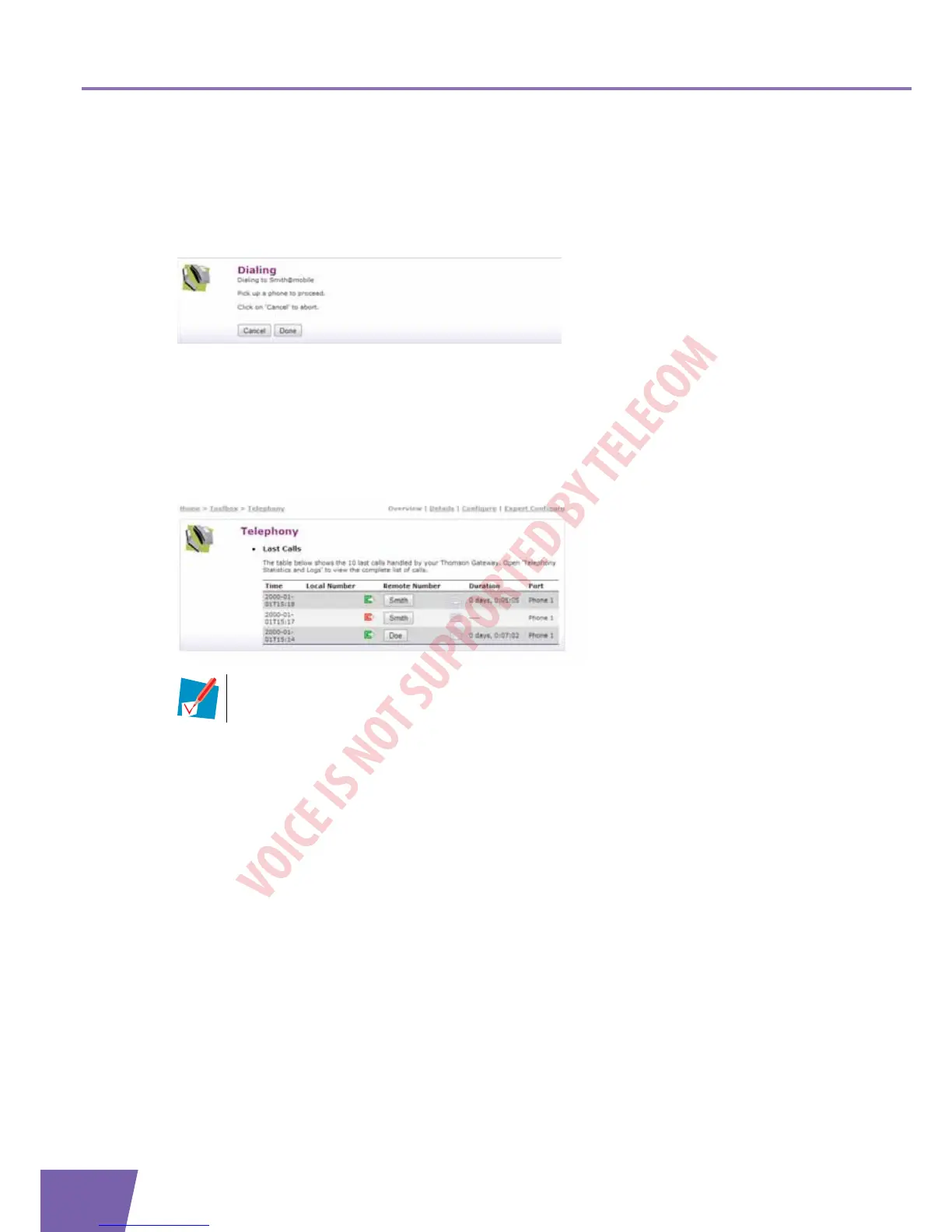
3 The following page appears:
In case you are using:
A DECT phone, the phone number of your contact appears on the screen.
A fixed phone, your phone starts to ring.
4 Pick up the phone.
5 The Thomson Gateway is now initiating the call. Your contact’s phone is now ringing.
6 At the end of the conversation, click Done to go to the Last Calls page. This page allows you to view the
statistics of your last calls (including the call that you just made).
You can use the buttons in the Remote Number column to make a new call to one of the
contacts in your call log.



 To Next Page