DMS-CTC-20101208-0018 v1.0
63
Saving Energy with Your Thomson Gateway
7.2 ECO Manager
Introduction
The Thomson Gateway constantly monitors the user activity and uses this information to optimise the power
consumption:
For example:
The Thomson Gateway reduces the clock frequency of the central processor when there is no or low user
activity. This lowered clock frequency will result in a lower power consumption of the Thomson Gateway.
Switch the wireless interface to power reduction mode.
Wireless access point power reduction mode
When the Thomson Gateway access point switches to power reduction mode, the access point is switched off
and is only power on periodically to be able to detect new clients. If new clients are detected the wireless
access point is fully powered again. This is only possible if there are no devices connected to the Thomson
Gateway.
Power reduction is enabled by default, but it is possible to disable it via the Thomson Gateway GUI. Proceed
as follows:
1 Browse to the Technicolor Gateway GUI.
For more information, see
“4.1 Technicolor Gateway GUI” on page 50
.
2 Under Home Network, click Wireless.
3 In the Navigation bar, click Configure.
4 Under Configuration:
Select Power Reduction Enabled to enable power reduction.
Clear Power Reduction Enabled to disable power reduction.
5 Click Apply.
Example
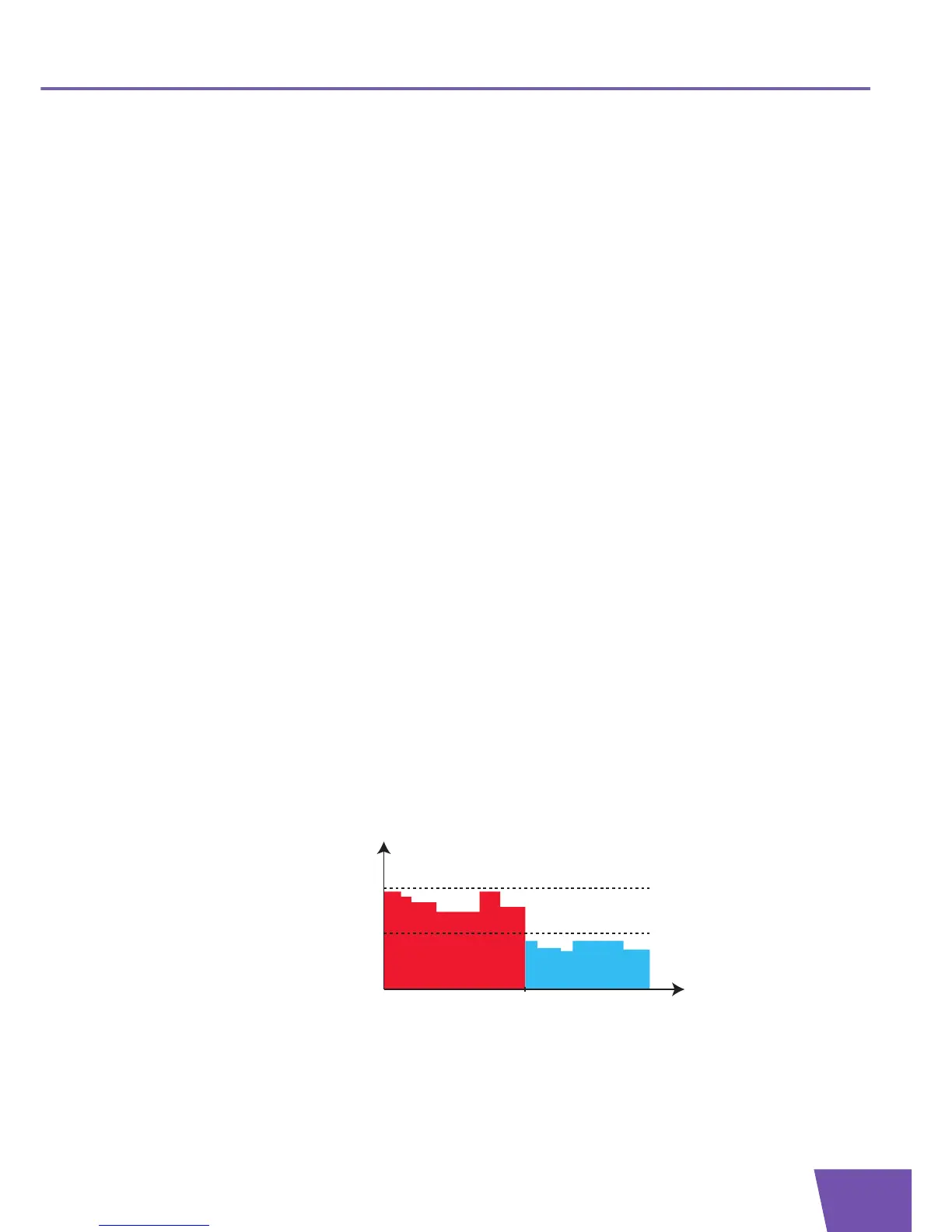
If we use the same example as in the previous section, you can see that the Thomson Gateway is now able to
further reduce the power consumption in periods where less action is required from the Thomson Gateway.



 To Next Page