DMS-CTC-20101208-0018 v1.0
72
Sharing Content on y
our Thomson Gateway
8.2.2 Using the UPnP AV Media Server
Introduction
The UPnP AV Media Server lists all audio, video and picture files located on the connected USB storage
device. All UPnP AV renderers (for example, a DLNA-certified Set-Top box) that are connected to your
network are able to view this list and play or view items from this list.
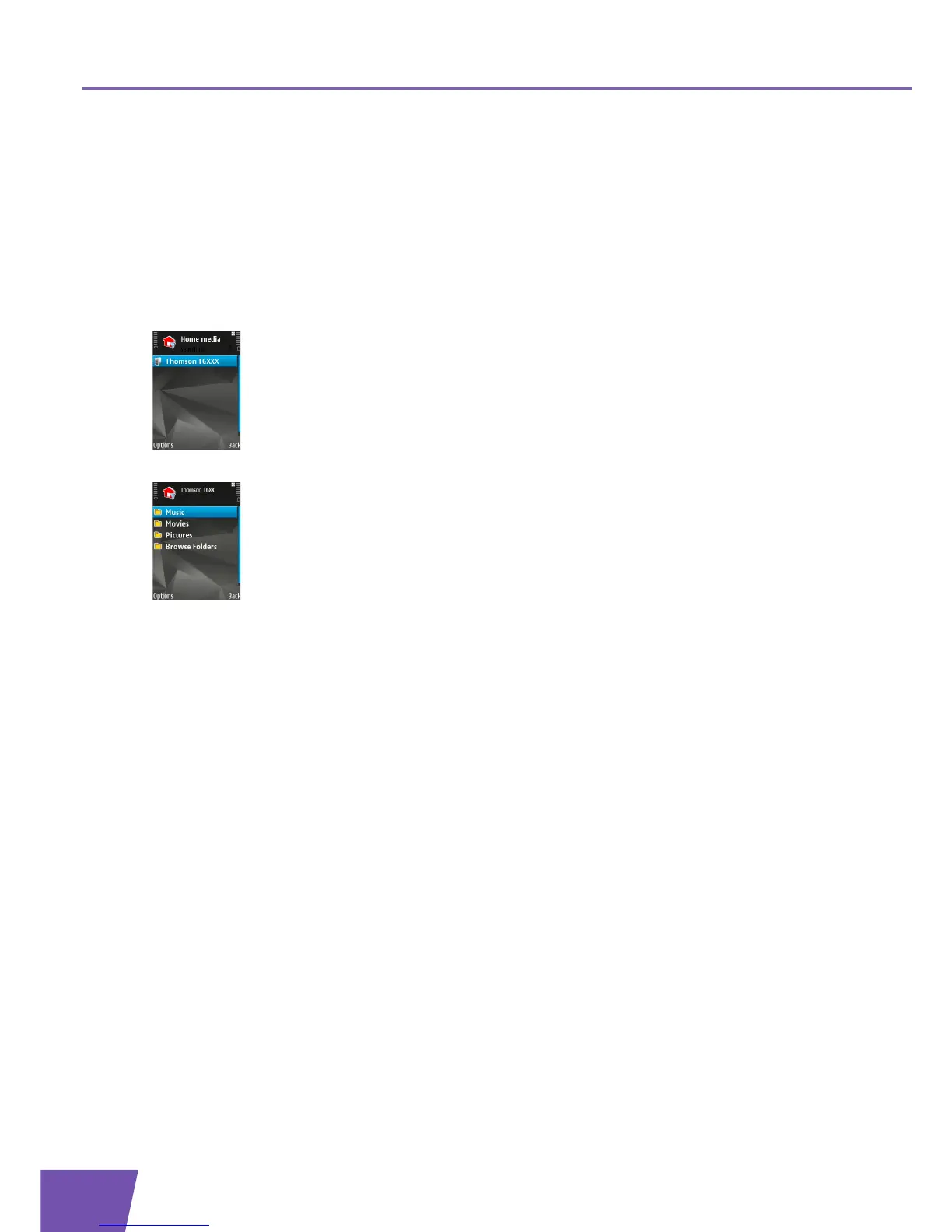
On your UPnP AV renderer, the Thomson Gateway’s UPnP AV media server will be listed as THOMSON
TGXXX. Below you can find a screenshot taken on a smartphone with a UPnP AV client.
Via this entry, you can browse to your media files.
Windows 7
Windows 7 has native support for UPnP AV. It automatically detects UPnP AV and makes your media files
available for playback on your Windows Media Player.
Proceed as follows:
1 On the Windows Start menu, click Network.



 To Next Page