DMS-CTC-20101208-0018 v1.0
22
Manual Installation
3.1 Connecting the Thomson Gateway to your Service Provider’s
Network
Introduction
This section helps you to connect the Thomson Gateway to your service provider’s network.
Signal arriving at your home
The Line signal that arrives at your home consists the following components:
A Phone signal carrying the traffic for telephony.
A DSL signal carrying the Internet traffic.
DSL Gateways have a built-in solution to remove the Phone component. No additional devices are needed,
you can connect them directly to the Line.
Telephones do not have this capability, so here you have to use a filter or splitter to remove the DSL signal.
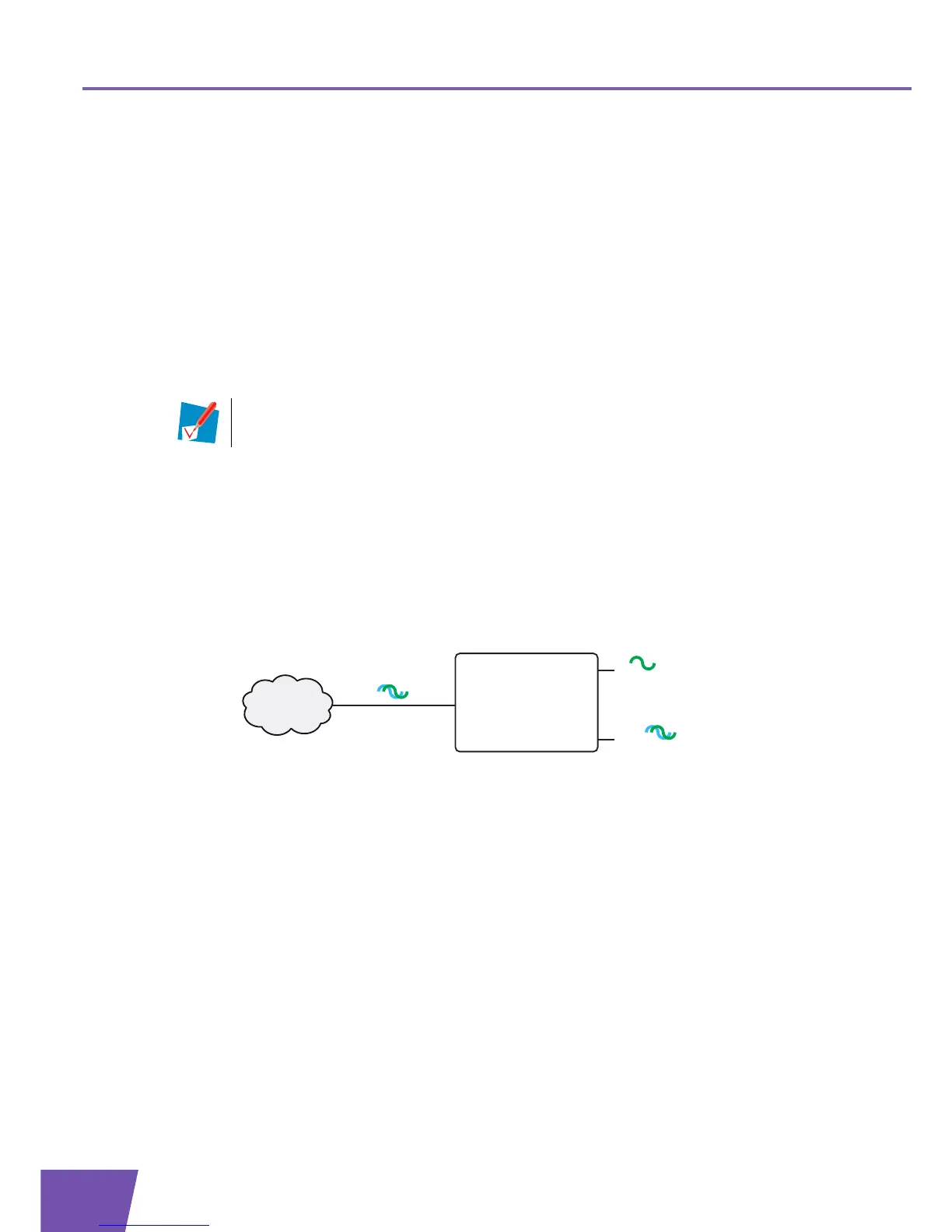
How does a filter/splitter look like
A splitter/filter is a box that typically has the following connectors:
A Line input
This connector must be connected to the input signal that needs to be filtered.
A Phone/PSTN output
This connector offers filtered output signal. It only contains the Voice component and can only be used
for connecting phones.
A Modem/DSL output (optional)
This connector offers unfiltered output. It contains both the Phone and DSL signal and can be used to
connect your Thomson Gateway.
Connecting the cables
The procedure to be followed depends on the fact if this filter has been integrated into your Thomson
Gateway or not.
Check the label of your Thomson Gateway. If the product name contains:
This Phone signal is only used for communication over the traditional telephone network
(PSTN). Voice over IP communication will be carried by the DSL signal.



 To Next Page