DMS-CTC-20101208-0018 v1.0
23
Manual Installation
“wIF” (for example THOMSON TG797n v2 wIF) then your Thomson Gateway has an integrated filter. No
external filters are needed. Follow the steps described in “ Scenario 2: A Thomson Gateway without
integrated filter” on page 23.
No “wiF” (for example THOMSON TG797n v2) then your Thomson Gateway does not have an integrated
filter. Follow the steps described in “ Scenario 2: A Thomson Gateway without integrated filter” on
page 23.
Scenario 1: A Thomson Gateway with integrated filter
Proceed as follows:
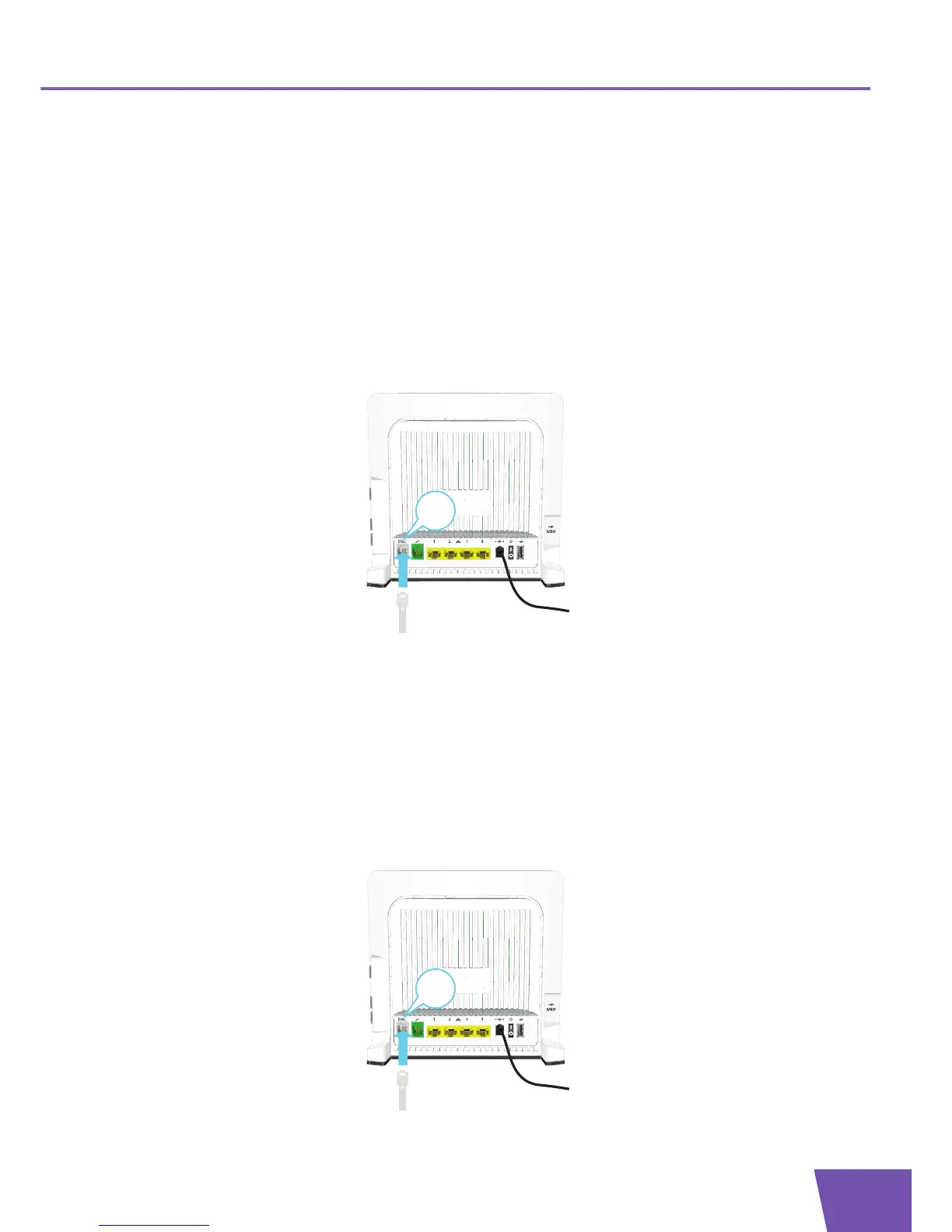
1 Take the DSL cable. This is the gray cable that is included in your box.
2 Plug one end of the cable in the grey DSL port on the back of your Thomson Gateway.
3 Plug the other end of the cable:
In the DSL/Modem output of your splitter/filter.
Directly into the telephone wall outlet if there is no splitter/filter between the network terminator and
your local phone network.
Scenario 2: A Thomson Gateway without integrated filter
Proceed as follows:
1 Take the DSL cable. This is the grey cable that is included in your box.
2 Plug one end of the cable in the grey DSL port on the back of your Thomson Gateway.



 To Next Page