DMS-CTC-20101208-0018 v1.0
58
Telephony
6.4 Viewing Call Logs
Introduction
The Call Logs page on the Thomson Gateway GUI lists:
Successful incoming calls.
Missed incoming calls.
Successful outgoing calls.
Failed outgoing calls.
Viewing the telephony statistics
Proceed as follows:
1 Browse to the Thomson Gateway GUI.
2 On the Toolbox menu, click Telephony.
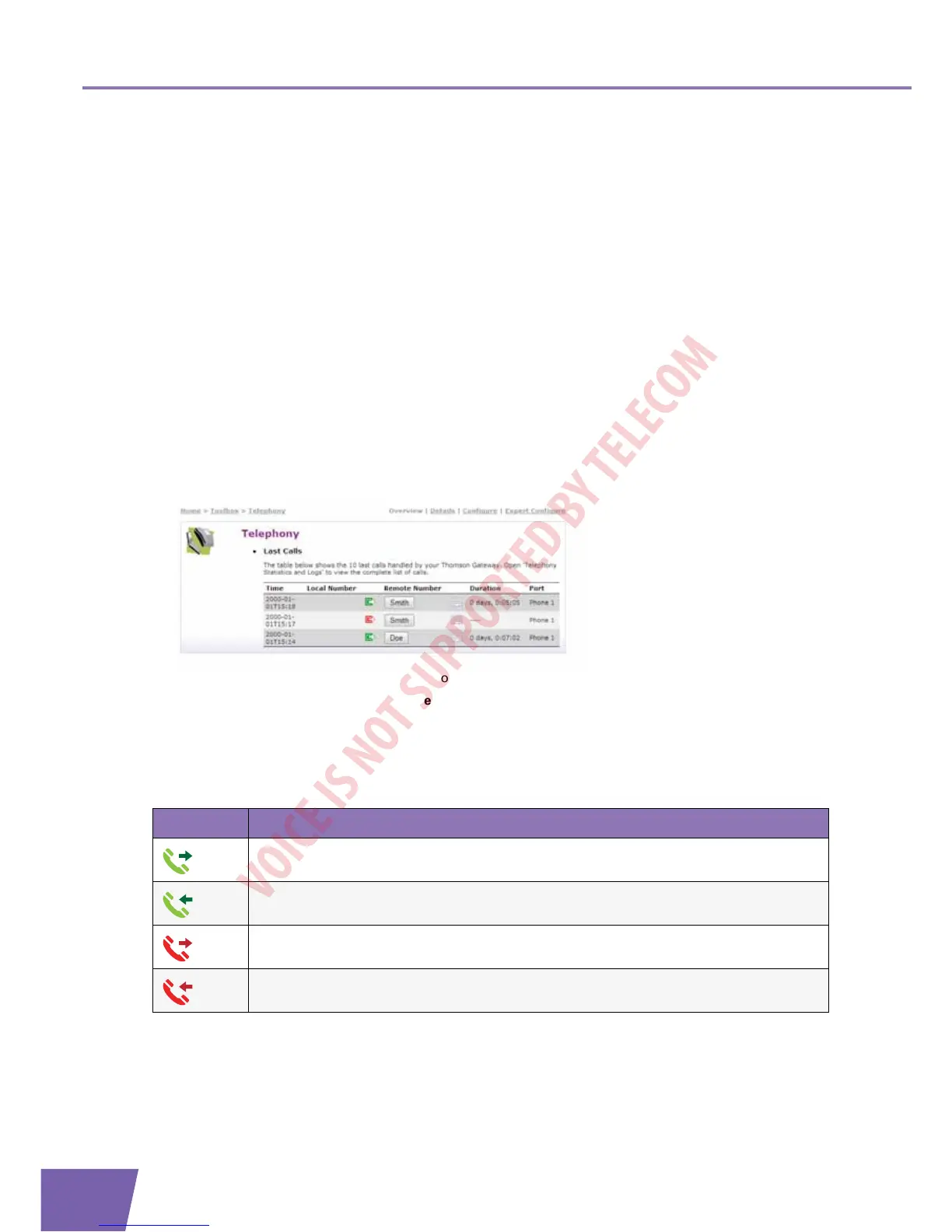
3 The Telephony page appears:
On this page you can see an overview of your last calls.
4 To view more detailed statistics, click View telephony statistics and logs in the Pick a task list.
Used icons
The call logs use the following icons to illustrate the call type:
Calling a contact from the call log
You can immediately start a new call to one of these contacts by clicking the button in the Remote Number
column.
Icon Type
Successful outgoing phone call
Successful incoming call
Failed outgoing call
Failed incoming call



 To Next Page