DMS-CTC-20101208-0018 v1.0
82
Thomson Gateway N
etwork Services
9.1.2 Managing your Internet connection via UPnP
Applicability
This section only applicable if you are using a PPP connection to the Internet.
Windows 7/Vista
If you computer runs Windows 7/Vista:
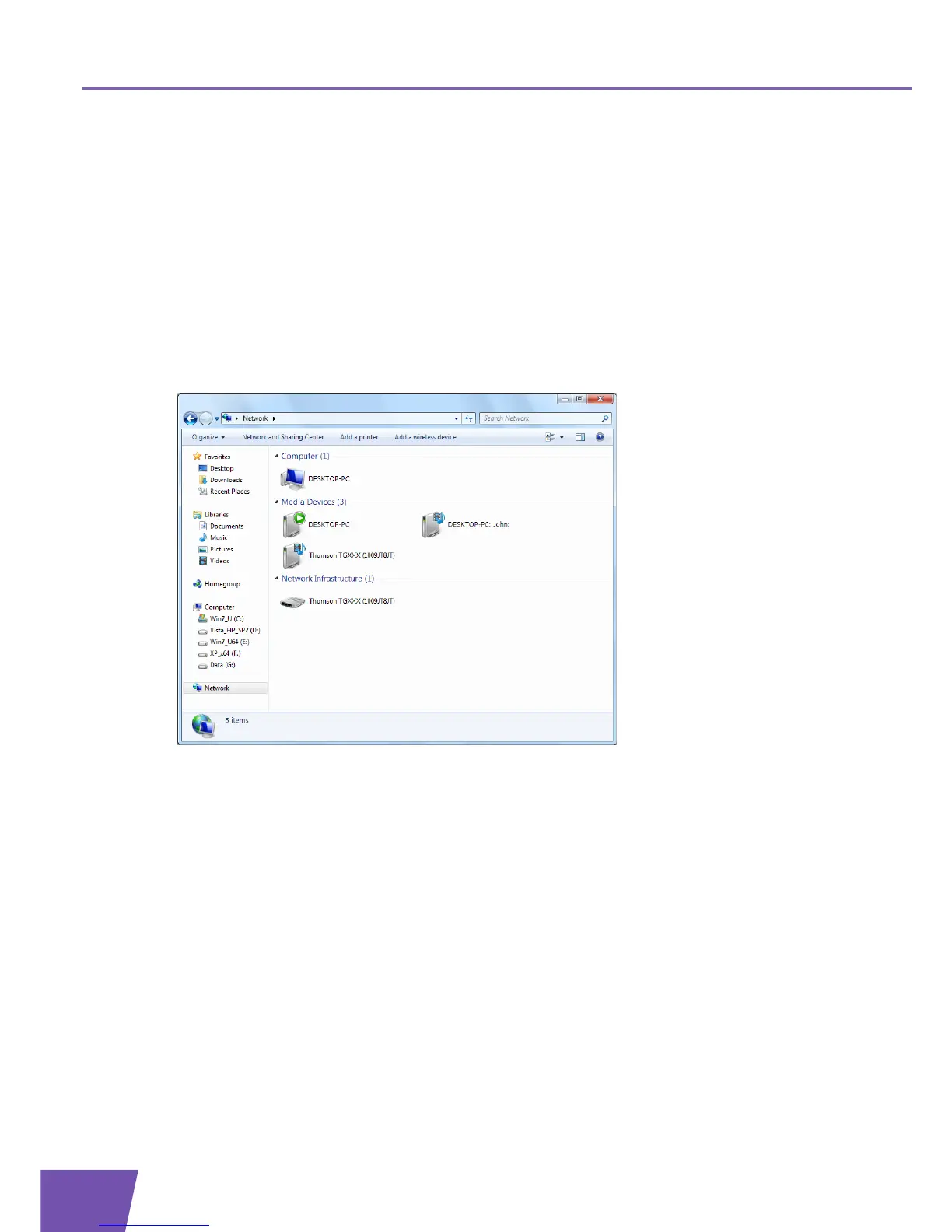
1 On the Windows Start menu, click Network.
2 The Network window appears:
3 Right-click your Thomson Gateway (displayed as THOMSON TGXXX).
4 If you are currently:
Connected to the Internet, click Disable to disconnect from the Internet.
Not connected to the Internet, click Enable to connect to the Internet.
Windows XP
Proceed as follows:
1 On the Windows Start menu, click (Settings >) Control Panel.
2 The Control Panel window appears.
Click (Network and Internet Connections) > Internet Connections.



 To Next Page