DMS-CTC-20101208-0018 v1.0
83
Thomson Gateway Network Services
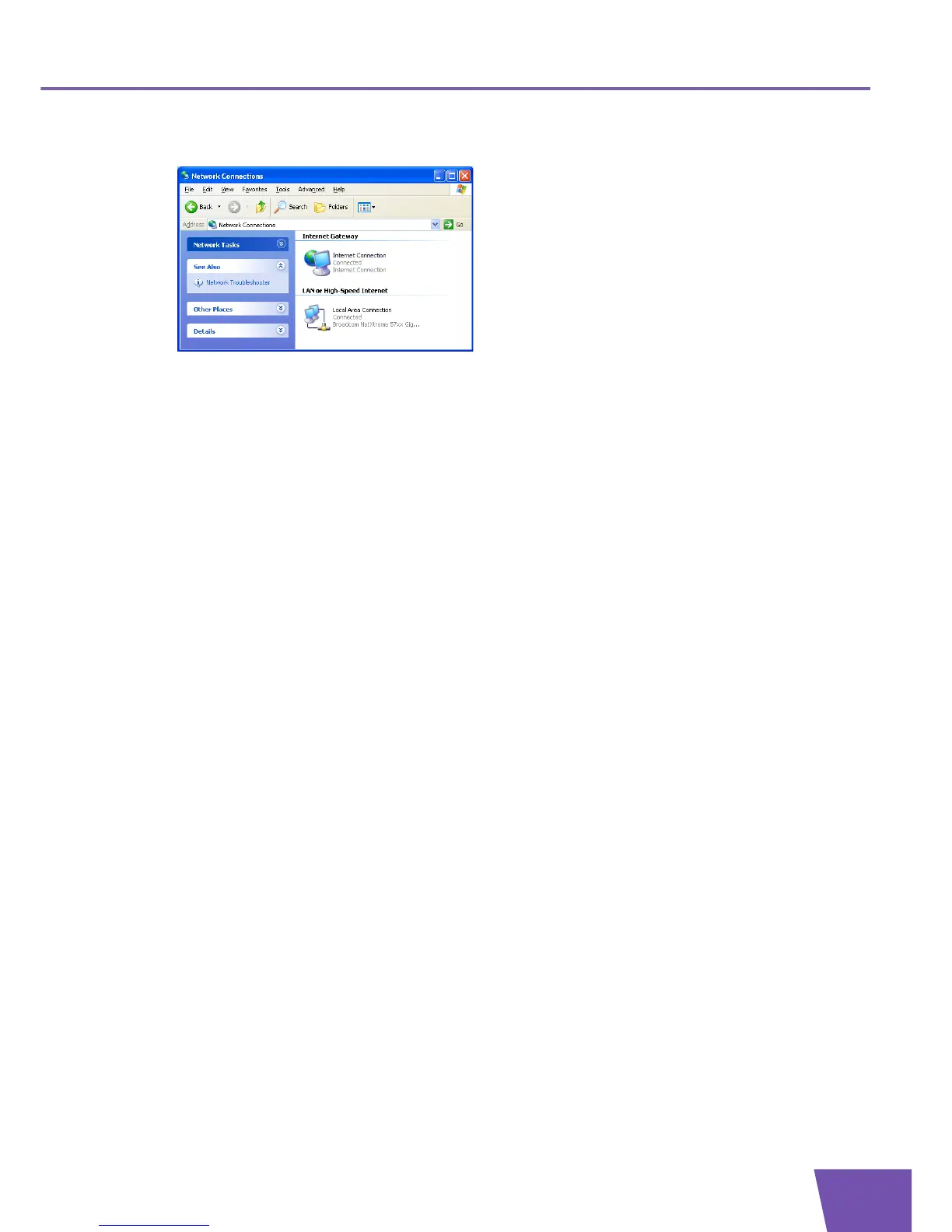
3 The Network Connections window appears;
4 If you right-click the Internet Connection icon, you can connect/disconnect your connection to the
Internet.
Disabling this feature
To prevent that users can connect/disconnect you can enable Extended Security. This feature is enabled by
default.
For more information, see “9.1.3 Configuring UPnP on the Thomson Gateway” on page 84.



 To Next Page