DMS-CTC-20101208-0018 v1.0
65
Sharing Content on your Thomson Gateway
8 Sharing Content on your Thomson Gateway
Introduction
The Thomson Gateway allows you to share the content stored on your USB storage device with other users
on your network or even access this shared content from the Internet.
Features
The Thomson Gateway supports USB 2.0
The following file systems are supported:
NTFS (optional)
FAT32
FAT16
HFS+ (optional)
EXT2/EXT3 (optional)
You can connect up to five USB storage devices (via a USB hub).
Each USB storage device can have up to 10 partitions. If your device has more partitions the extra
partitions will be ignored.
Content Sharing Servers
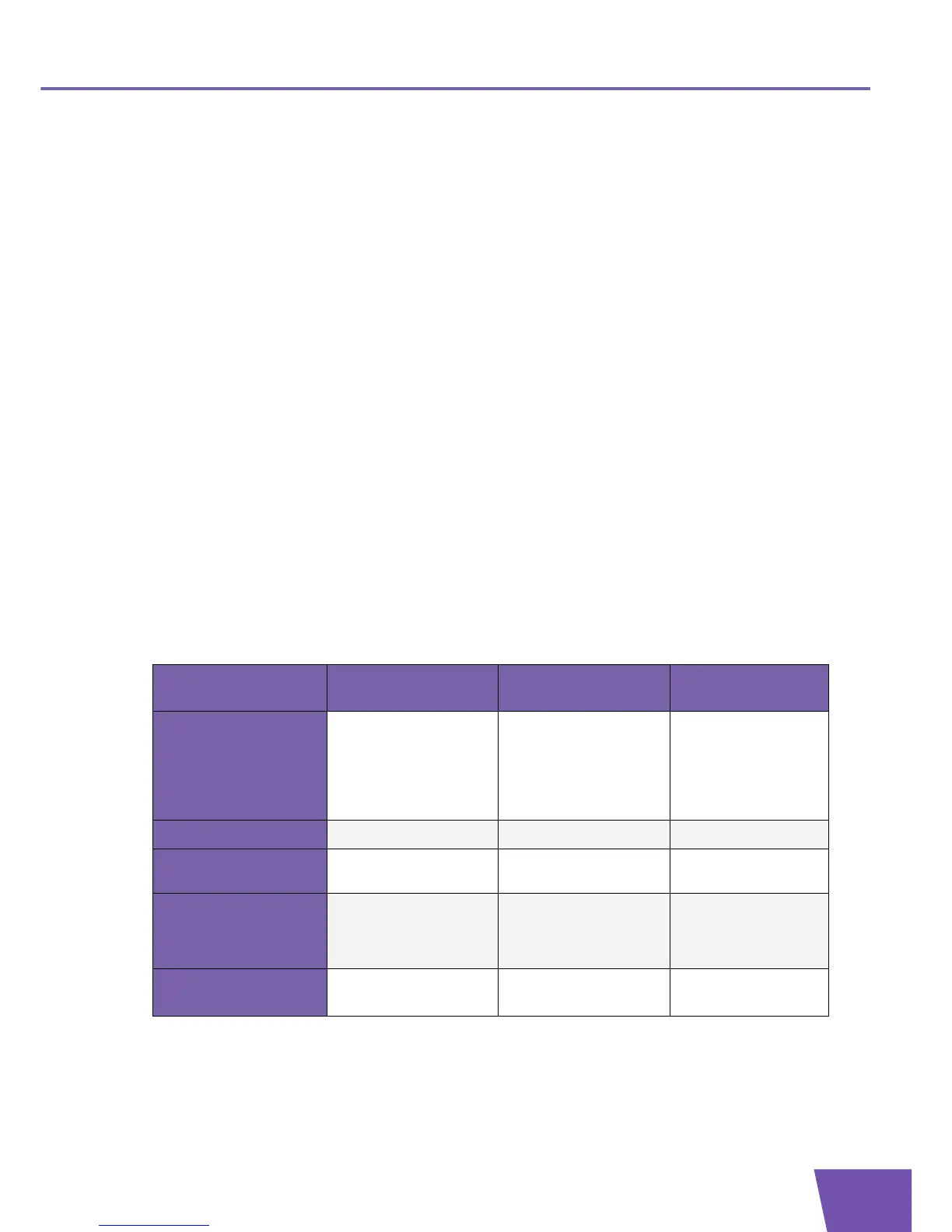
The Thomson Gateway offers three types of services to share your content. The following table gives a you a
brief overview of the main functions:
Network File Server UPnP AV Media
Server
FTP Server
Function
Store and access your
data on your local
network.
Make media files
available for UPnP AV
capable devices like
Media players, Set-Top
boxes from your local
network.
Store and access your
data from the Internet.
Access
Read and write Read-only Read and write
Accessible from
Local network Local network Internet and Local
network
Type of content
shared
All files from all
partitions and disks that
are connected.
Media files (music,
movies and pictures)
from all partitions and
disks that are connected.
All files that are stored
in the Shared folder of
the managed partition.
For more information,
see...
“8.1 The Network File
Server” on page 67
“8.2 The UPnP AV Media
Server” on page 70
“8.3 The FTP Server”
on page 74



 To Next Page