DMS-CTC-20101208-0018 v1.0
66
Sharing Content on y
our Thomson Gateway
Configuration
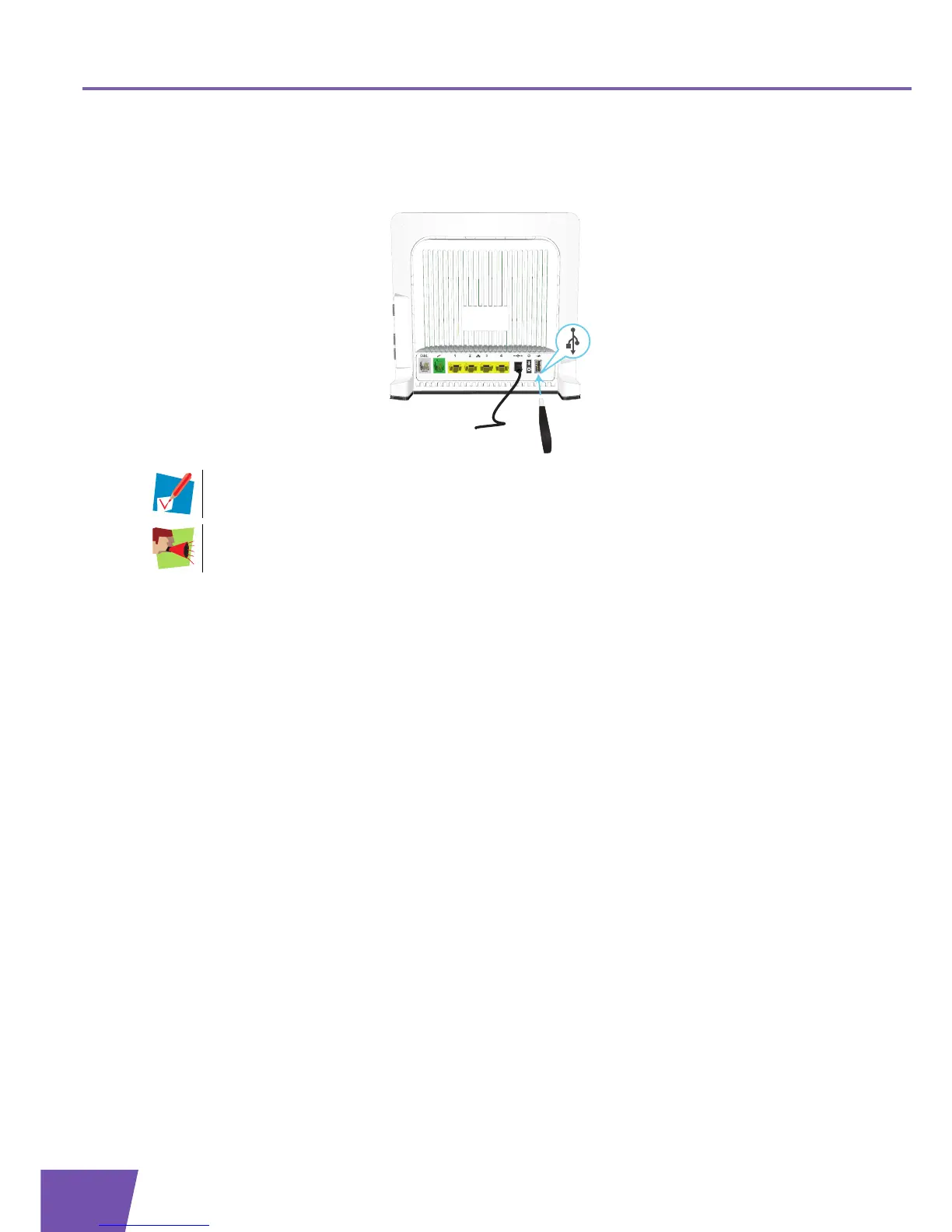
All servers are enabled by default. The only thing that you need to do is to plug your USB memory stick or
external hard disk in (one of) the USB port(s) of your Thomson Gateway.
By using a USB hub, you can connect up to five USB mass storage devices to the Thomson
Gateway.
Do not remove your USB storage device without stopping it first, otherwise data might be lost! For
more information, see “8.5 Safely Removing your USB Storage Device” on page 78.



 To Next Page