DMS-CTC-20101208-0018 v1.0
24
Manual Installation
3 Plug the other end of the cable into the DSL/MODEM output port of your filter/splitter.
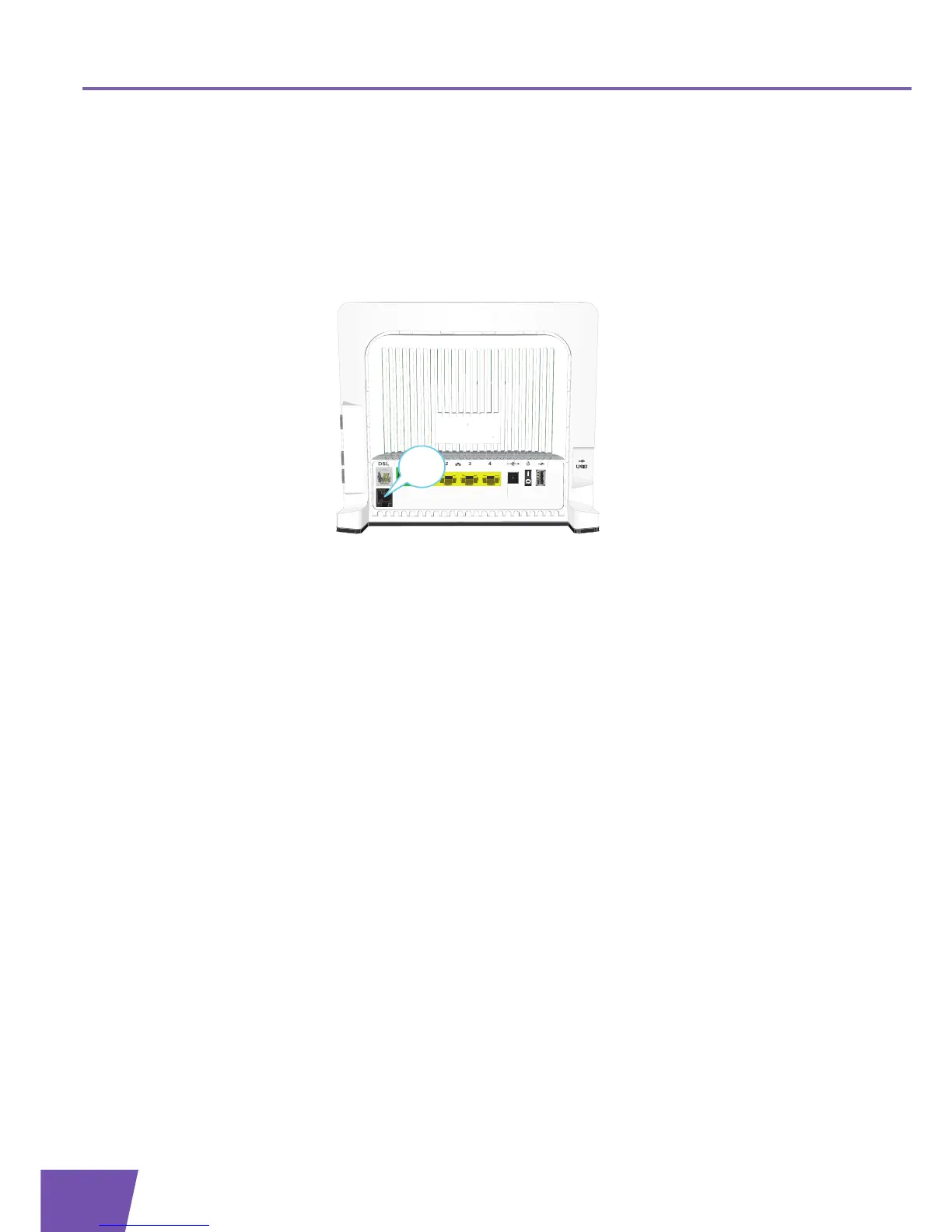
If your Thomson Gateway has a black PSTN port on the back, you are able to use the PSTN (this is the
traditional telephone network) as a backup for your Voice over IP connection. When the VoIP connection is
down, the Thomson Gateway will automatically switch back to the PSTN network.
To setup this backup connection:
1 Take a Telephone Cable
2 Plug one end of the cable in the black PSTN port on the back of your Thomson Gateway.
3 Plug the other end of the cable into the Phone output port of your filter/splitter.



 To Next Page