DMS-CTC-20101208-0018 v1.0
69
Sharing Content on your Thomson Gateway
Accessing the shared content on Mac
Proceed as follows:
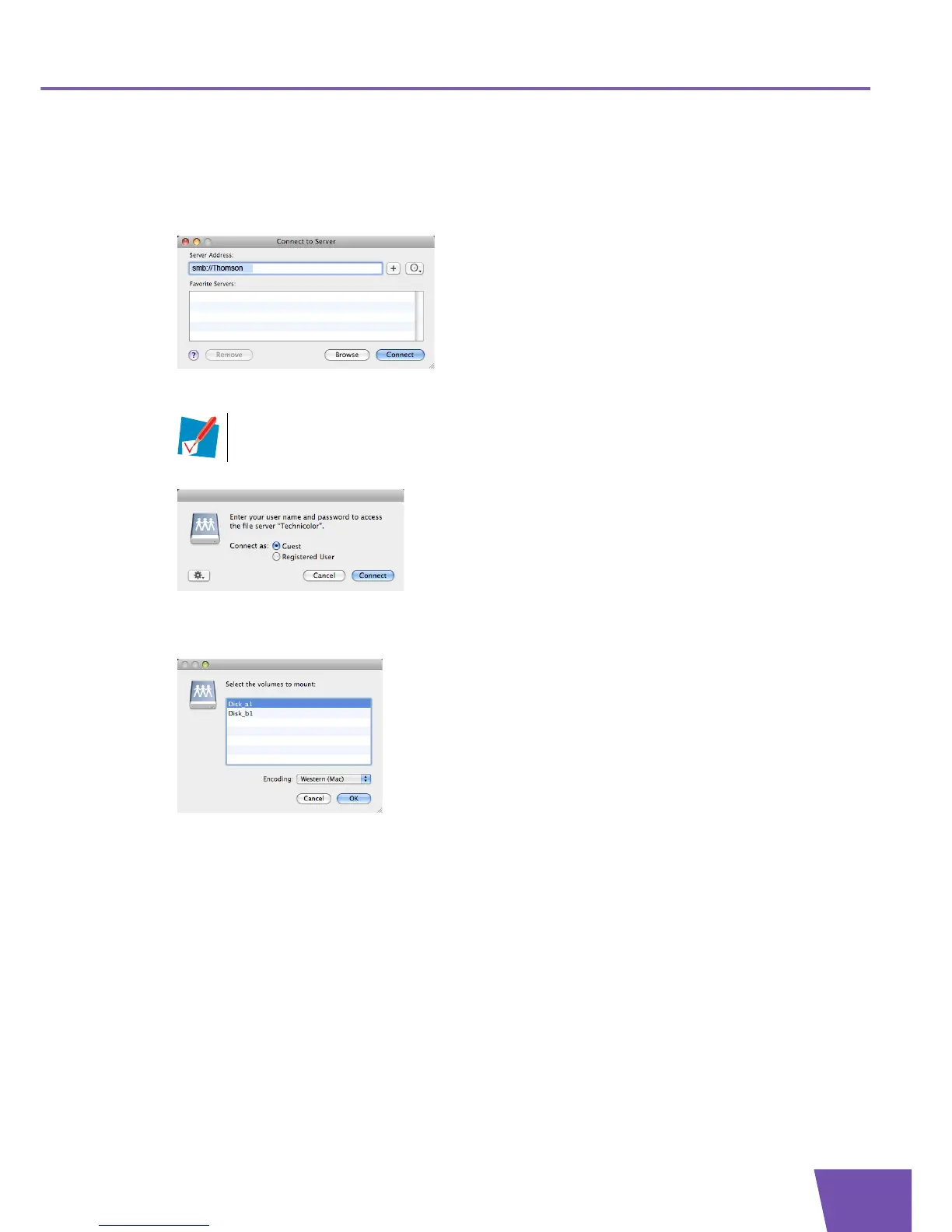
1 On the Go menu, click Connect To Server.
2 The Connect To Server window appears.
In the Server Address box, type smb://<server name>, where <server name> is the Server Name you
assigned to your USB storage device (default: smb://THOMSON).
3 The following window appears:
Select Guest and click Connect.
4 If prompted, select the partition that you want to open and click OK:
5 Your USB storage device is now mounted and is displayed on your desktop.
If you did not provide a server name, type smb://192.168.1.253.



 To Next Page