DMS-CTC-20101208-0018 v1.0
86
Thomson Gateway N
etwork Services
1 On the Windows taskbar, click Start.
2 Select (Settings >) Control Panel > Add or Remove Programs.
3 In the Add or Remove Programs window, click Add/Remove Windows Components.
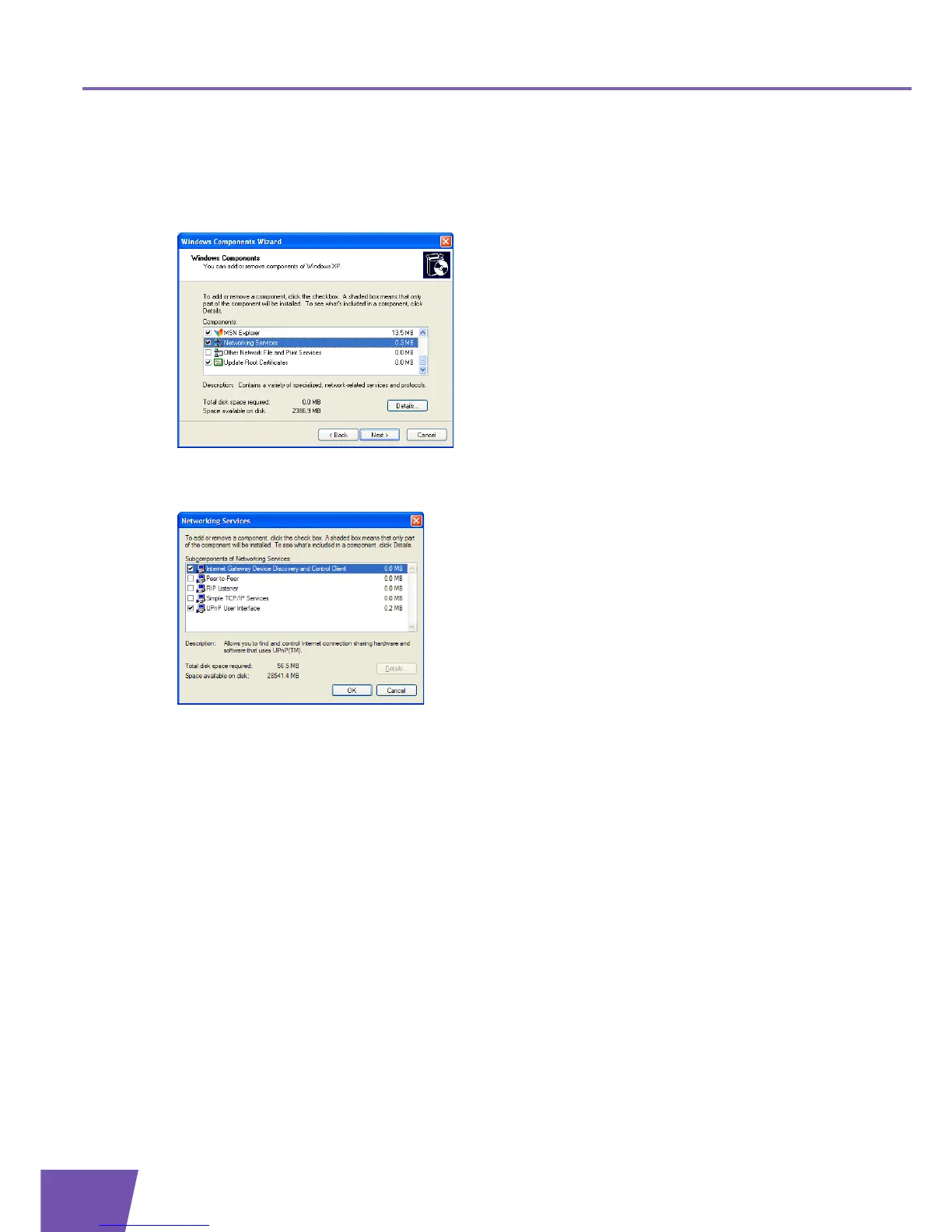
4 The Windows Components Wizard appears:
Select Networking Services in the Components list and click Details.
5 The Networking Services window appears:
Select Internet Gateway Device Discovery and Control Client and click OK.
6 Click Next to start the installation and follow the instructions in the Windows Components Wizard.
7 At the end of the procedure, the wizard informs you that the installation was successful. Click Finish to
quit.



 To Next Page