E-DOC-CTC-20071119-0003 v1.0
71
6| Service Provisioning
Message flow
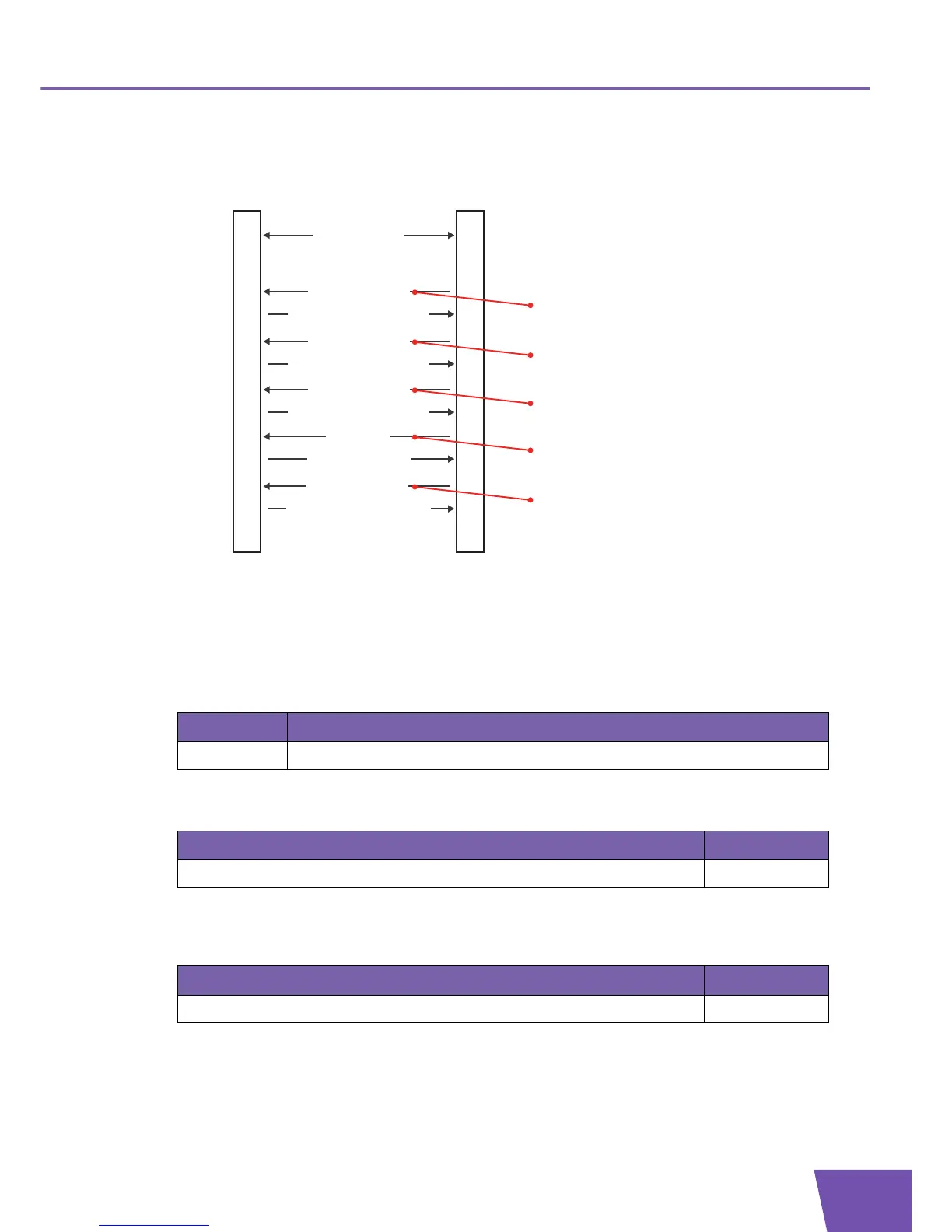
Following illustration shows a possible message flow for voice service provisioning:
Example: parameter values for a User Agent
For example, following parameter values can be used:
Checking the current configuration: to obtain information on the current voice configuration, the
GetParameterValues RPC (message 1 in preceding illustration) contains following ParameterNames
argument:
For example, the GetParameterValuesResponse (message 2 in preceding illustration) contains, amongst
others, following name-value pair in its ParameterList argument:
Configuring the voice profile: if necessary, modify the value of one or more parameters and finally enable
the VoiceProfile.1. object instance. The SetParameterValues RPC (message 3 in preceding illustration)
contains following name-value pair in its ParameterList argument:
ACSCPE
Transaction session
4) Apply changes
Configure the VoiceProfile
3) SetParameterValues
5) SetParameterValuesResponse
...
7) Apply changes
Configure the SIP signalling protocol
6) SetParameterValues
8) SetParameterValuesResponse
Create a Line
9) AddObject
11) AddObjectResponse
10) Apply changes
13) Apply changes
Configure the Line
12) SetParameterValues
14) SetParameterValuesResponse
...
Obtain current Configuration
1) GetParameterValues
2) GetParameterValuesResponse
Entry Value
1 InternetGatewayDevice.Services.VoiceService.
Name Value
InternetGatewayDevice.Services.VoiceService.1.VoiceProfile.1.SignalingProtocol SIP
Name Value
InternetGatewayDevice.Services.VoiceService.1.VoiceProfile.1.Enable Enabled



 To Next Page