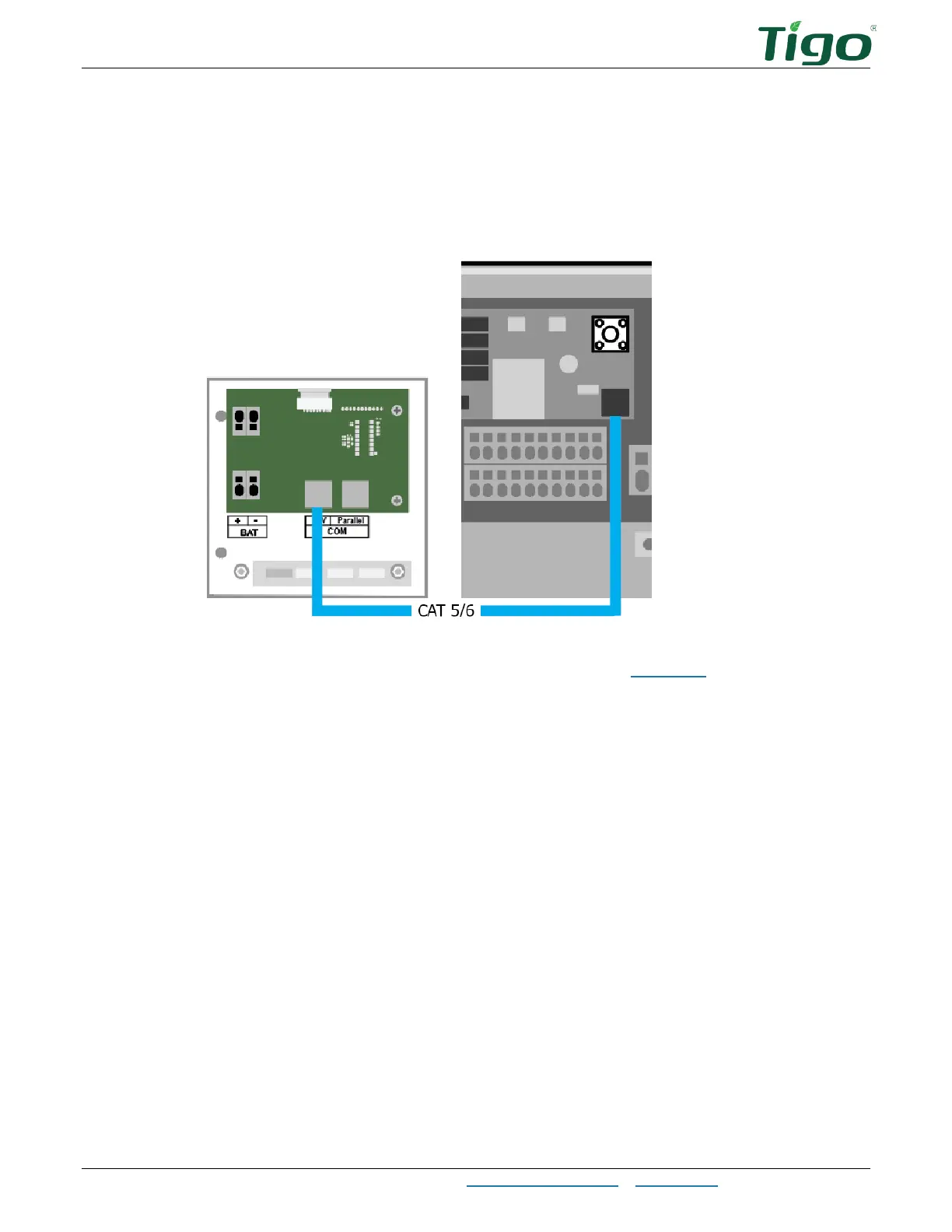
The EI Inverter – Communications Connections
EI Residential Solar Solution US Installation Manual | www.tigoenergy.com | Help Center 13
To connect to the battery:
1. In the battery’s inverter connection wirebox on the left side of the enclosure, plug a
CAT5/6 cable into the
COM INV
terminal.
2. At the inverter, plug the cable into the battery COM terminal.
To connect COM cables to multiple batteries, refer to the EI Battery section.



 To Next Page