Commissioning – Run the Tigo Energy Intelligence App
EI Residential Solar Solution US Installation Manual | www.tigoenergy.com | Help Center 56
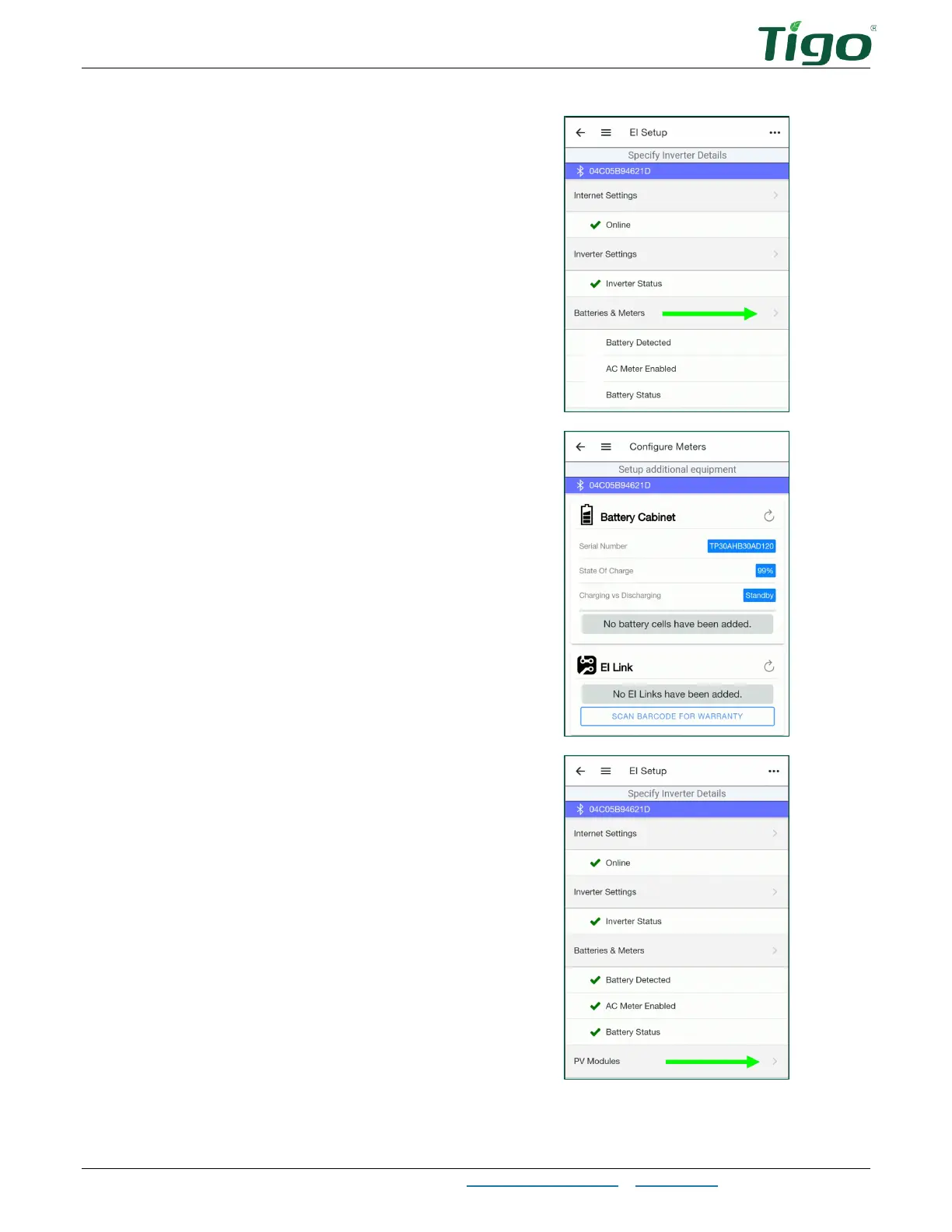
9. Tap and configure
Batteries & Meters
options.
10. Tap
SCAN BARCODE FOR WARRANTY
and use your smartphone camera to
capture all equipment bar codes.
You may scan bar codes located on
enclosures or on boxes.
11. Tap the back arrow and tap
PV Modules
to set up the PV array and Tigo TS4
devices.



 To Next Page