Commissioning – Run the Tigo Energy Intelligence App
EI Residential Solar Solution US Installation Manual | www.tigoenergy.com | Help Center 61
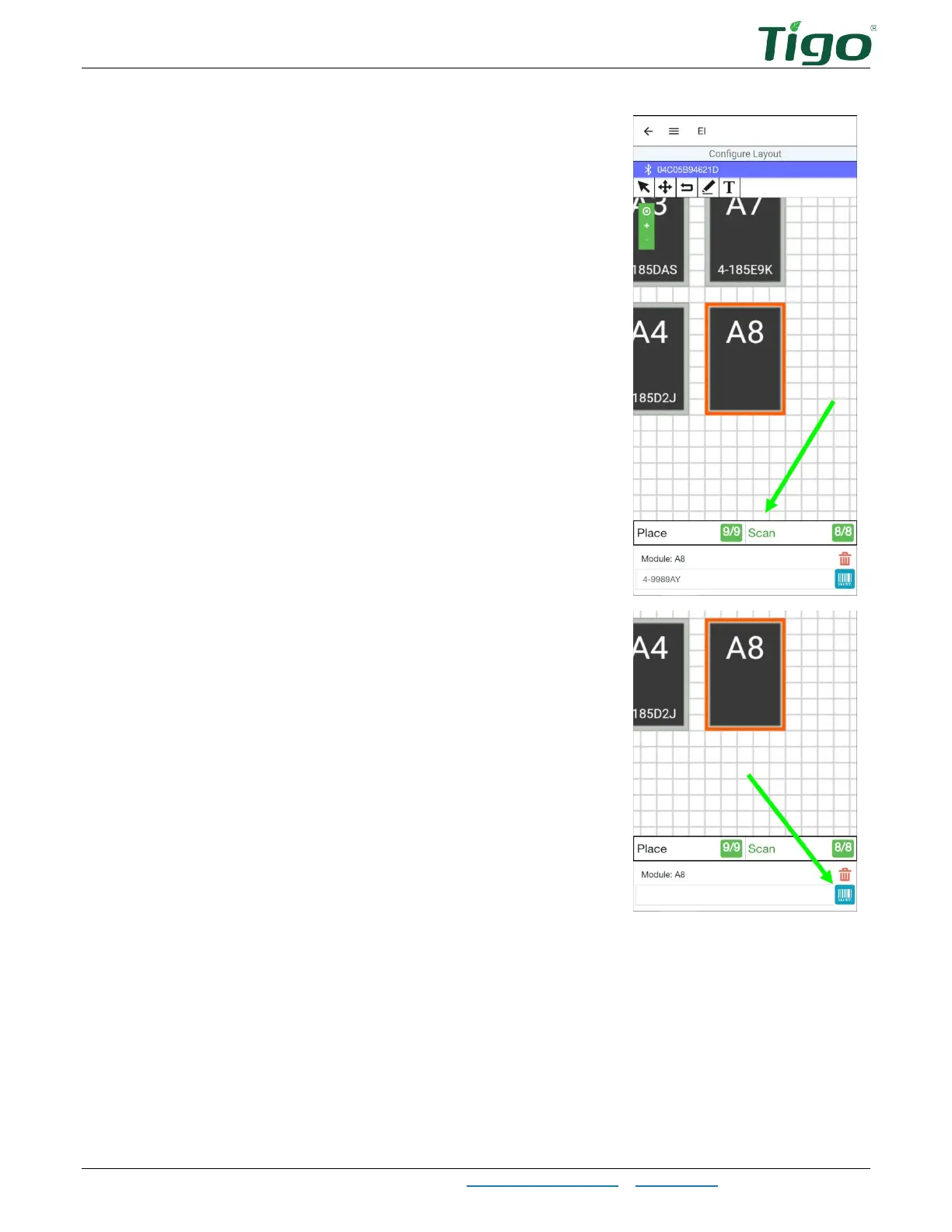
6. To scan TS4 labels individually, tap a PV module in the
layout grid and then tap
Scan
.
7. To manually enter TS4 data, tap the module in the layout
grid, tap the blue barcode icon, and enter the code.
8. Verify that all modules are oriented consistently – portrait or landscape. Tap a module
repeatedly to alternate orientation.
9. Tap the back arrow to return to the commissioning screen.



 To Next Page