Commissioning – Run the Tigo Energy Intelligence App
EI Residential Solar Solution US Installation Manual | www.tigoenergy.com | Help Center 60
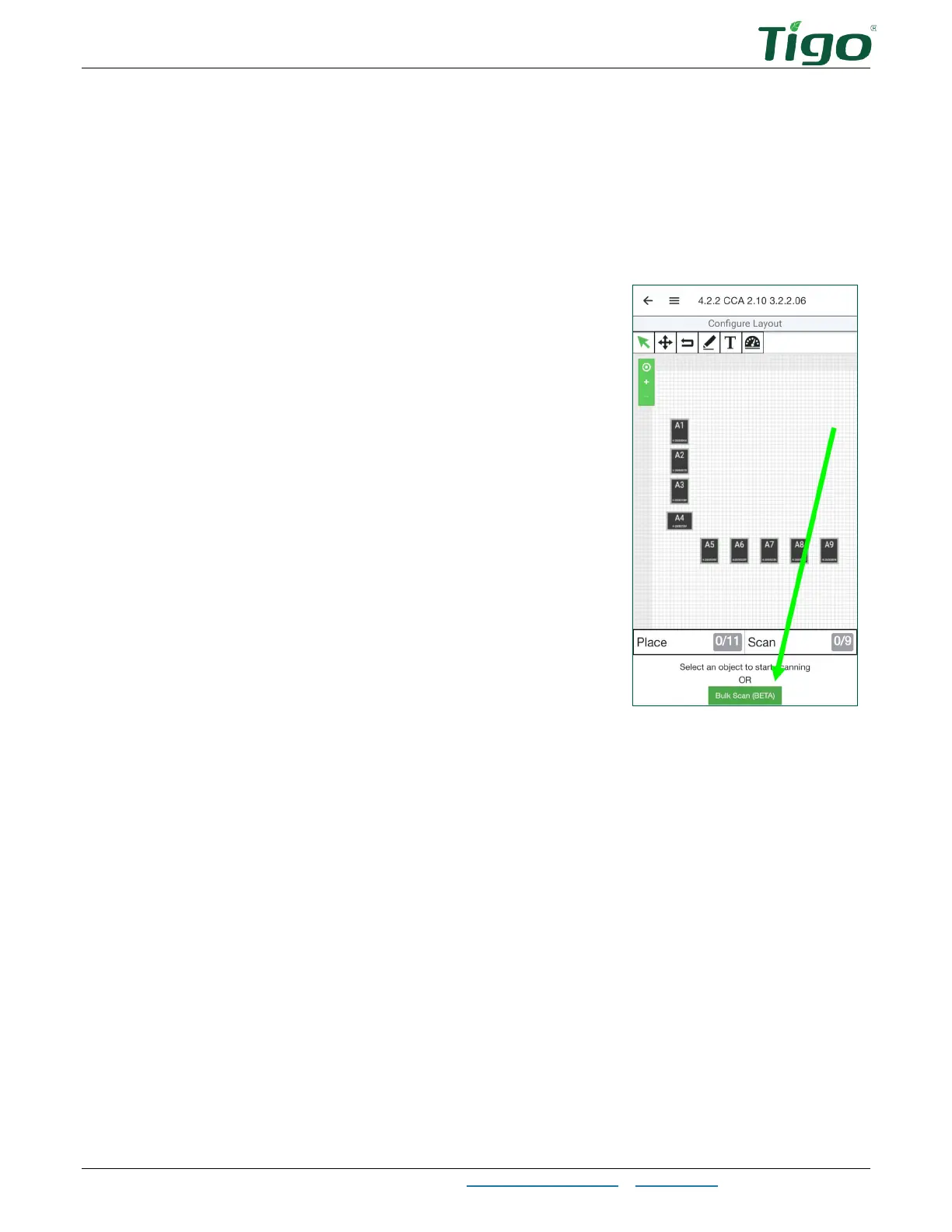
4. Choose a method to identify TS4 devices attached to PV modules.
• If, during installation, you affixed barcode/QR code stickers from each TS4 to the
array map included in the EI Inverter Quick Start Guide, you may use the Bulk Scan
method.
• You may scan each TS4 barcode/QR code with your smartphone.
• You may enter codes manually.
5. To use the Bulk Scan method, tap
Bulk Scan
and take a
photo of a completed TS4 array map.
• If the array map is large and one photo does not
successfully capture all labels, repeat the process
to take several smaller photos of the map.



 To Next Page