3 Preparation
20 IFU, MIRUS Controller, en-GB, N.00
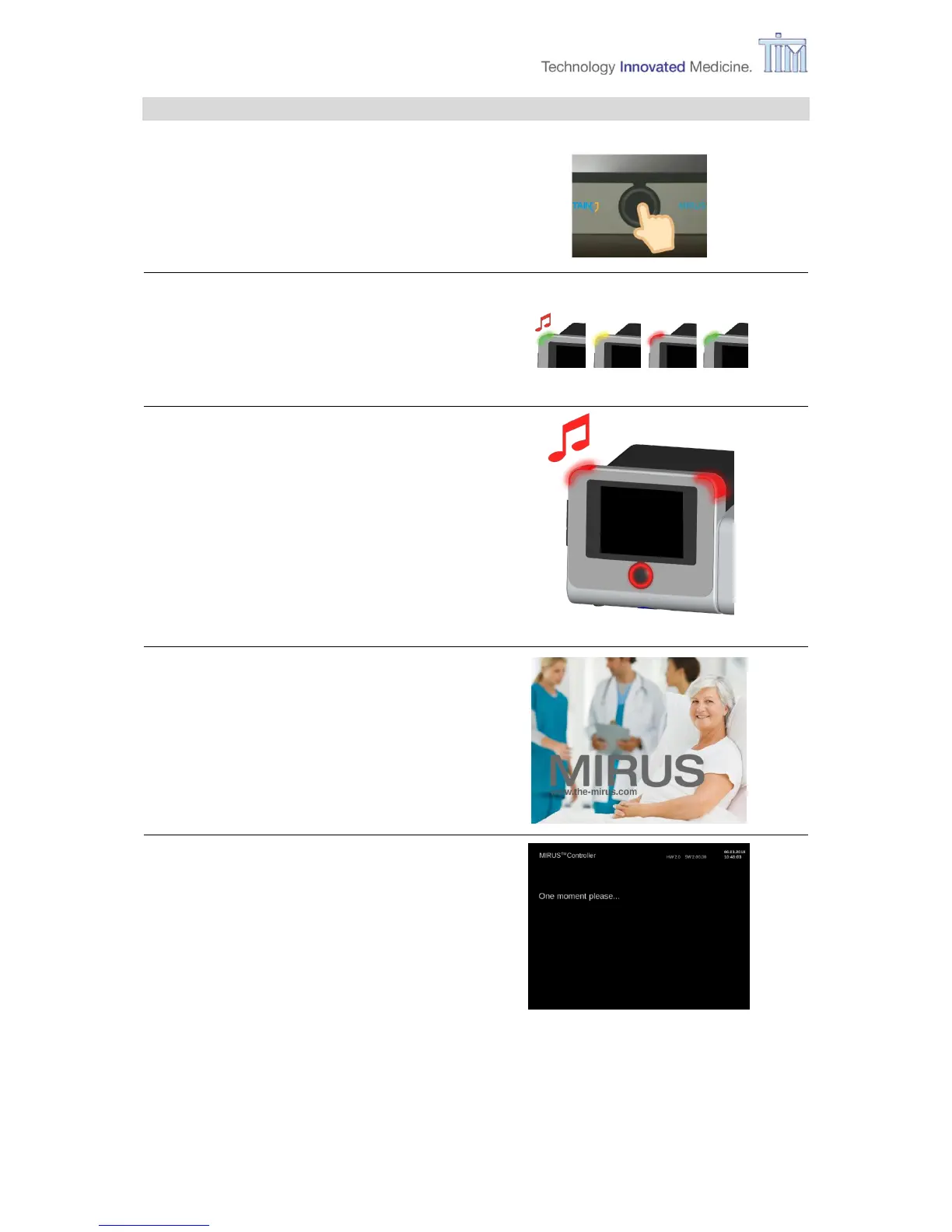
3.4 Turning on
Start-up sound
Alarm lights flash in sequence red,
yellow and green for visual control.
Test fail-safe mode
Confirm button and alarm lights flash in
red for approx. 3 seconds. Panic alarm
sound is heard.
Power up test and system test
If a problem or an error occurs, follow the
instructions on the screen
Refer to chapter 7.2 Messages and error
messages for more information.



 To Next Page